How to Make a Payment for EM Services
1. Navigate to https://users.cityoffaith.org/
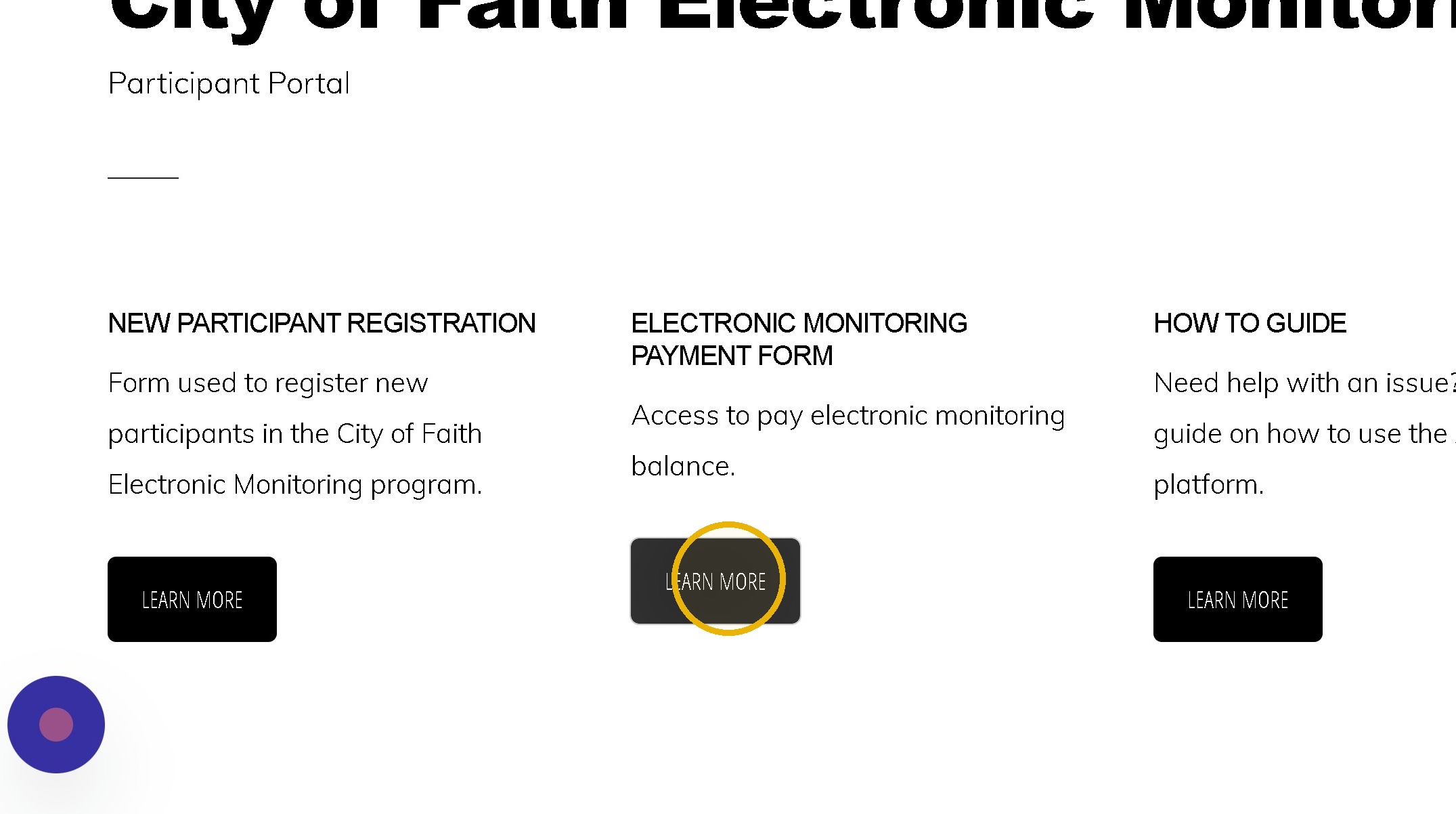
2. Click "LEARN MORE"
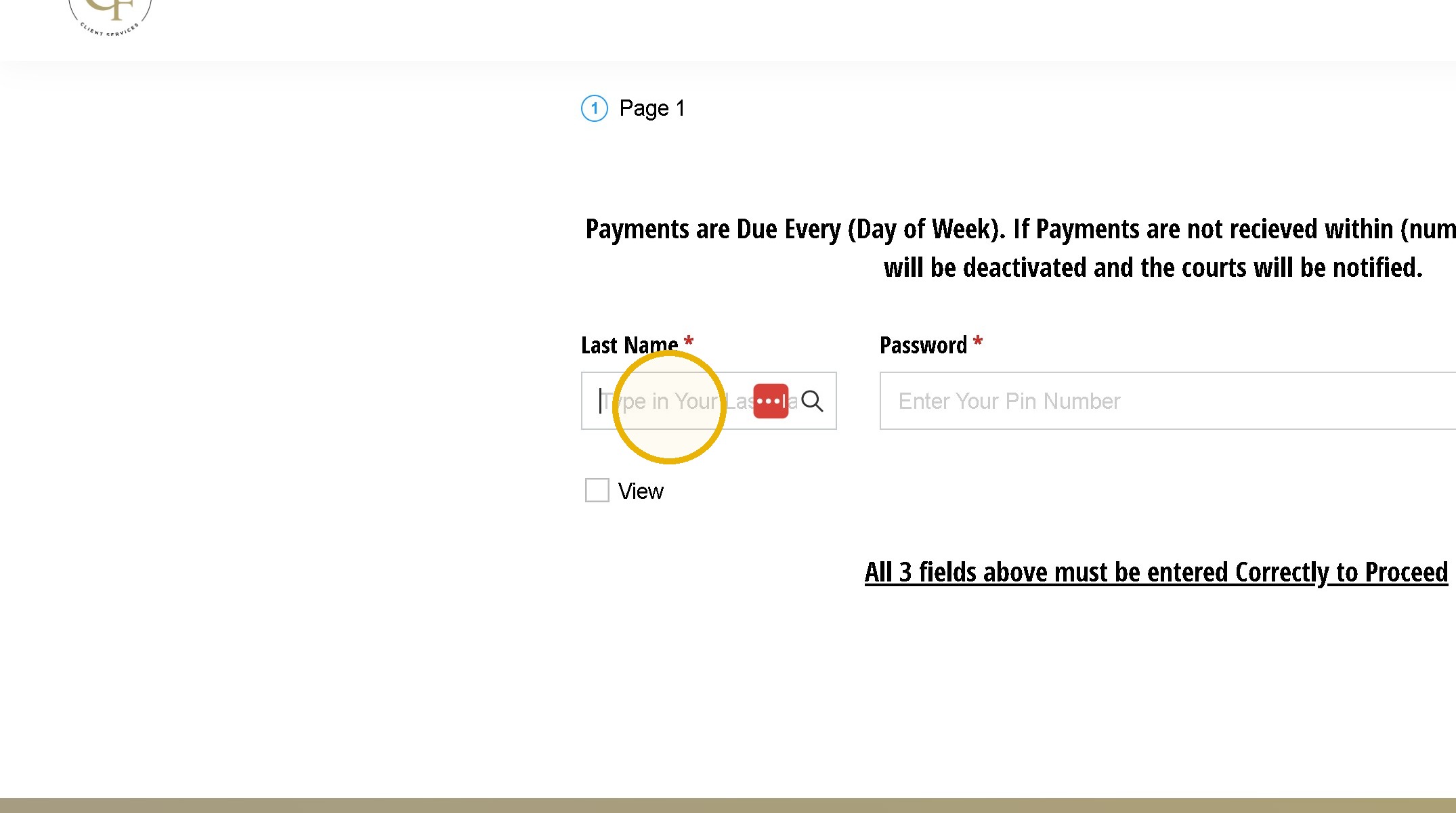
3. Click the "Last Name* (required)" field. Type in your Last Name as it was entered on the Registration
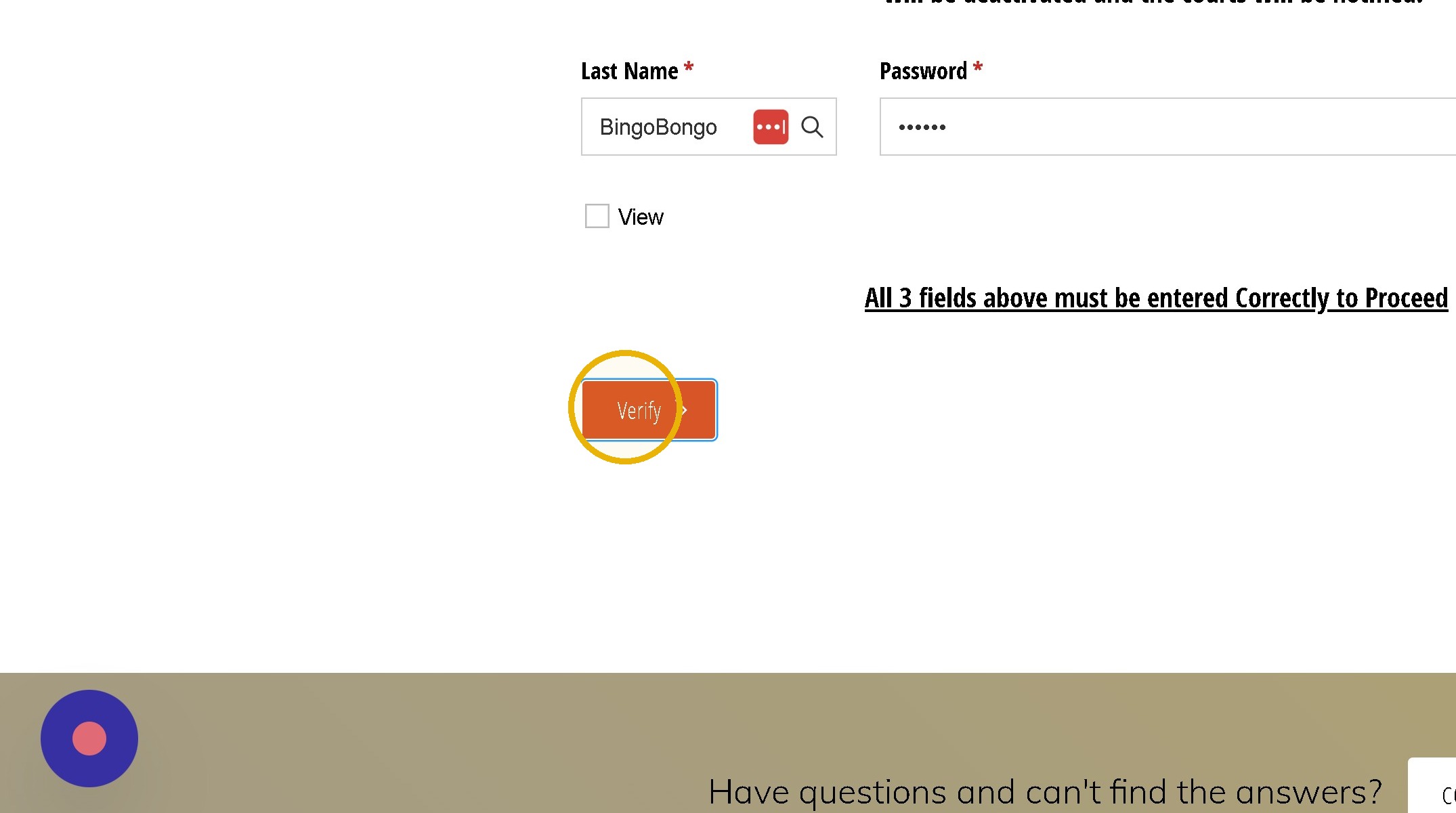
4. Type in your 6 digit Pin then Click Verify
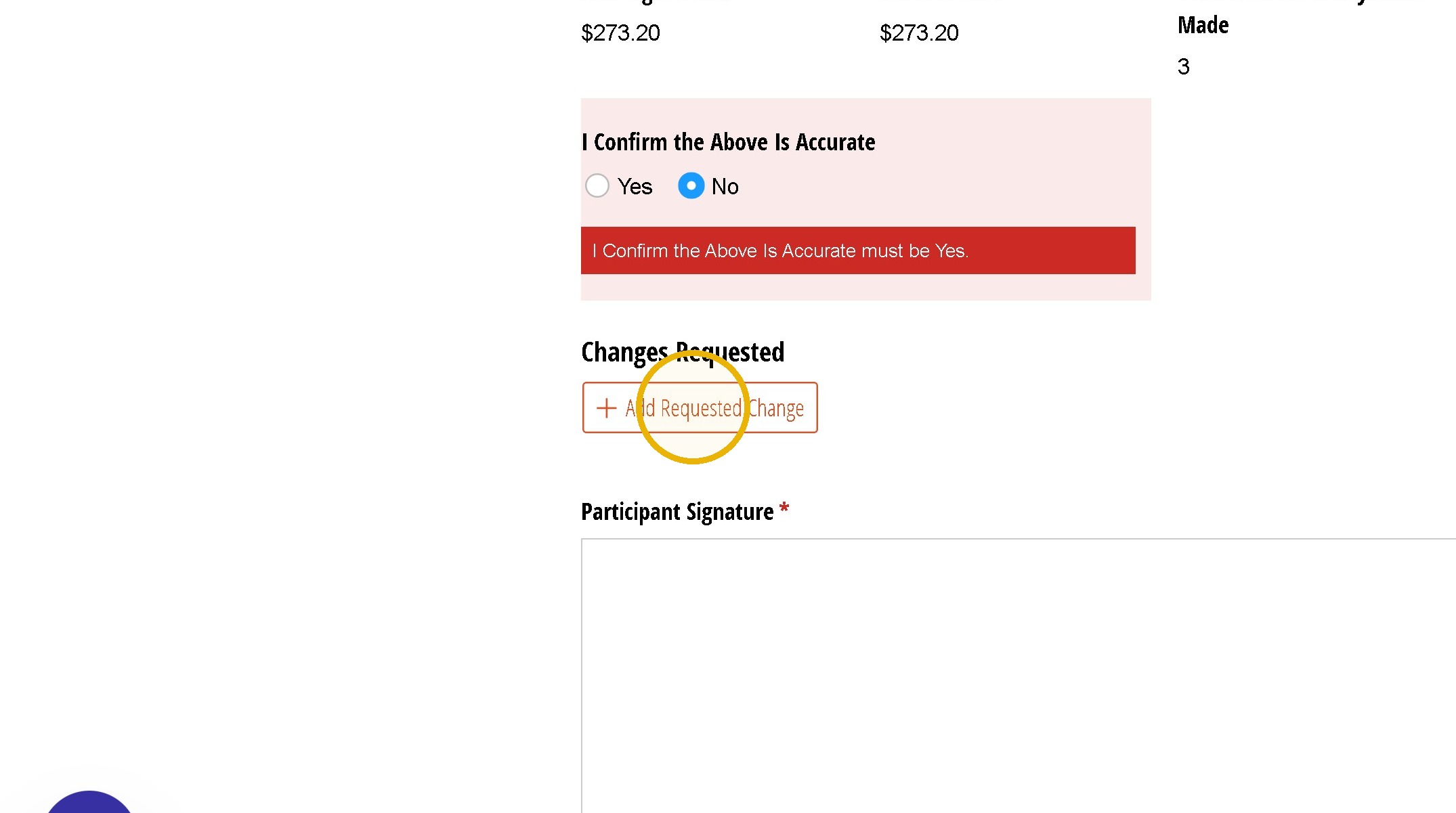
5. Review the Information listed and if something is in accurate select No. Otherwise Proceed to the signature.
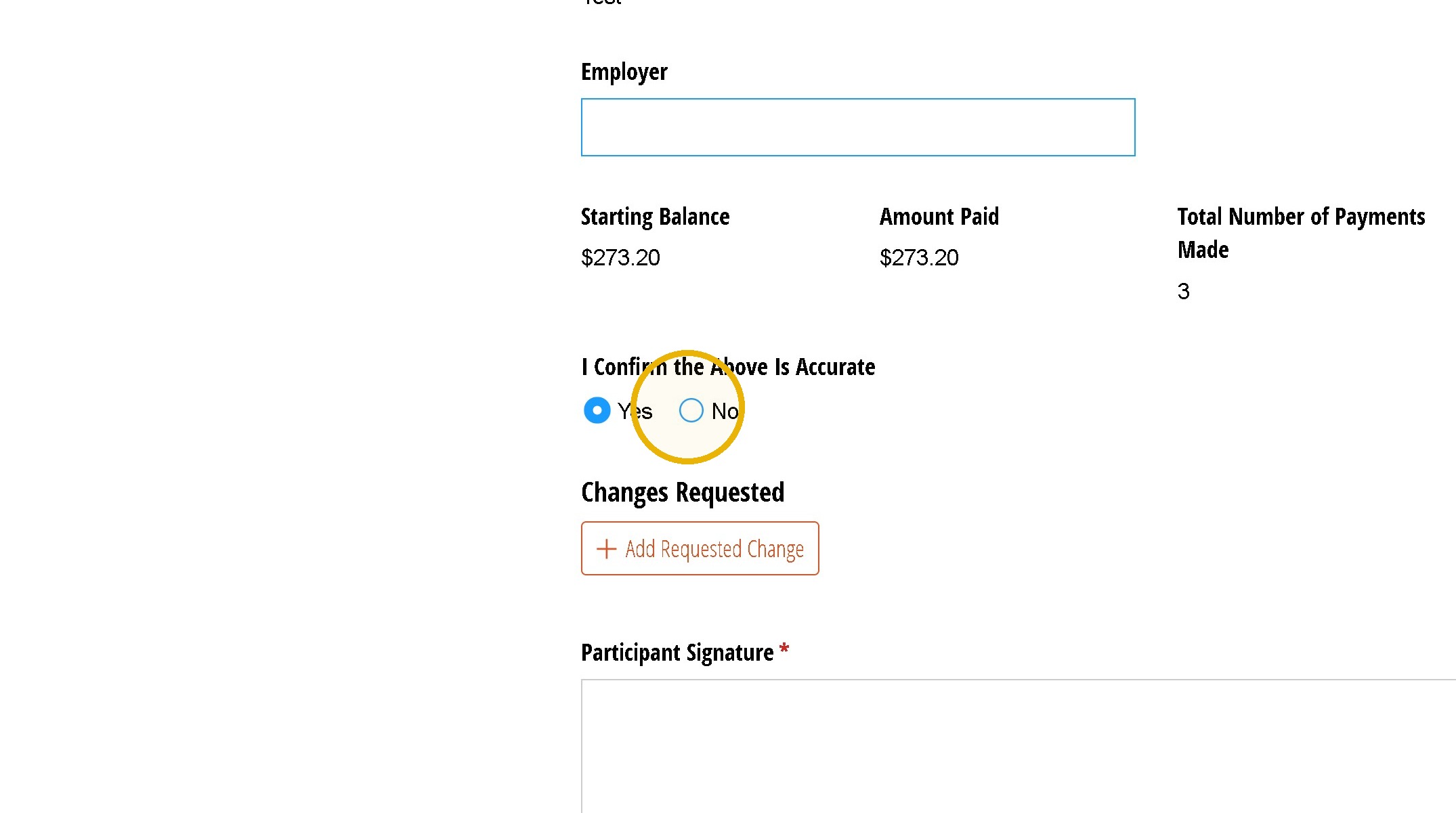
6. Click "Add Requested Change"
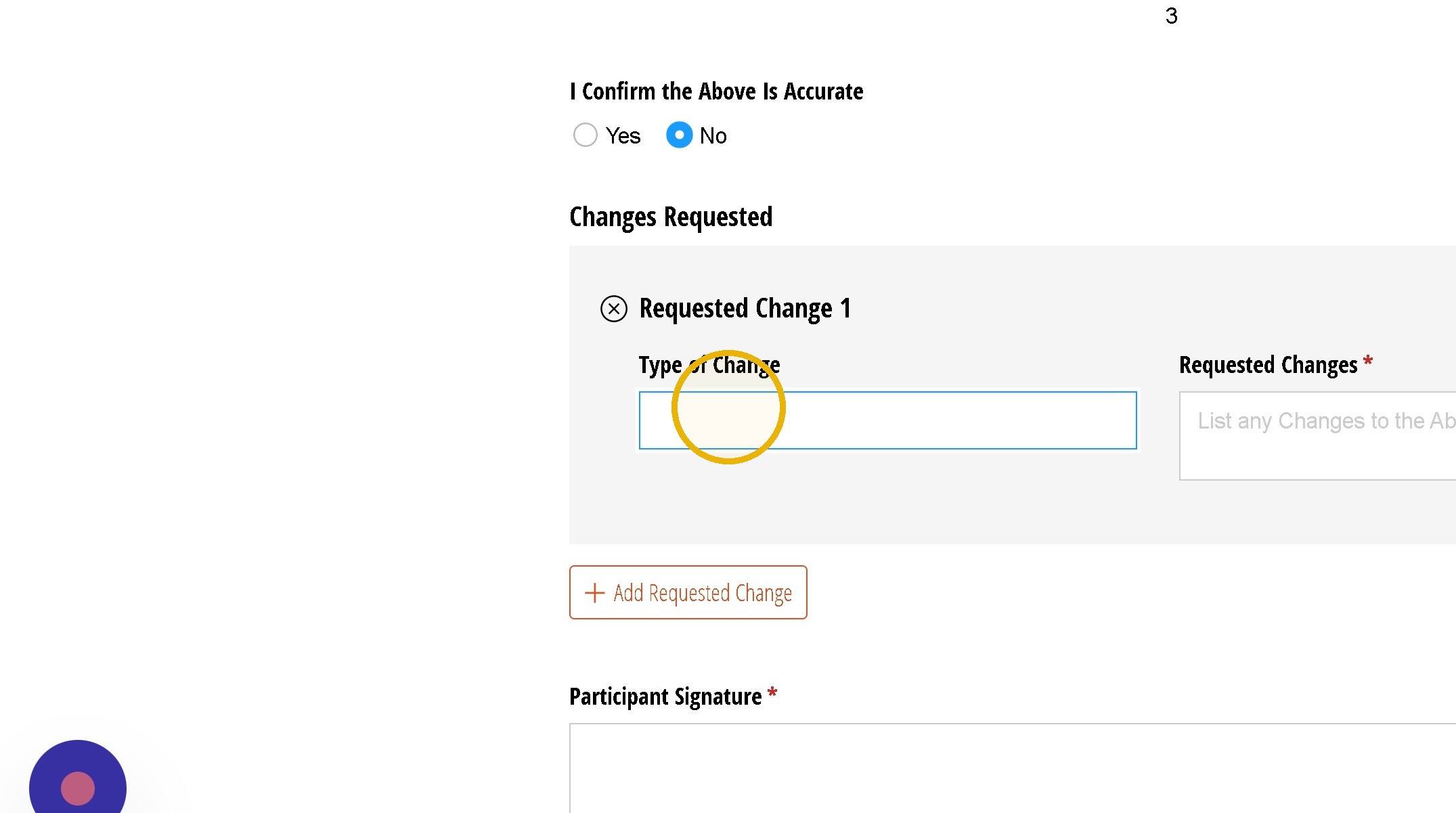
7. Click the "Type of Change" field.
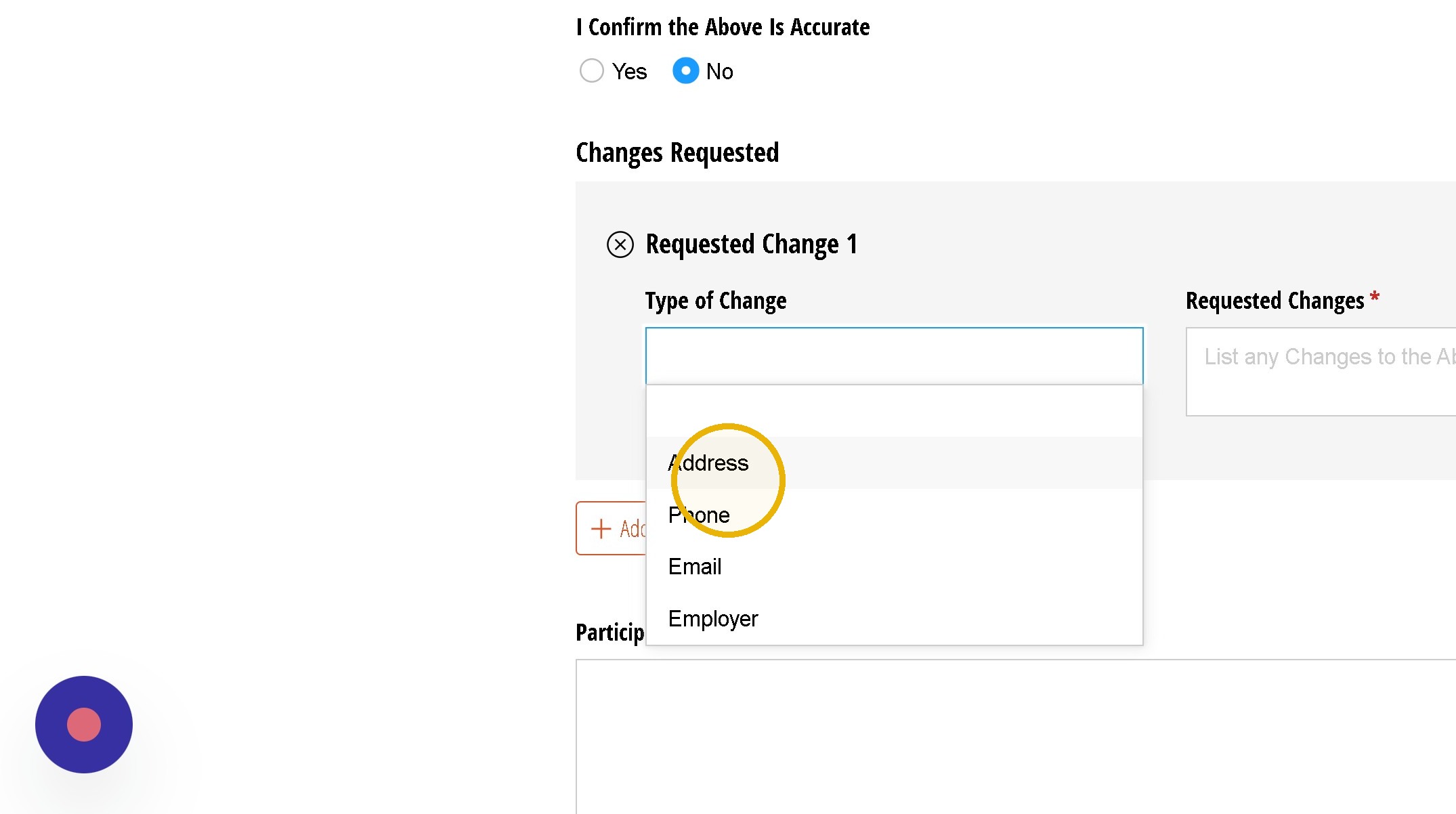
8. Click "Address"
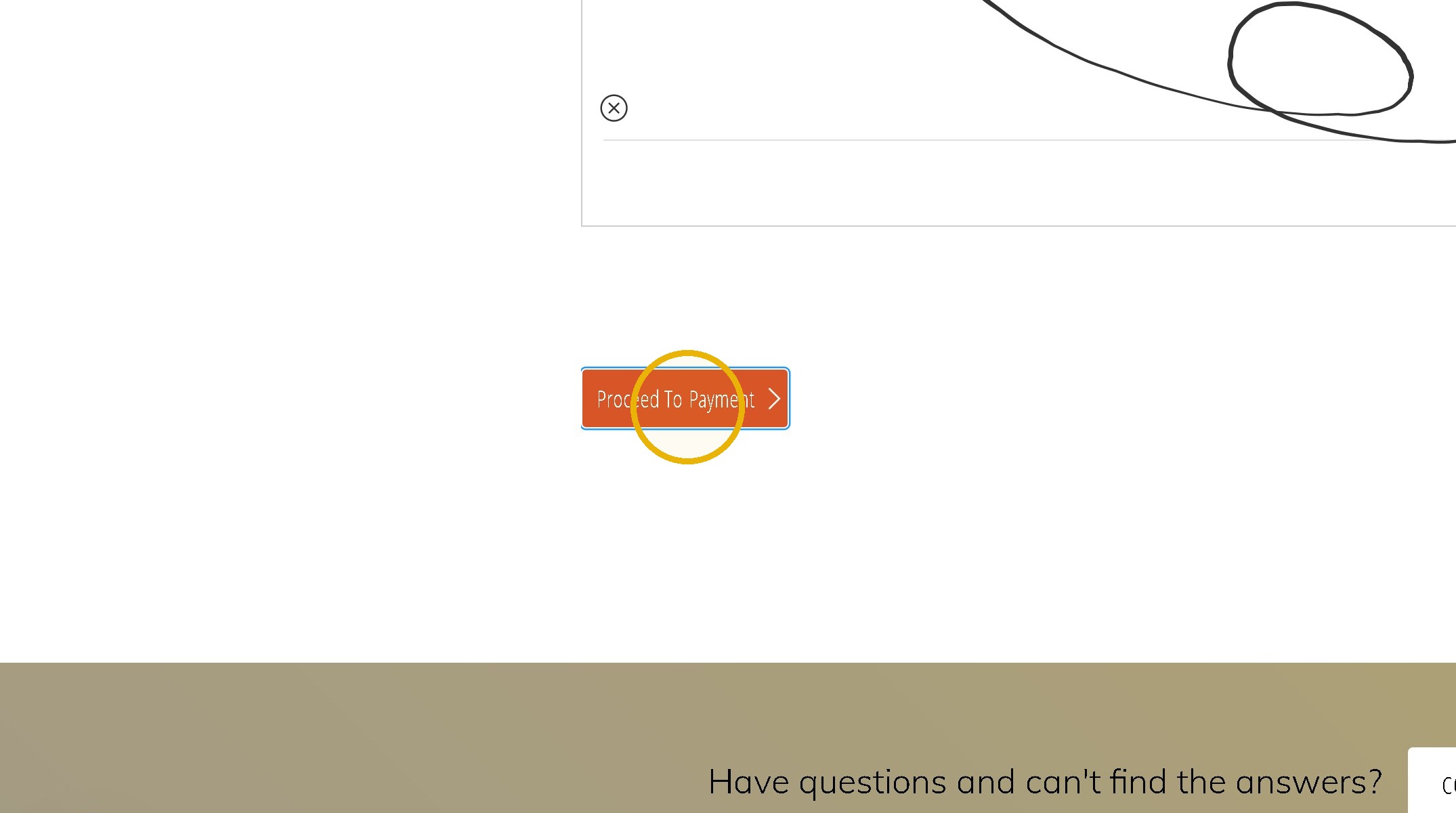
9. Sign and Click Proceed
10. Click the "Date Of Payment* (required)" field.
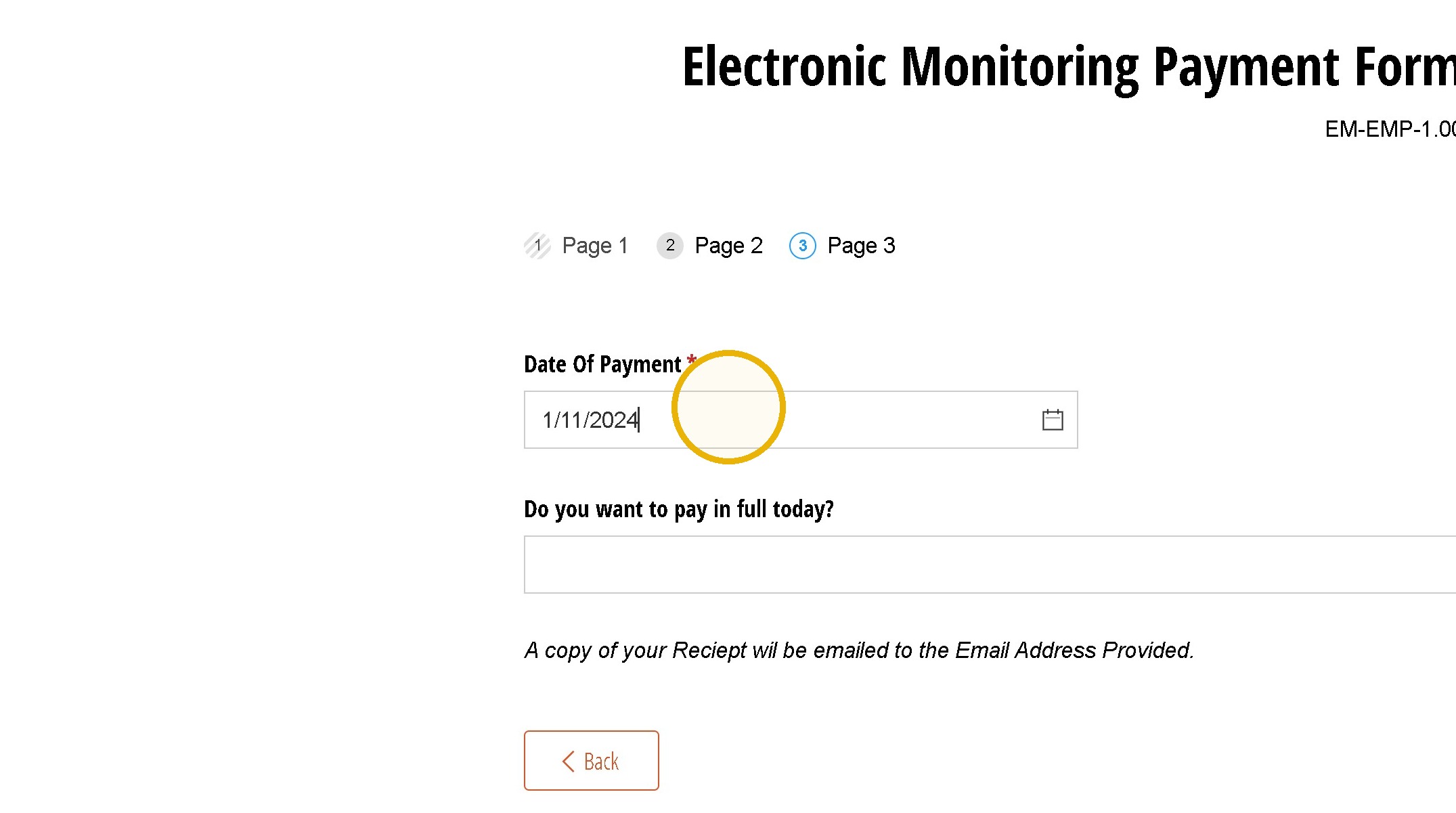
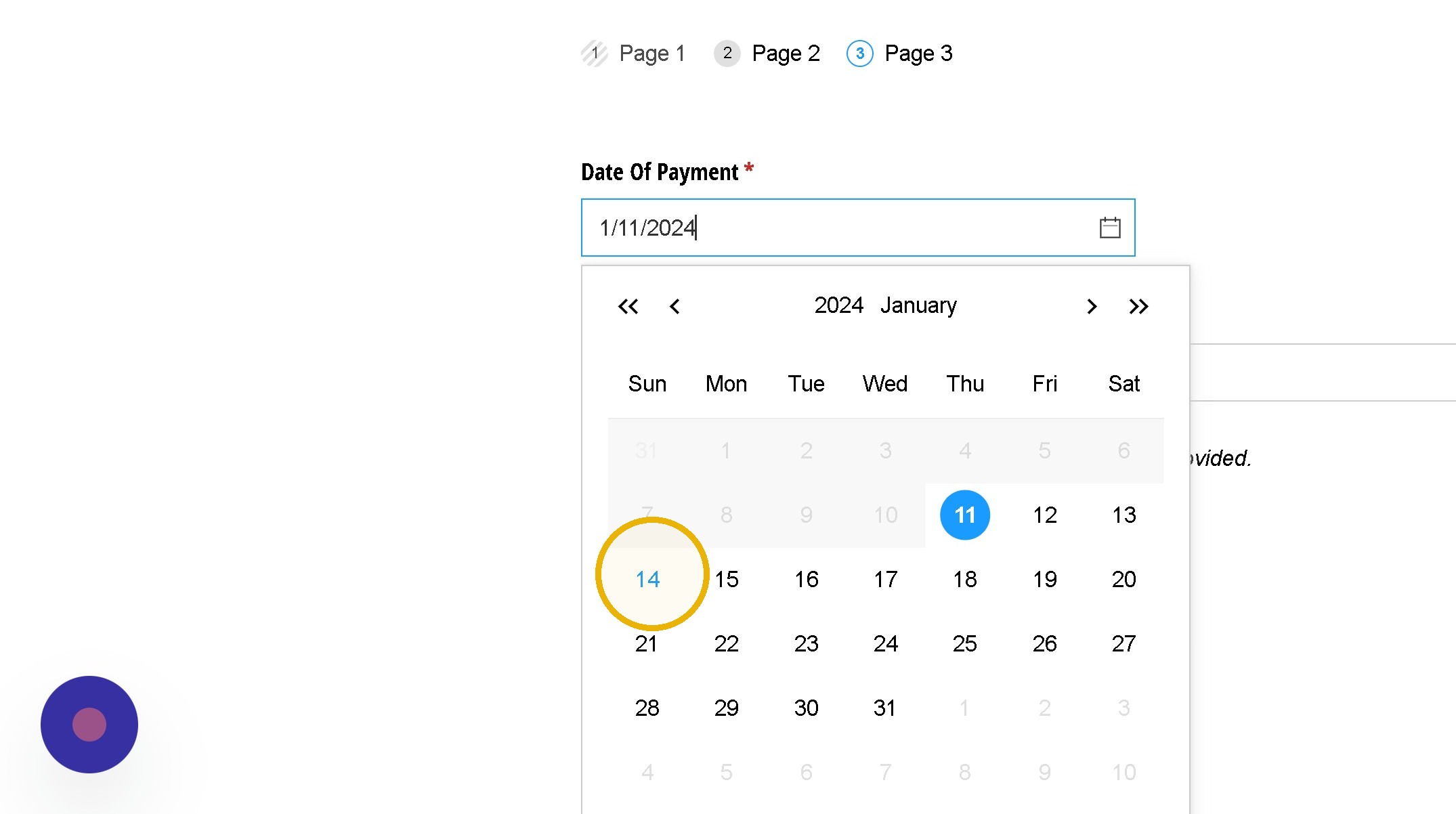
11. Click Todays Date
12. Select the Amount You want to Pay
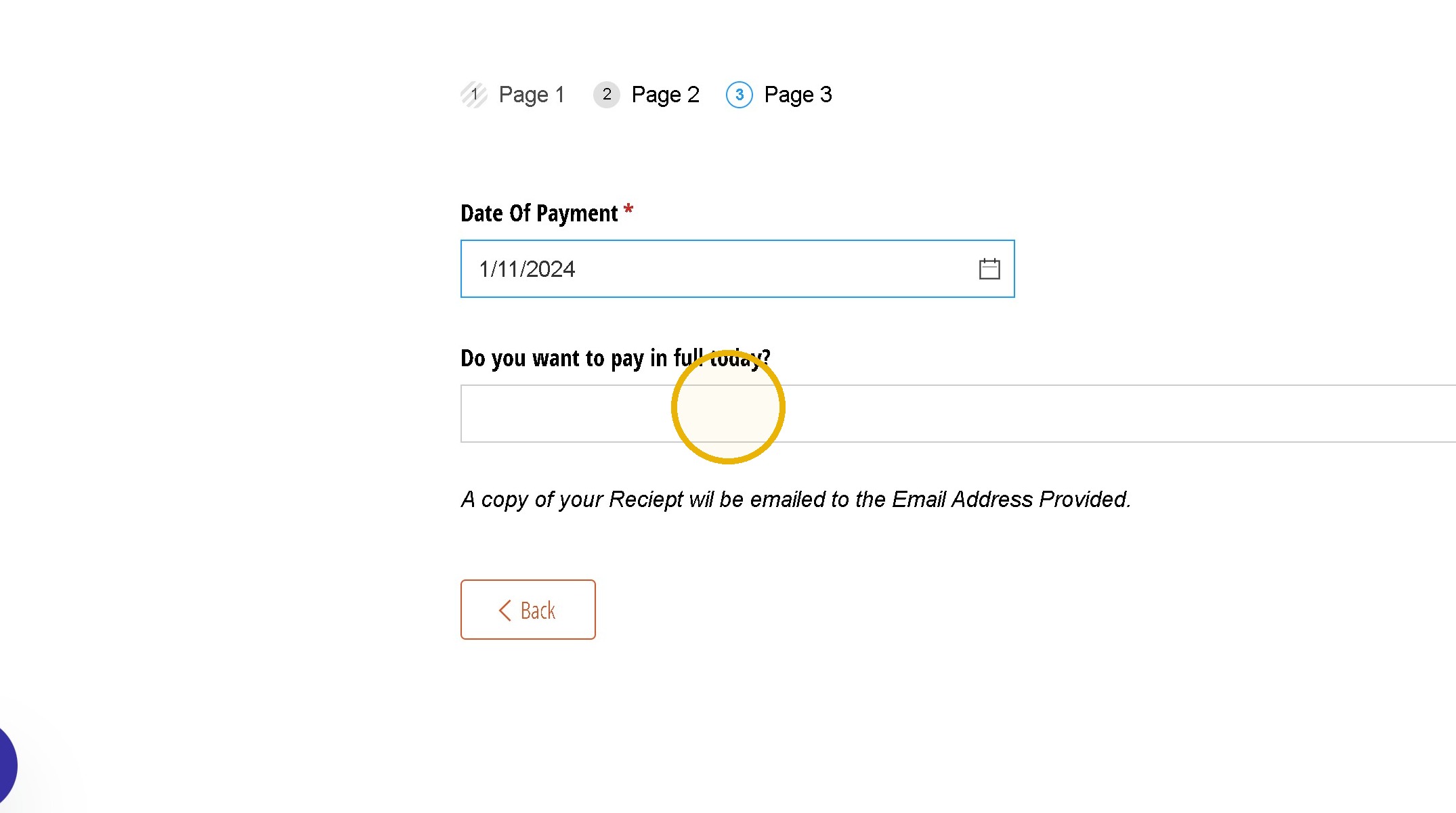
Alert: Note the Amount can never be less than the weekly balance.
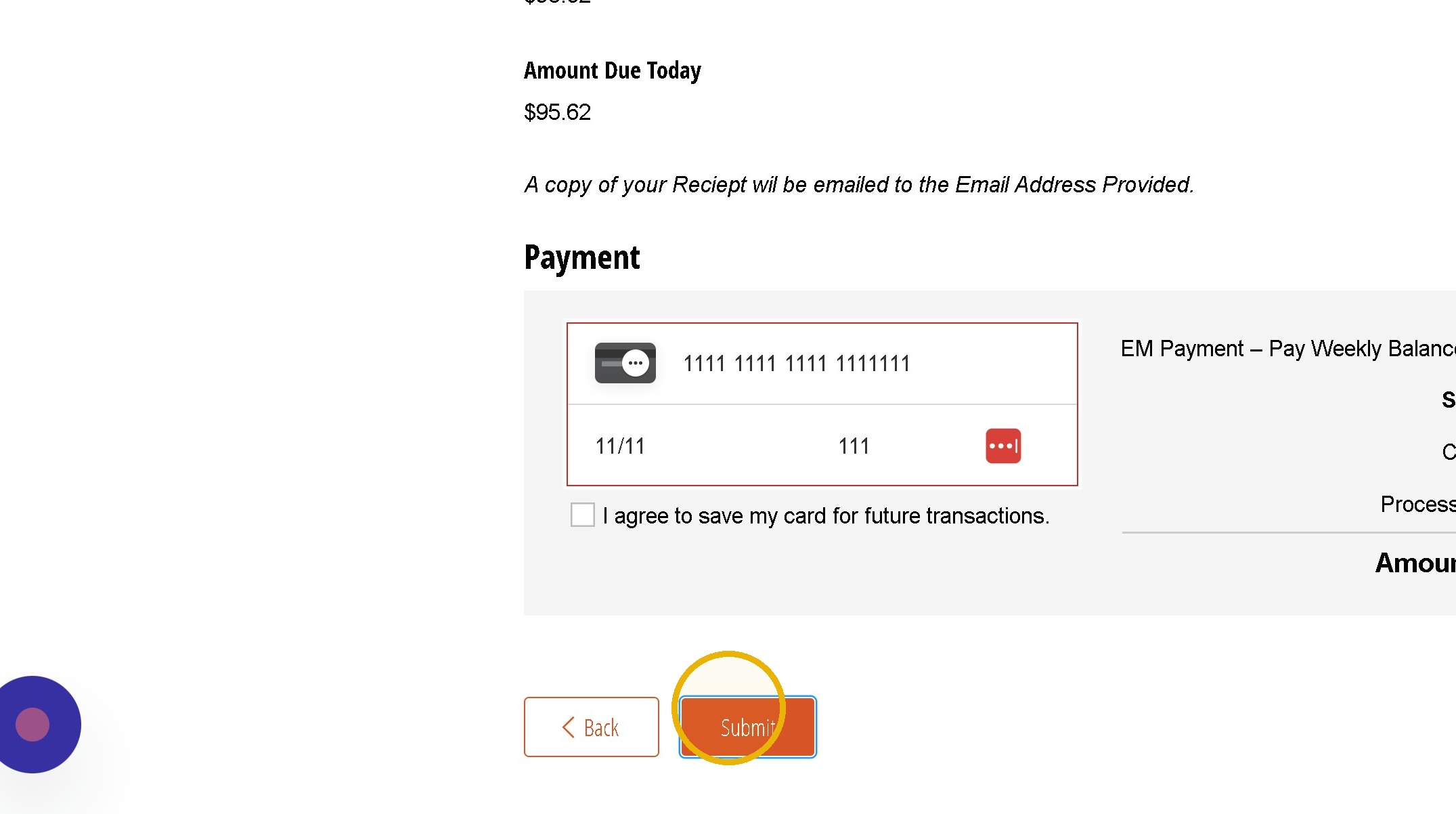
13. Input Payment Information and Click "Submit"
Was this article helpful?
That’s Great!
Thank you for your feedback
Sorry! We couldn't be helpful
Thank you for your feedback
Feedback sent
We appreciate your effort and will try to fix the article