Adding Site Visits via Quick Notes in Air
This guide provides a straightforward method for documenting site visits using Quick Notes in the Air platform. It ensures that all necessary details are captured in a standardized format, facilitating easier tracking and review of visits. By following these steps, users can efficiently record and access important information about resident interactions, enhancing overall communication and accountability. It's essential for anyone involved in managing participant visits effectively.
1. Navigate to https://air.corrisoft.com/participants
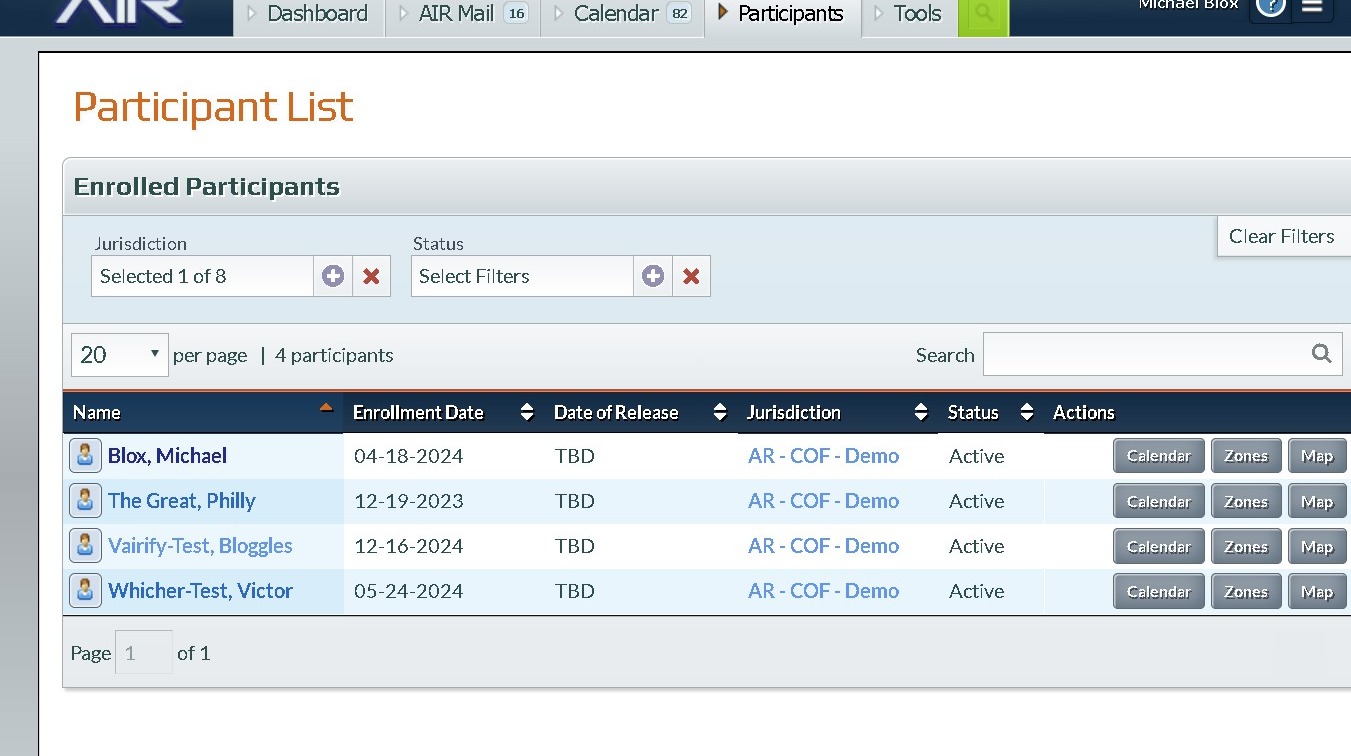
2. Click "Blox, Michael"
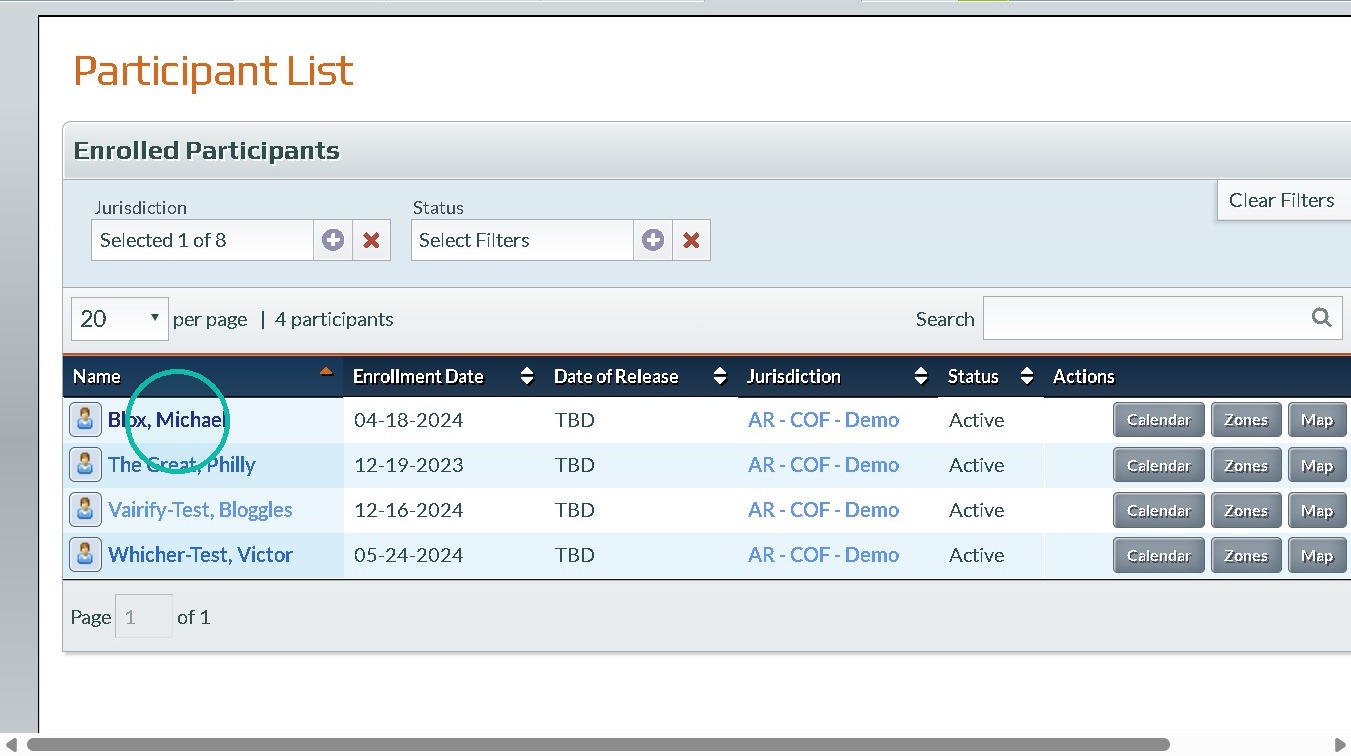
3. Click "Add Quick Note"
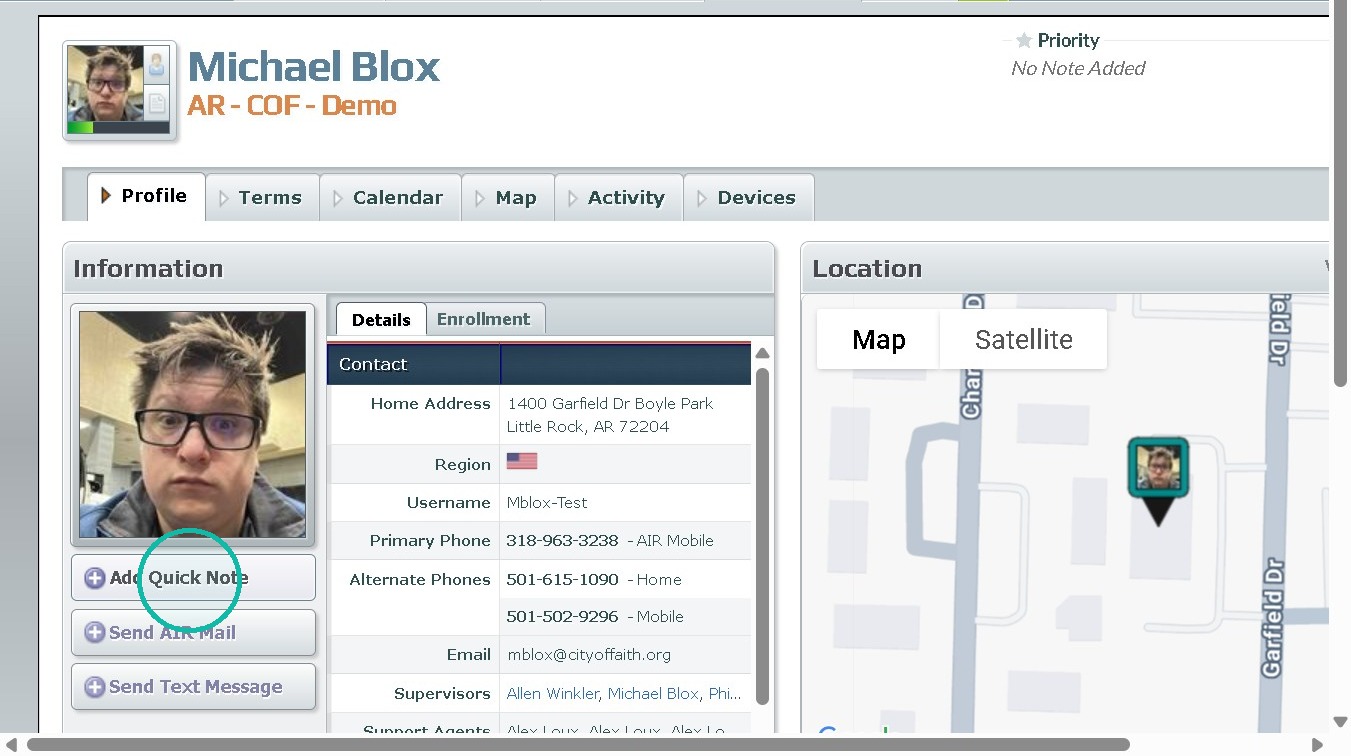
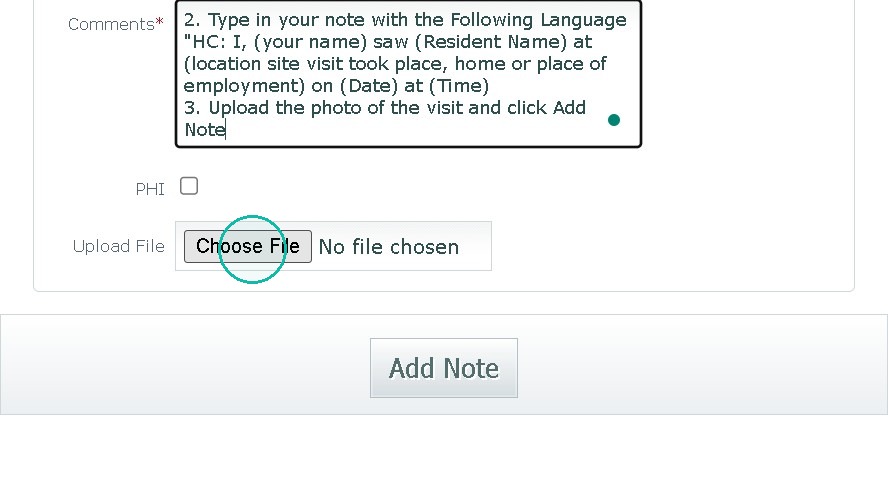
4. Click the "Comments" field. and Type in your note with the Following Language "HC: I, (your name) saw (Resident Name) at (location site visit took place, home or place of employment) on (Date) at (Time)
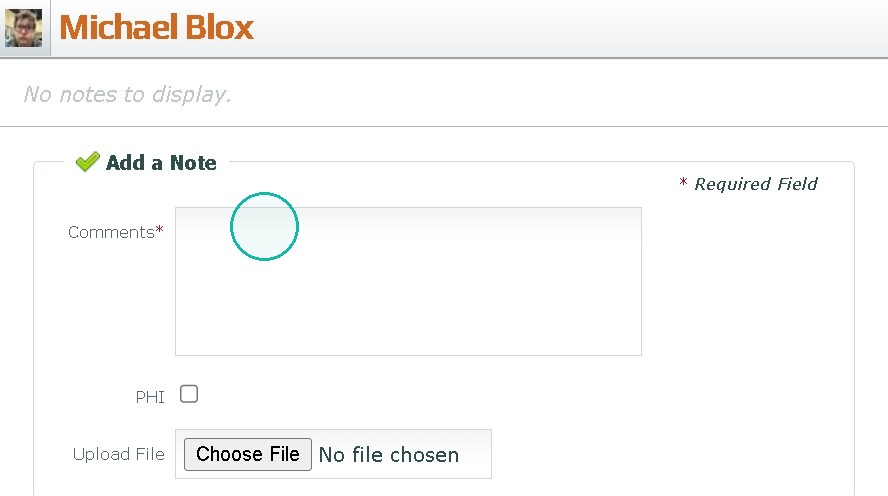
5. Click the "Upload File" field.
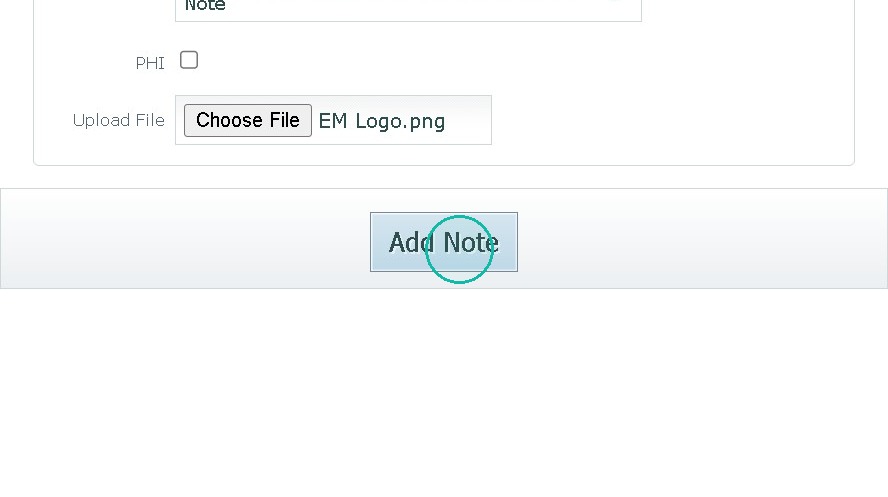
6. click Add Note
Reviewing a Site Visit
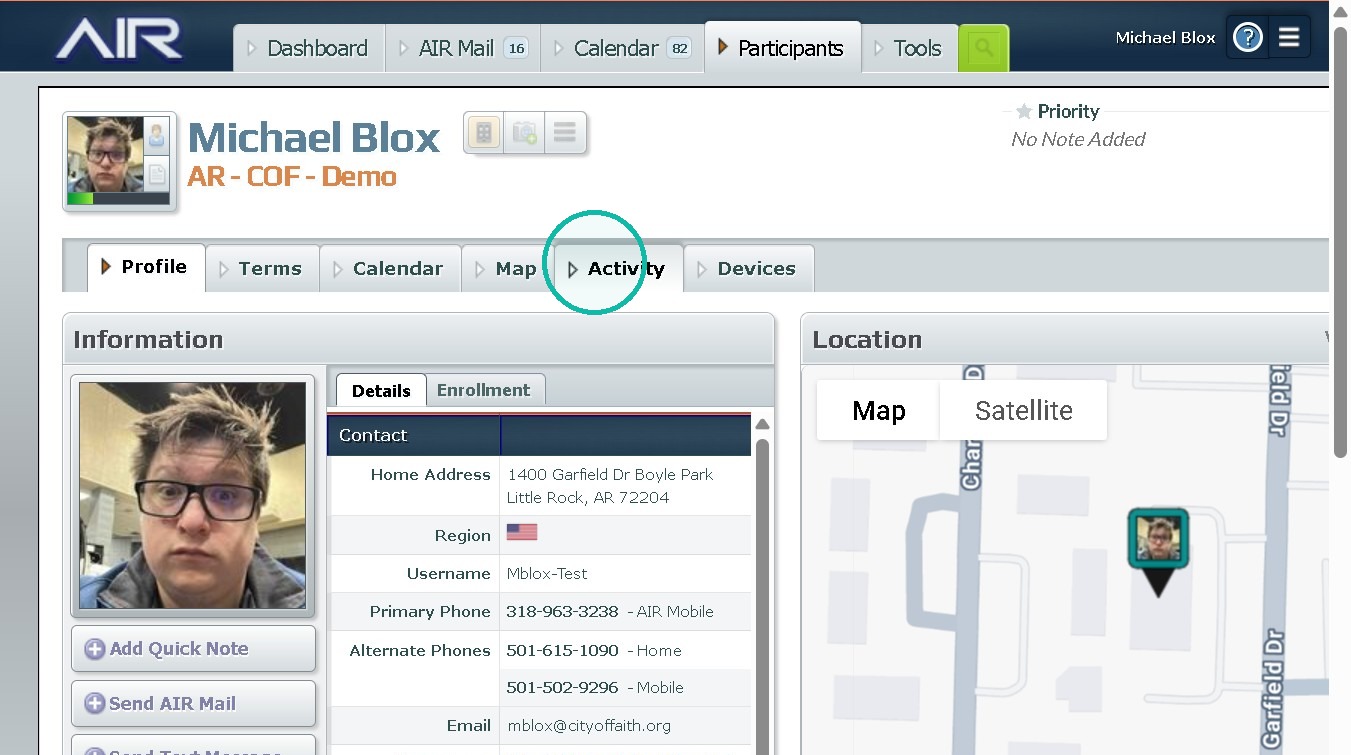
7. Click "Activity"
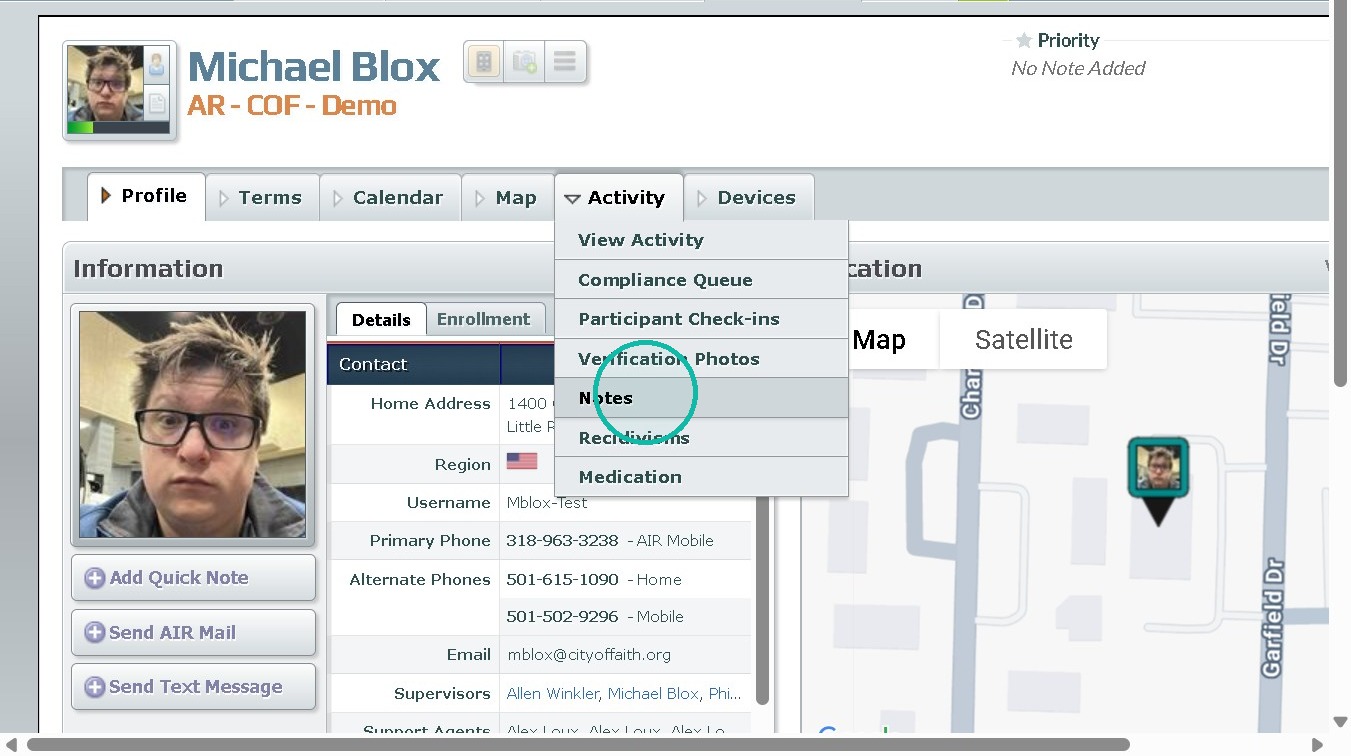
8. Click "Notes"
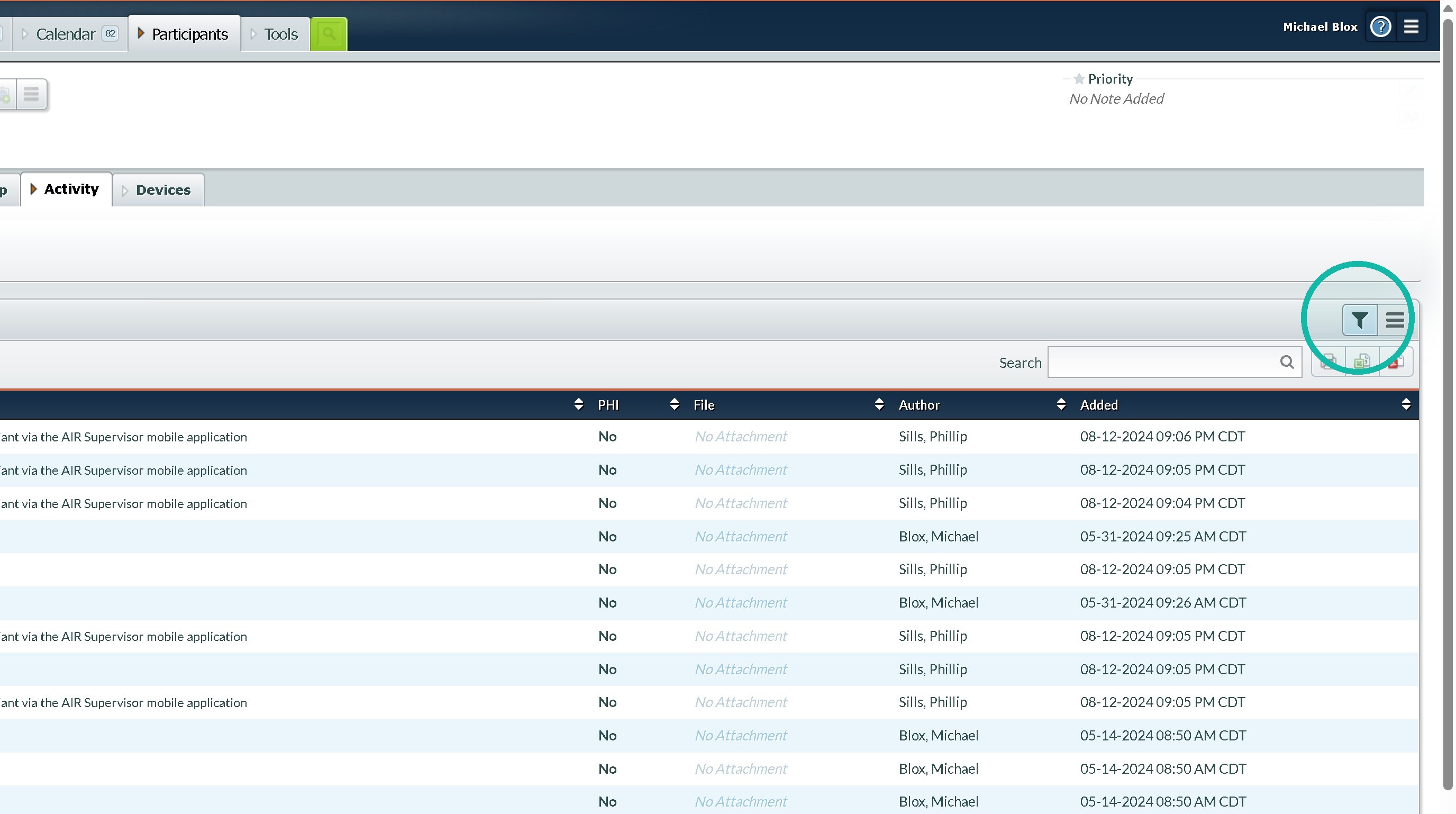
9. Click The Filter Button.
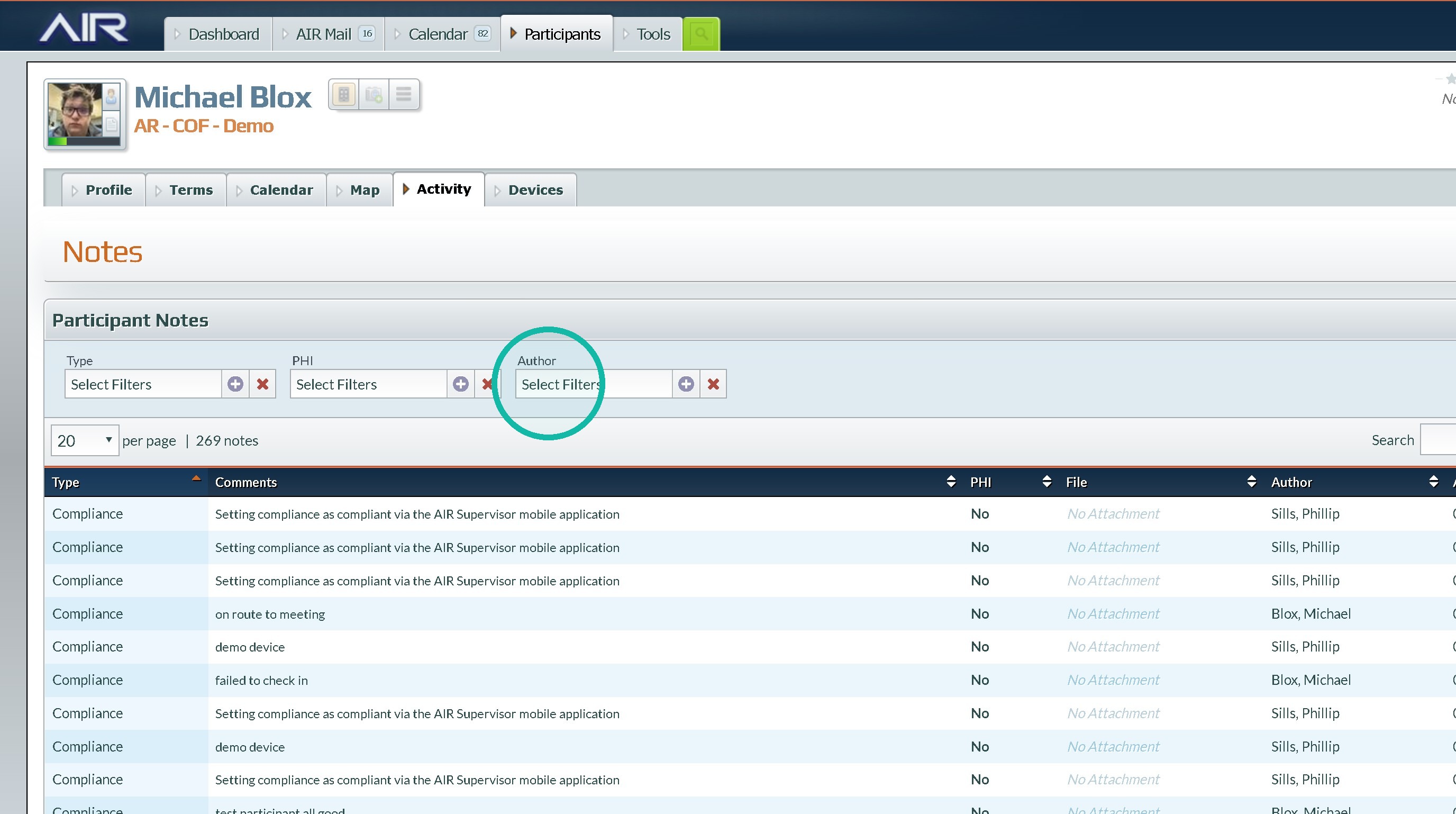
10. Click the "Select Filters" field
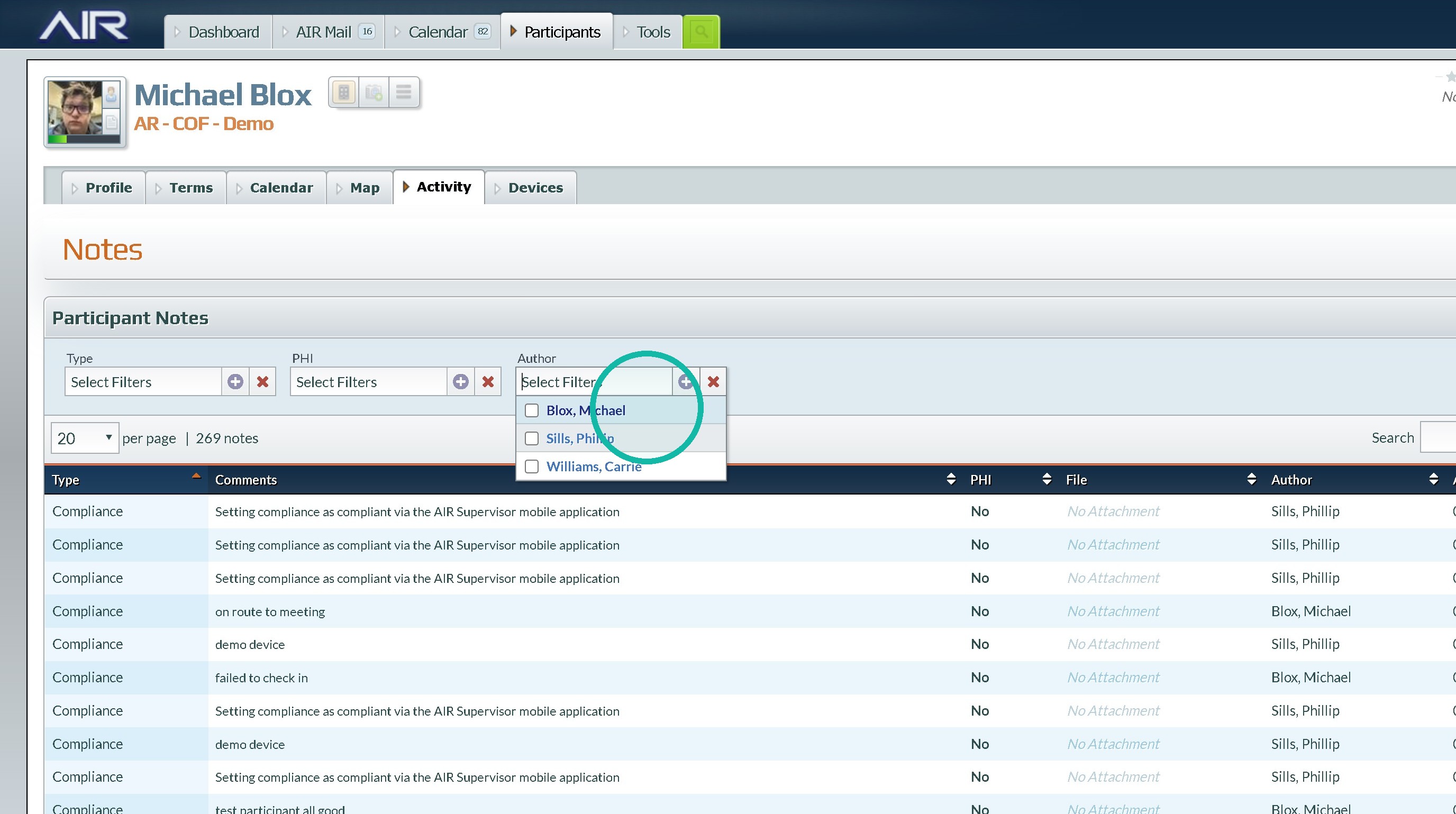
11. select anyone who completes HC Visits
12. Click the "Search" field and type "HC"
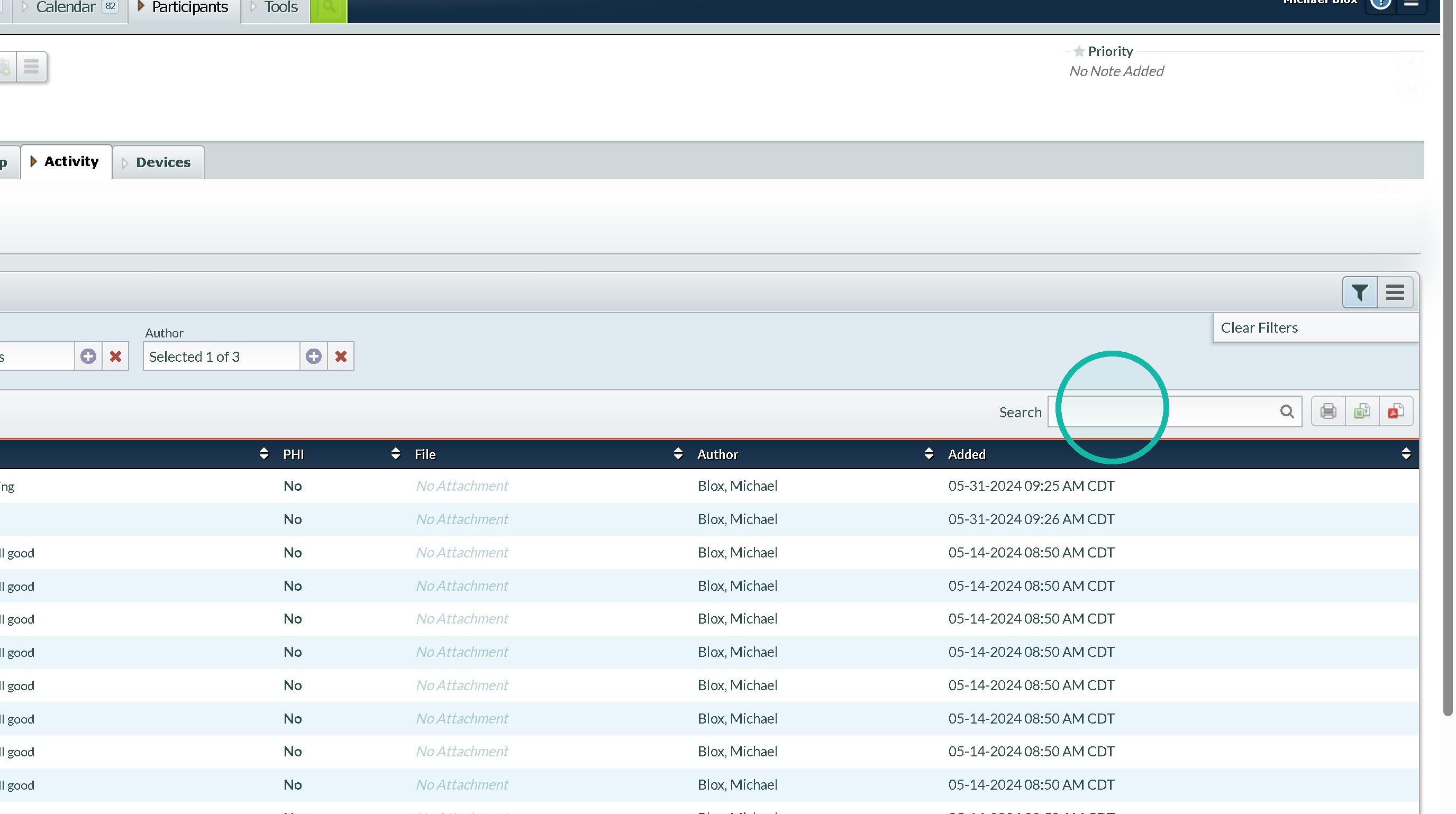
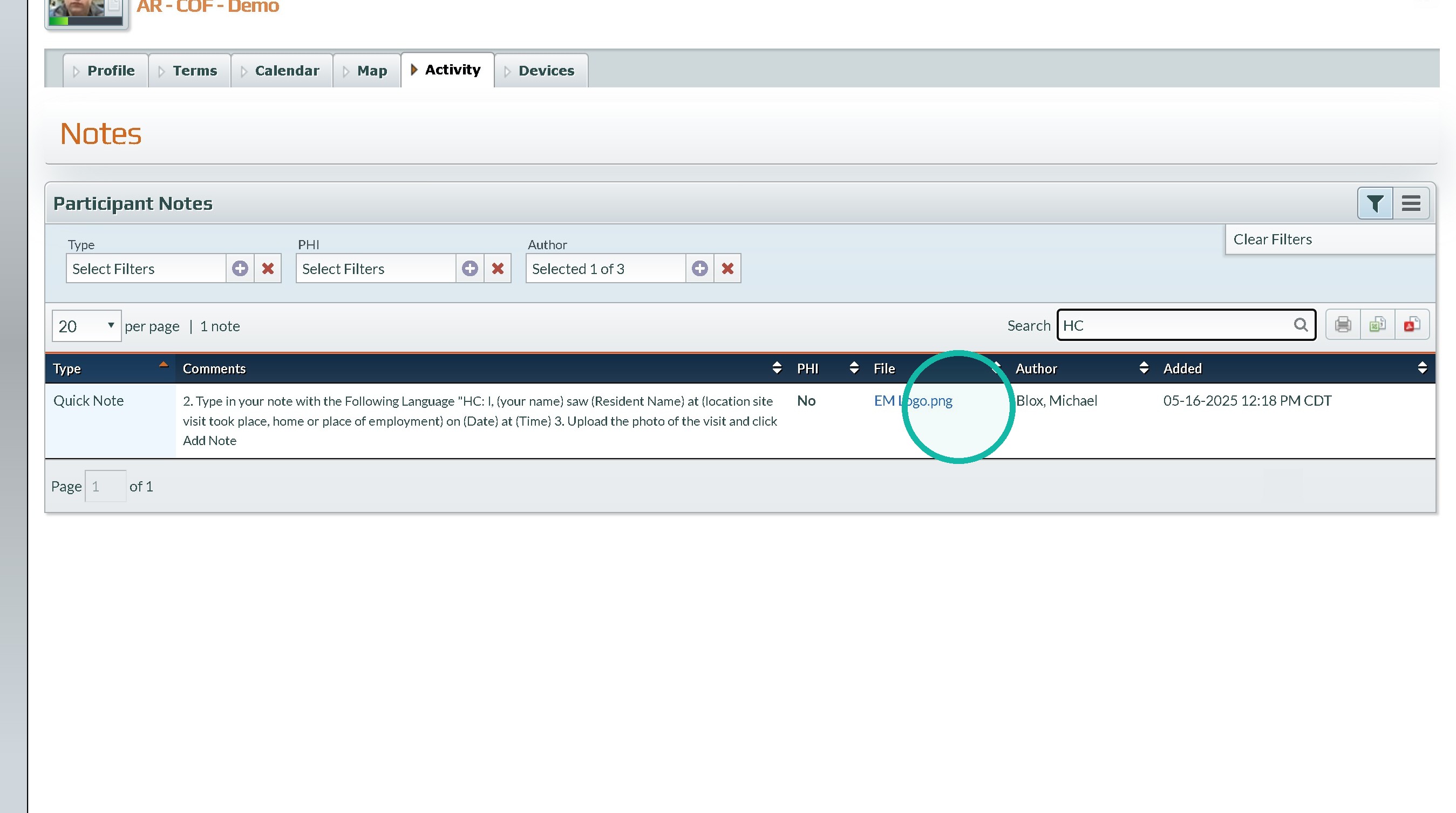
13. Click "The hyperlinked file" to download and review any photos or files uploaded to the notes
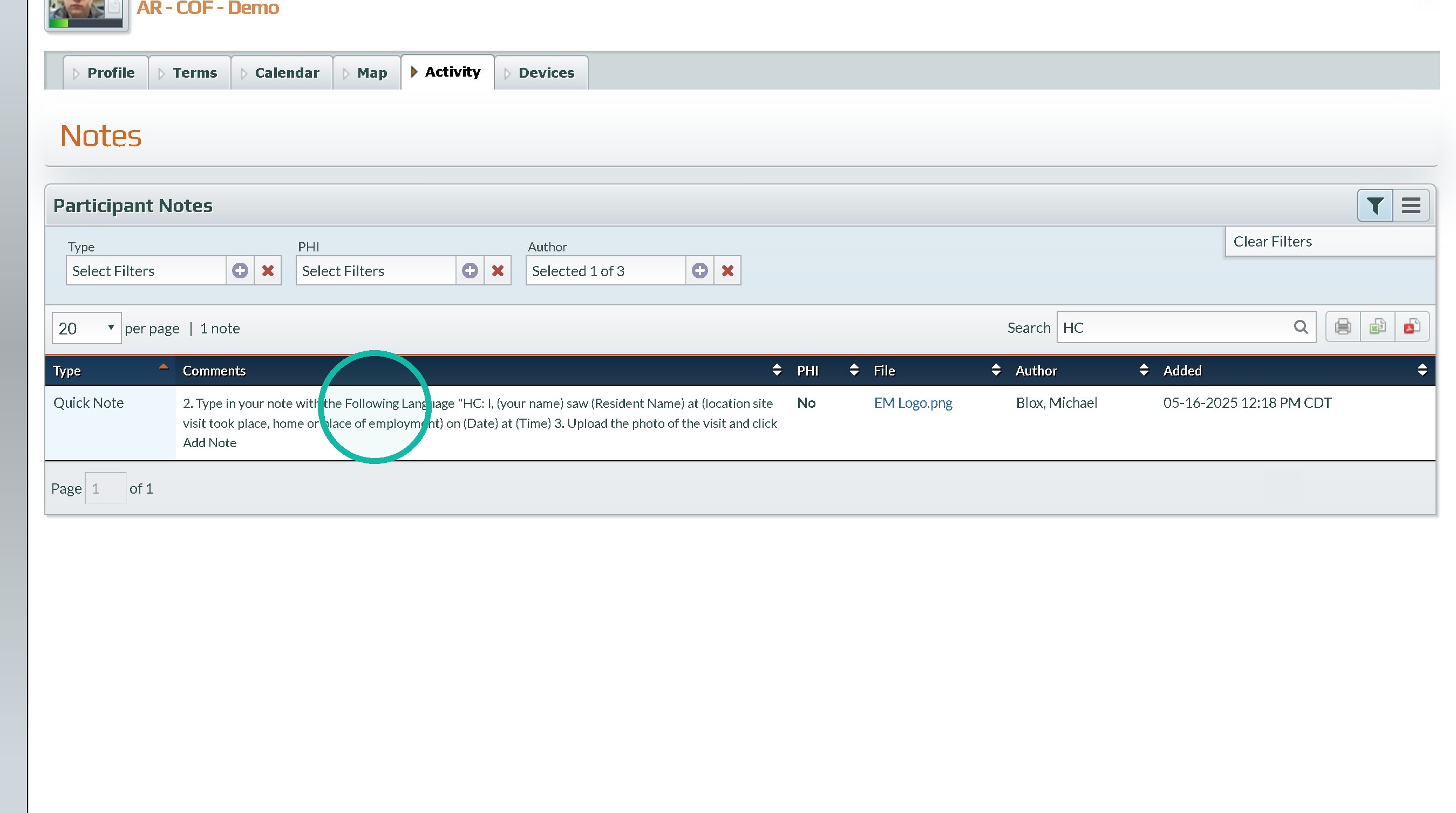
14. The Note itself with the specific language will be in the Comments section.
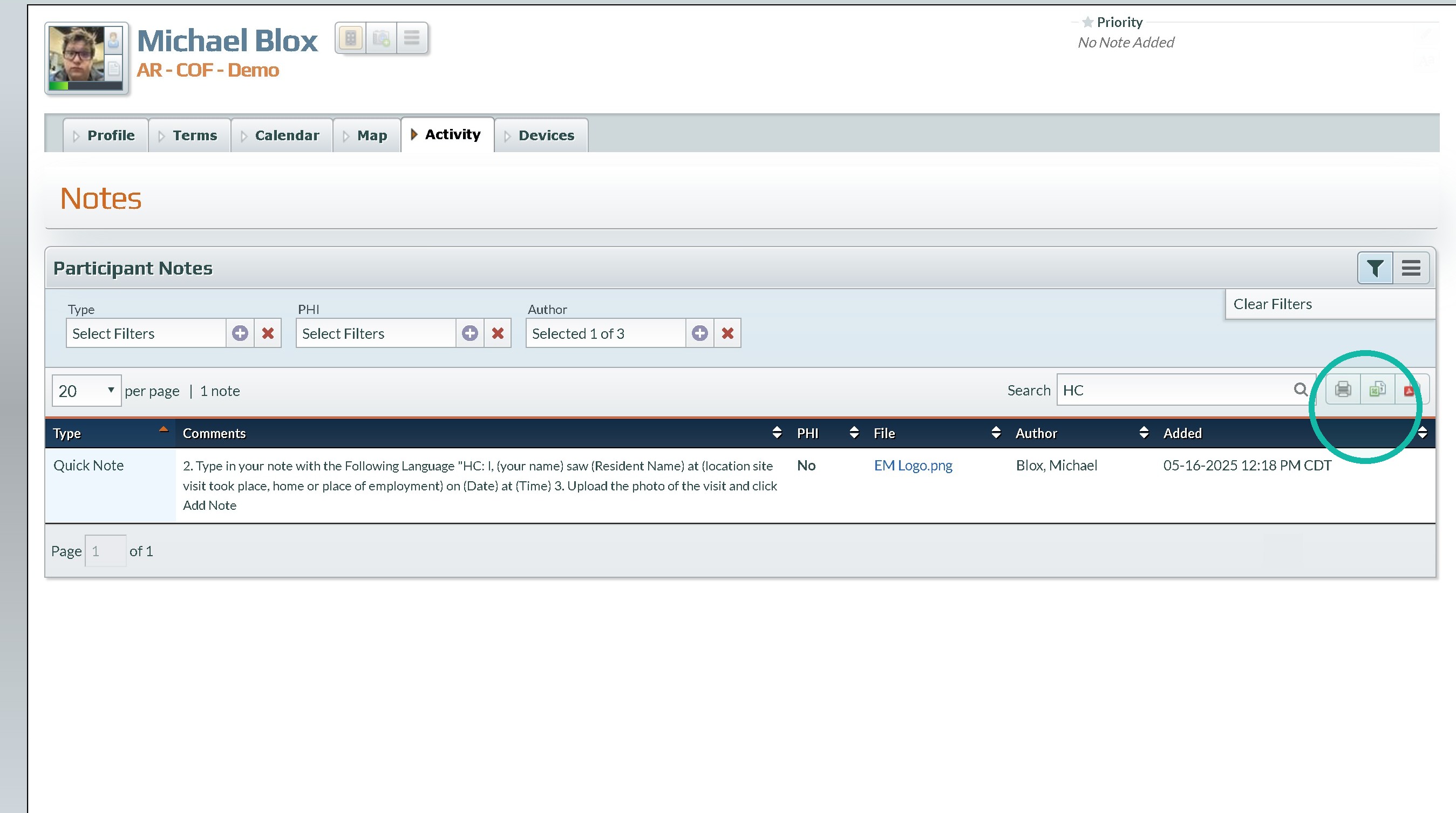
15. Click here to print or export.
Was this article helpful?
That’s Great!
Thank you for your feedback
Sorry! We couldn't be helpful
Thank you for your feedback
Feedback sent
We appreciate your effort and will try to fix the article