Add Calendar Item
1. Navigate to https://air.corrisoft.com/participants
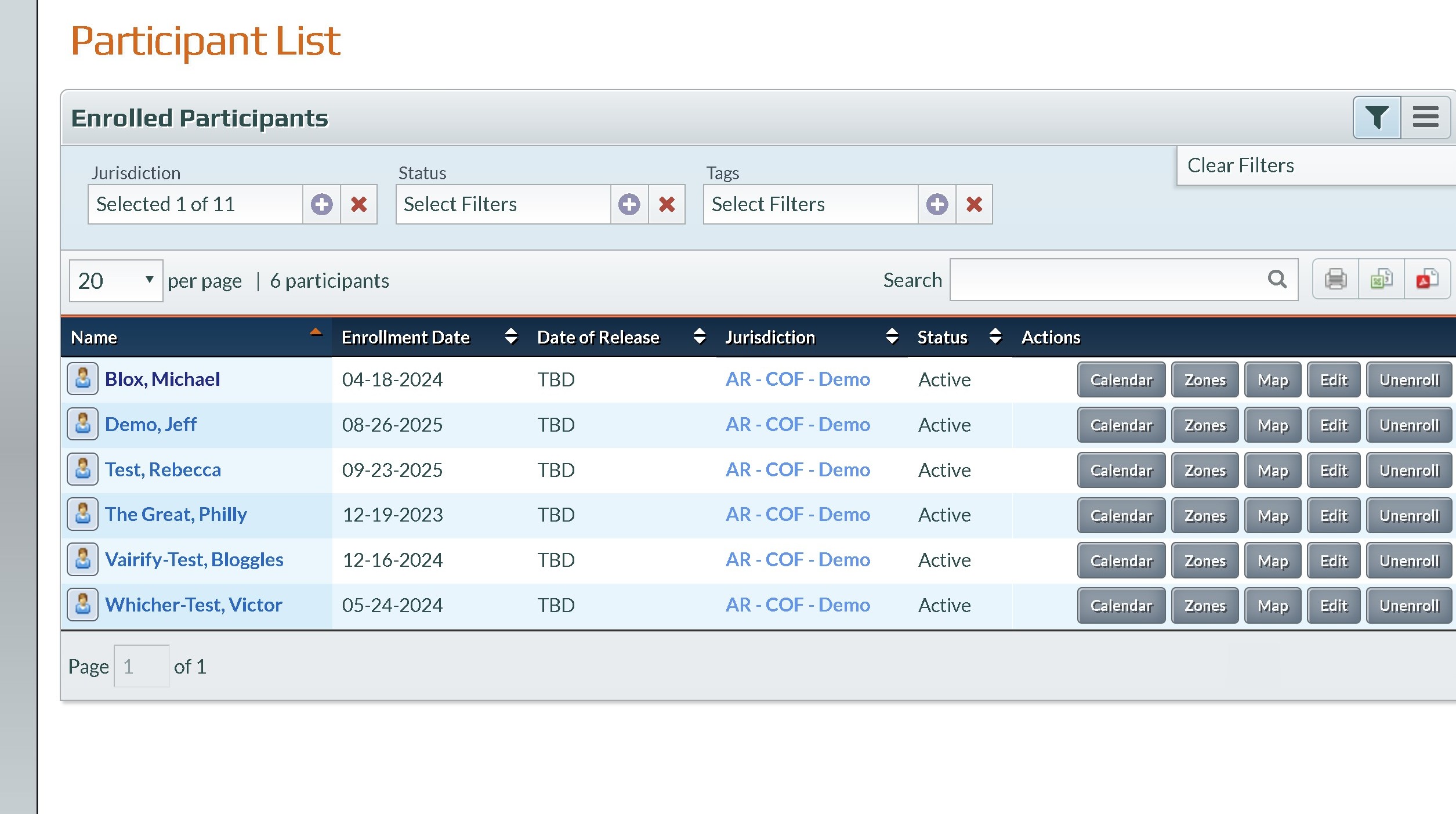
2. Select an Air Participant
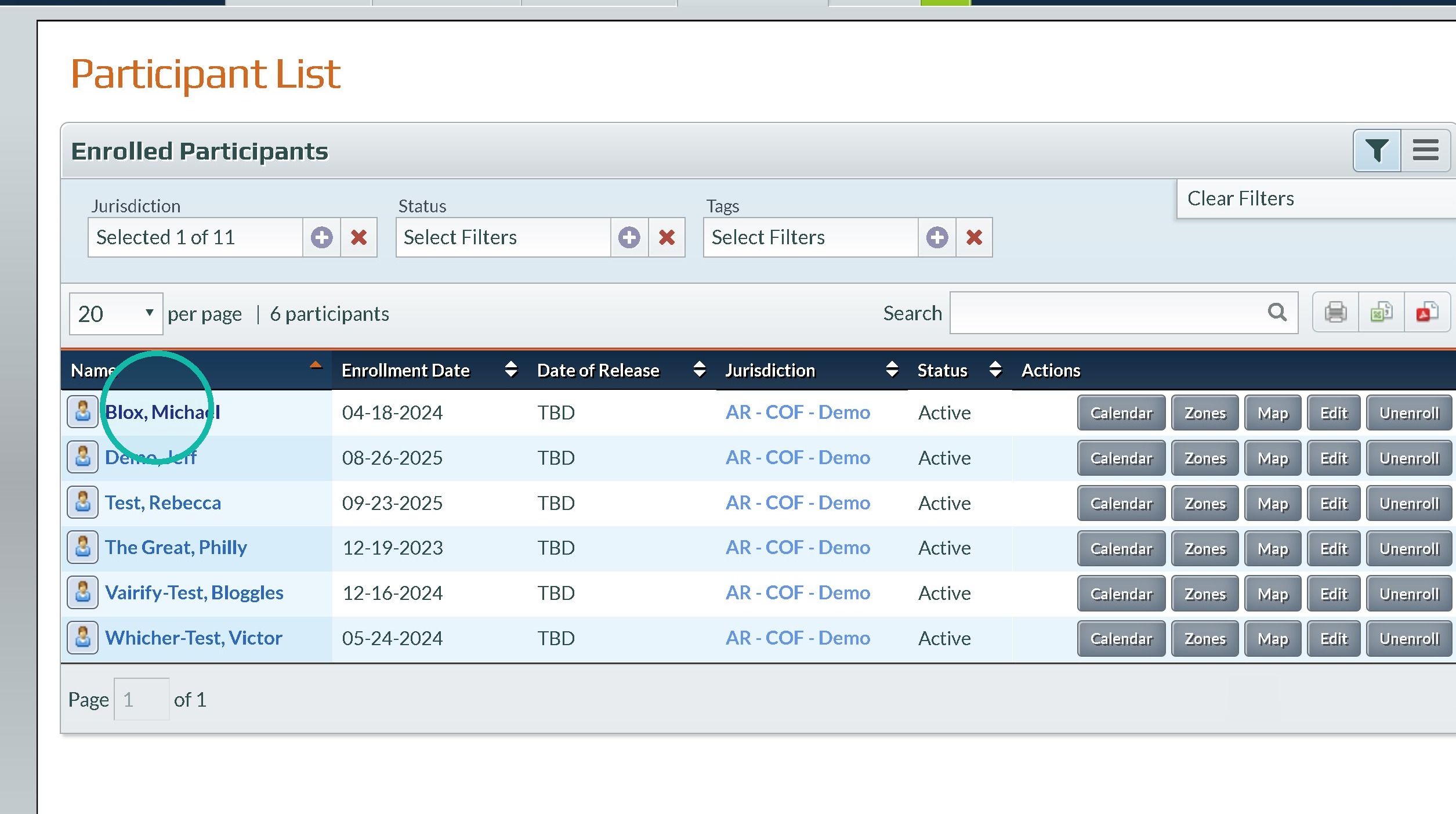
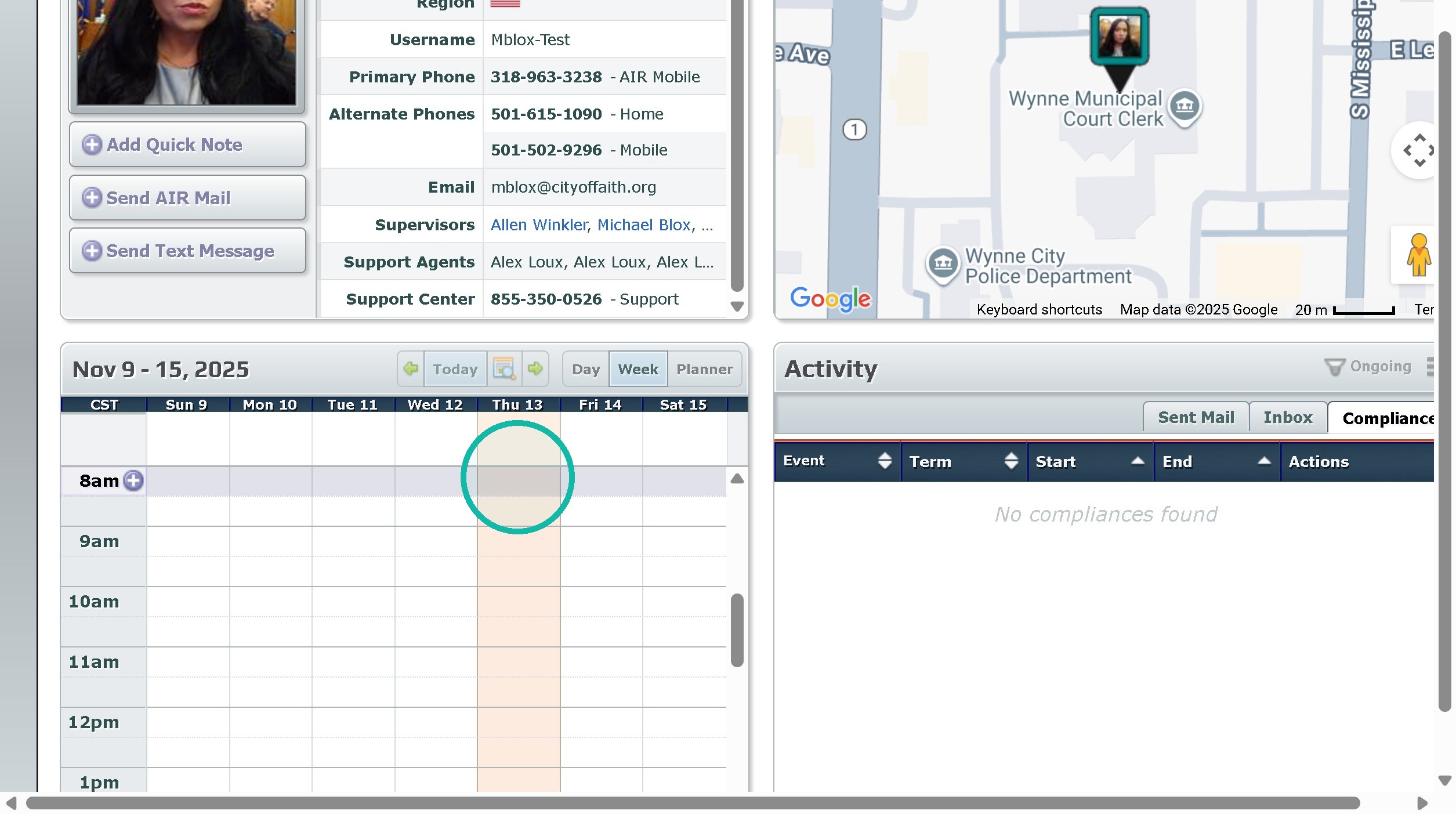
3. Click the day you'd like to add the event
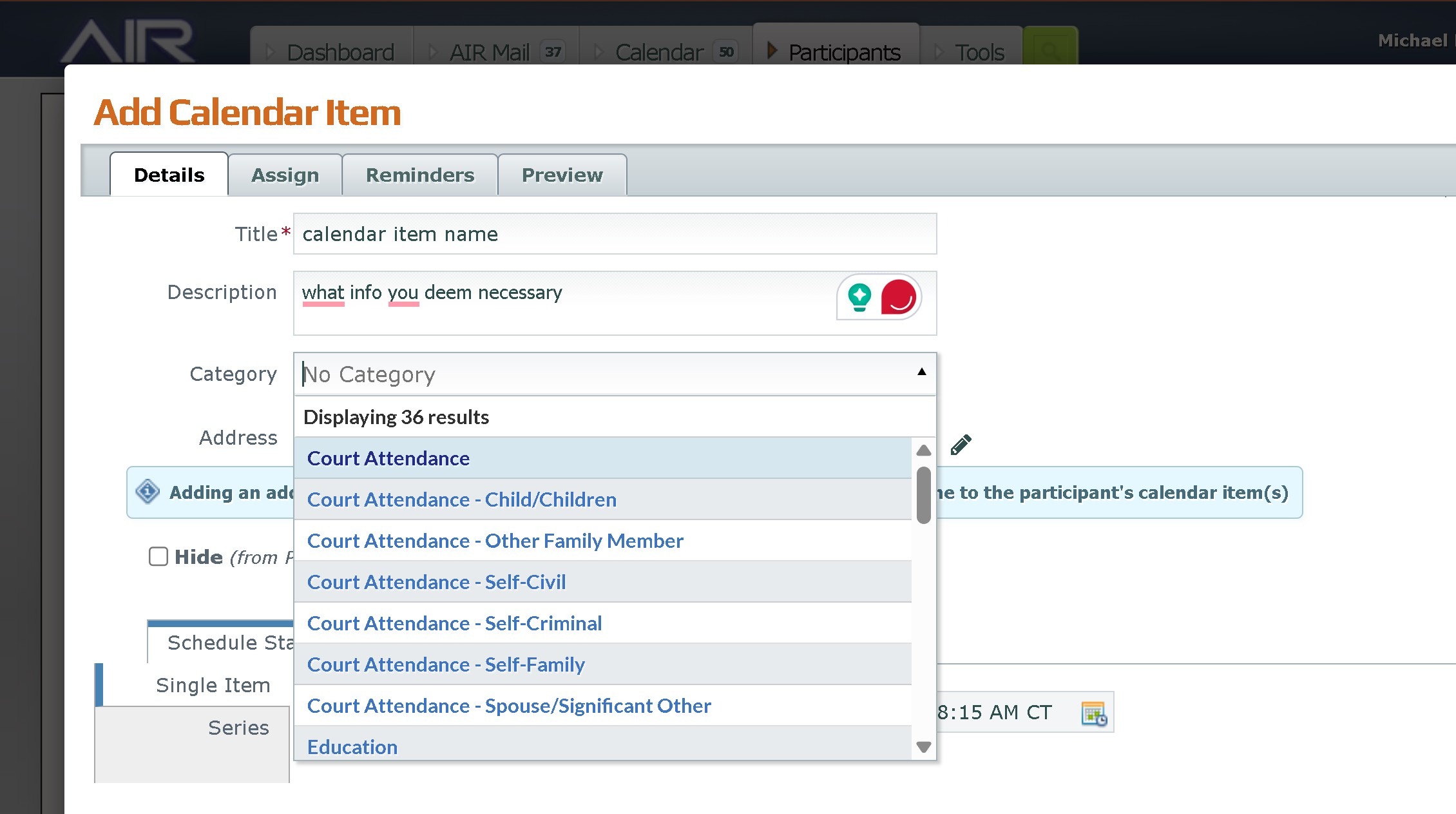
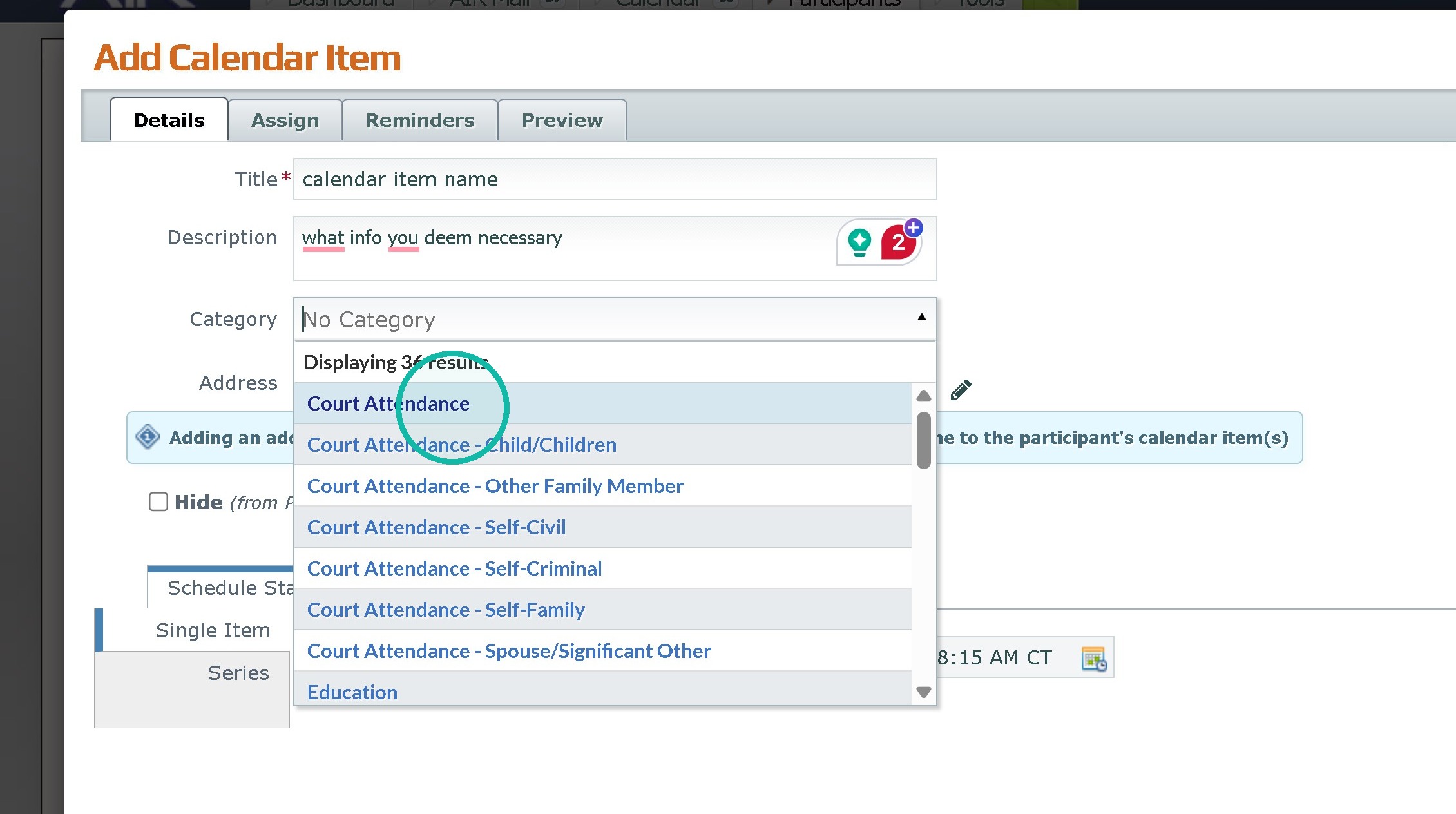
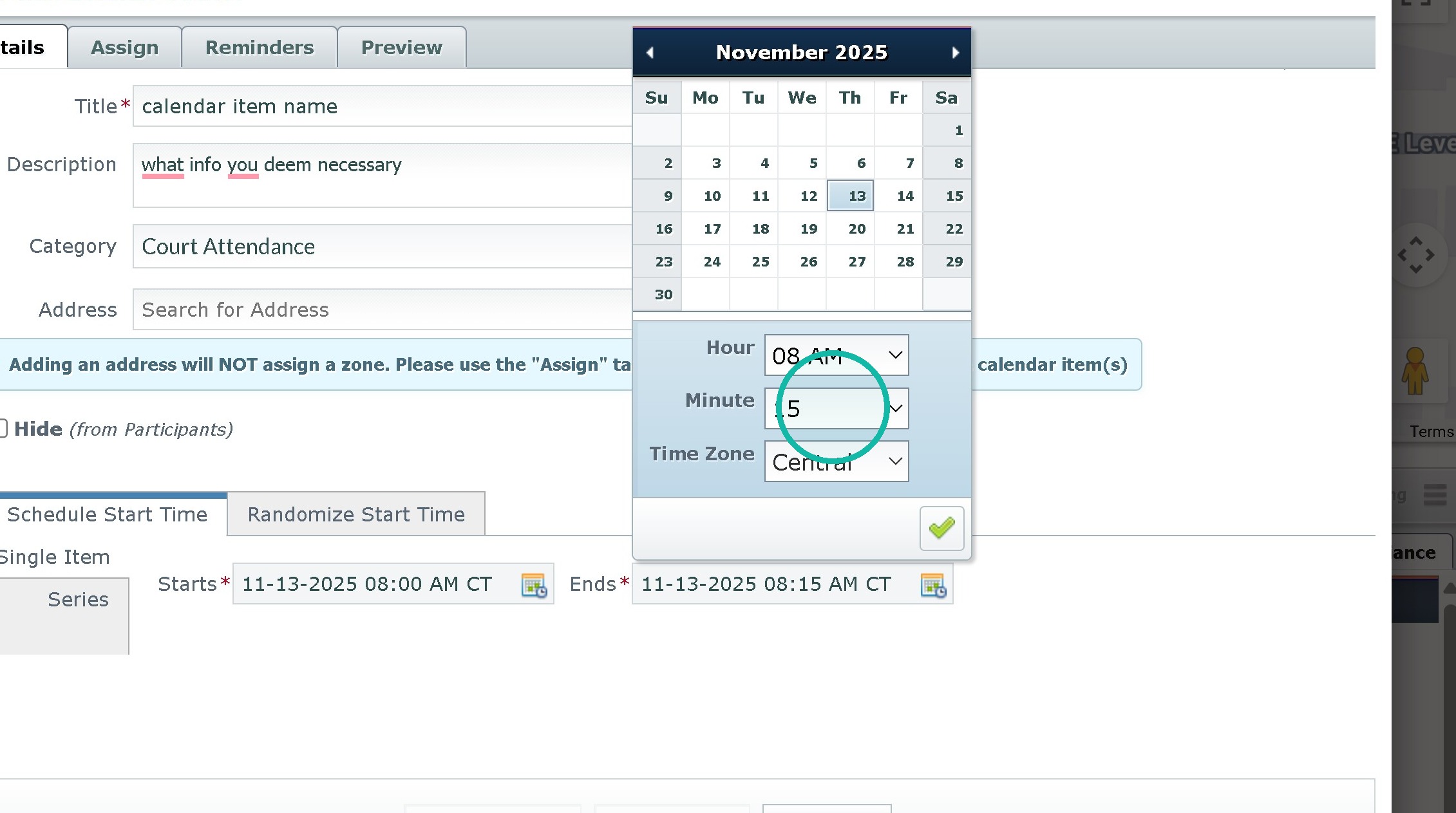
4. Put in all relevant pass info in such as calendar item name, description, address, or category
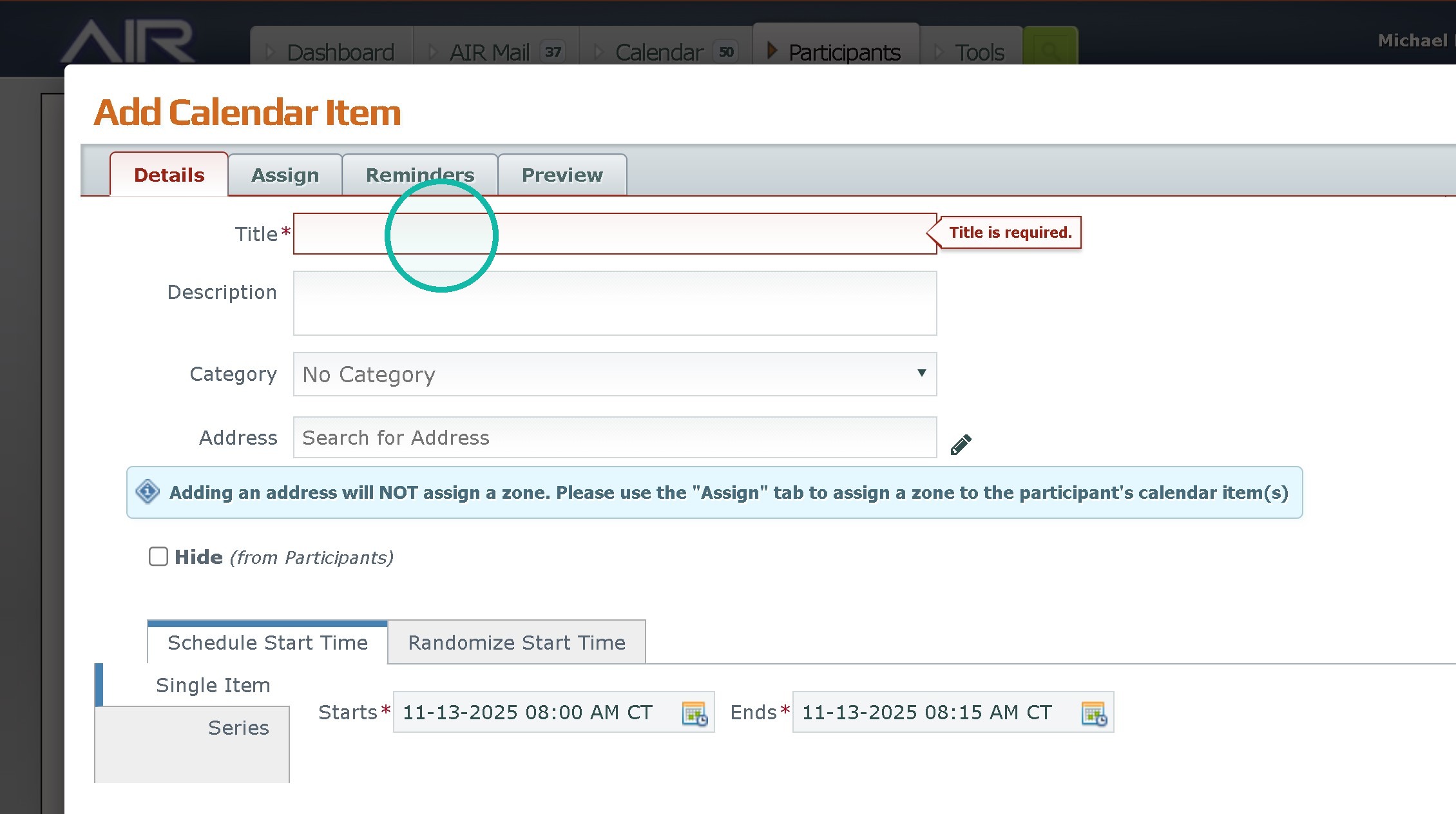
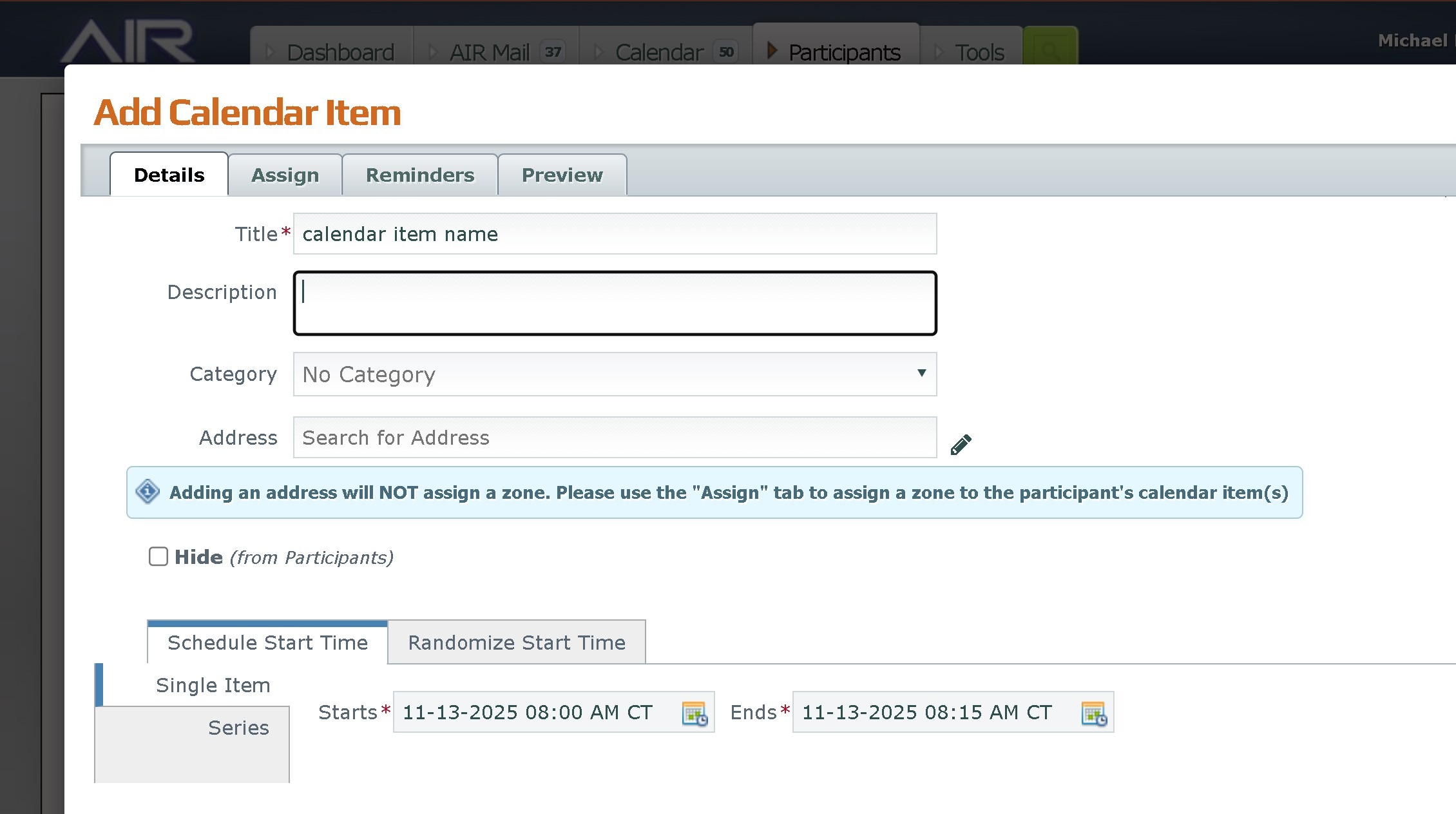
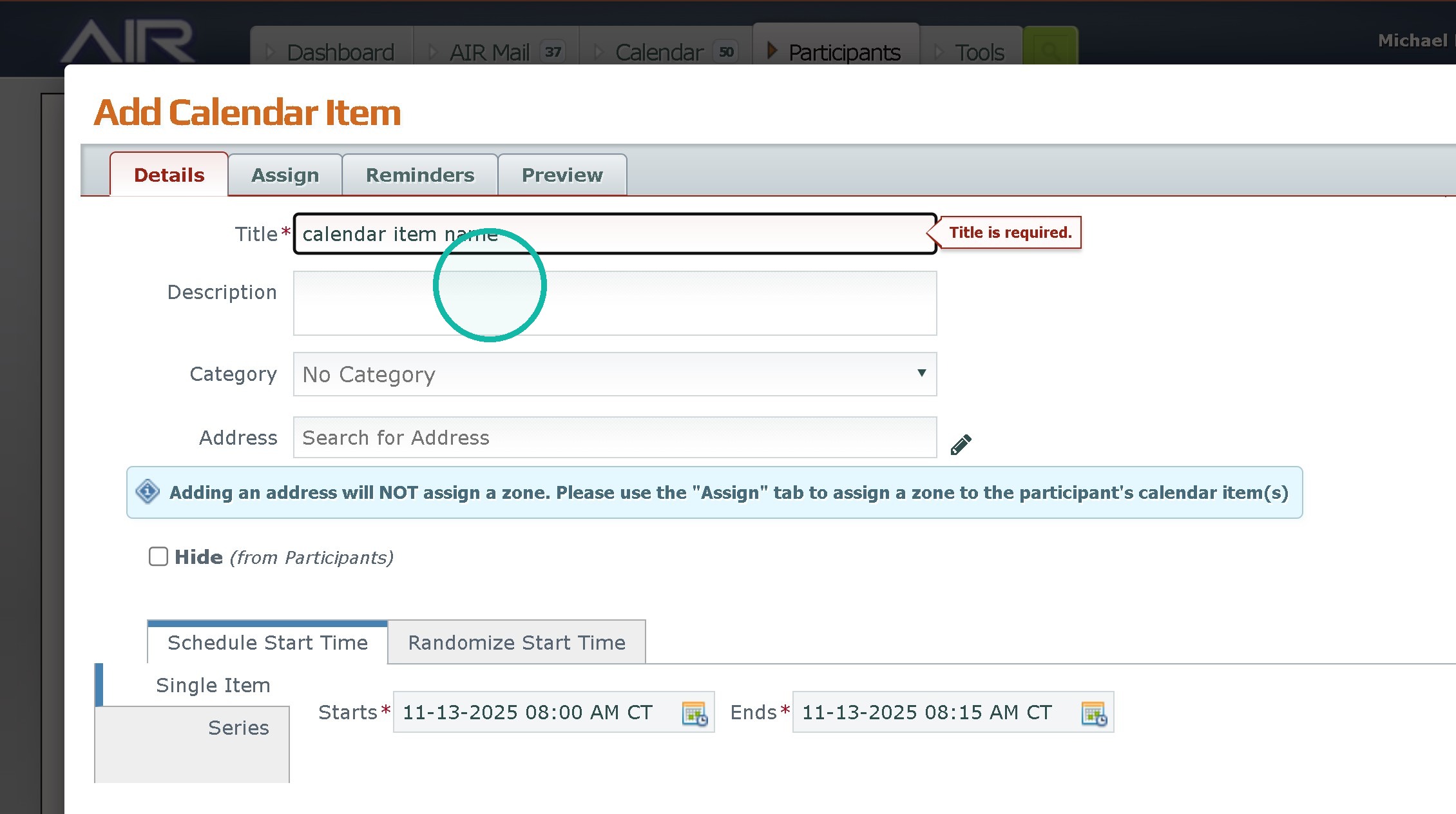
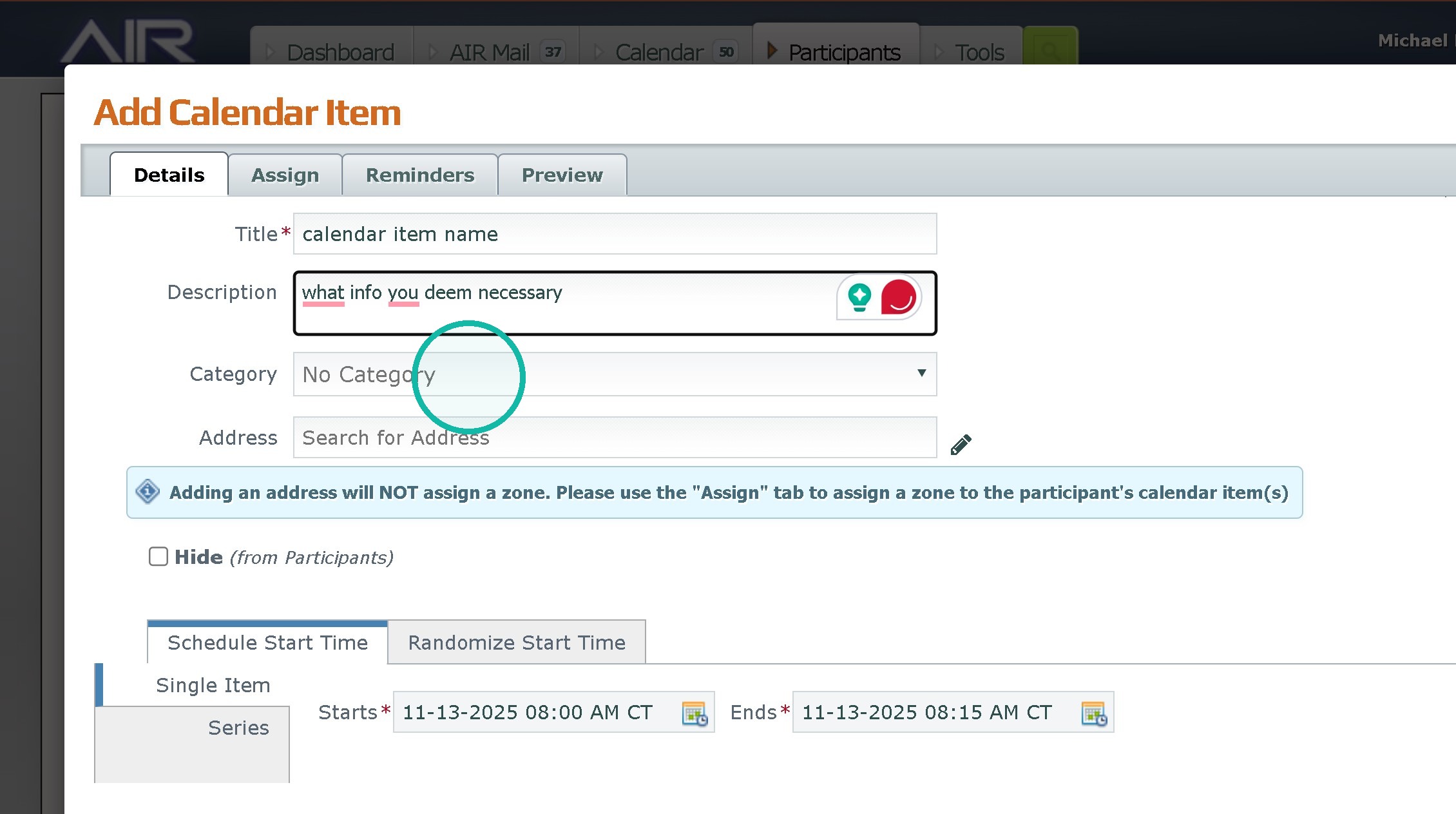
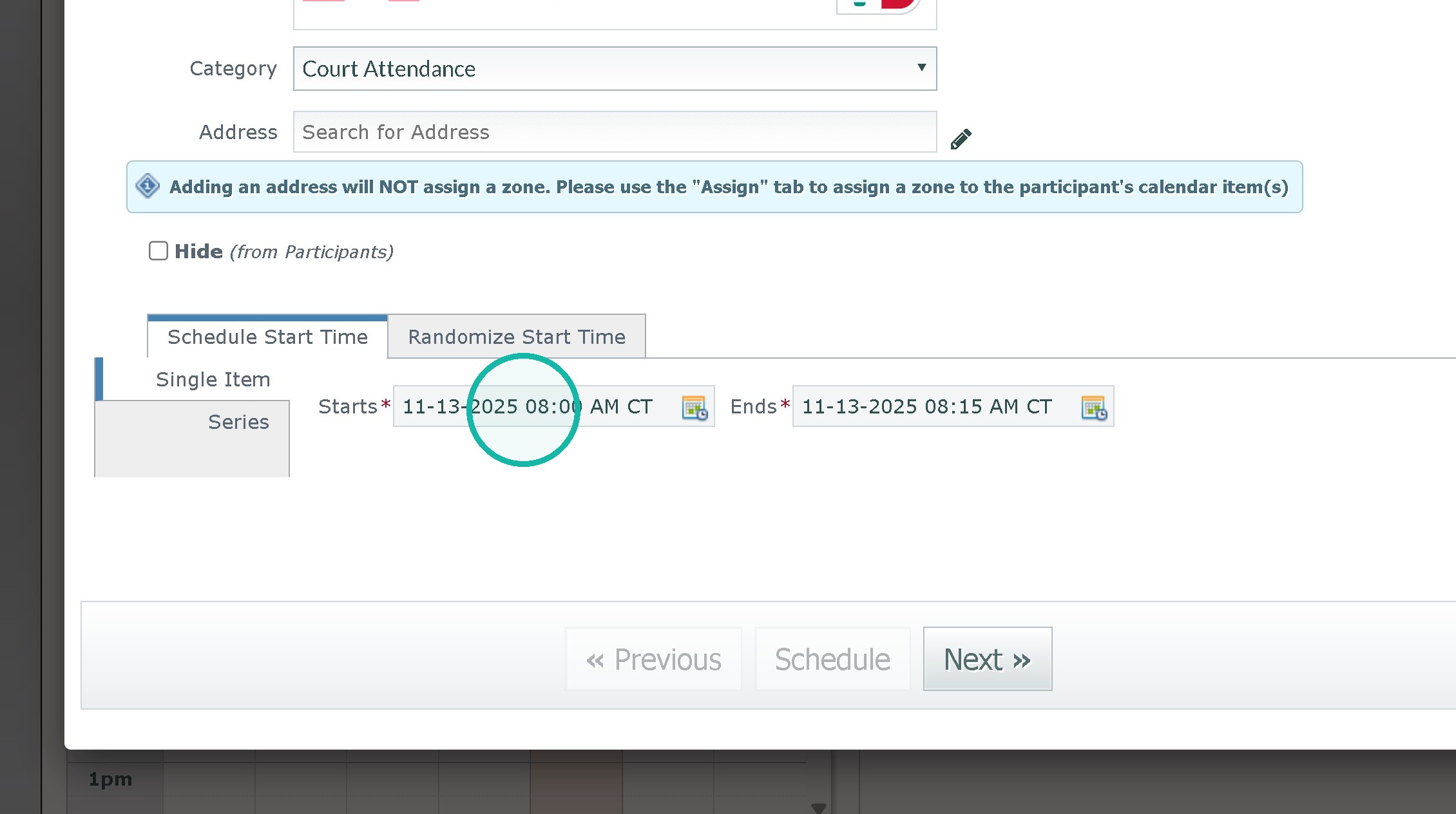
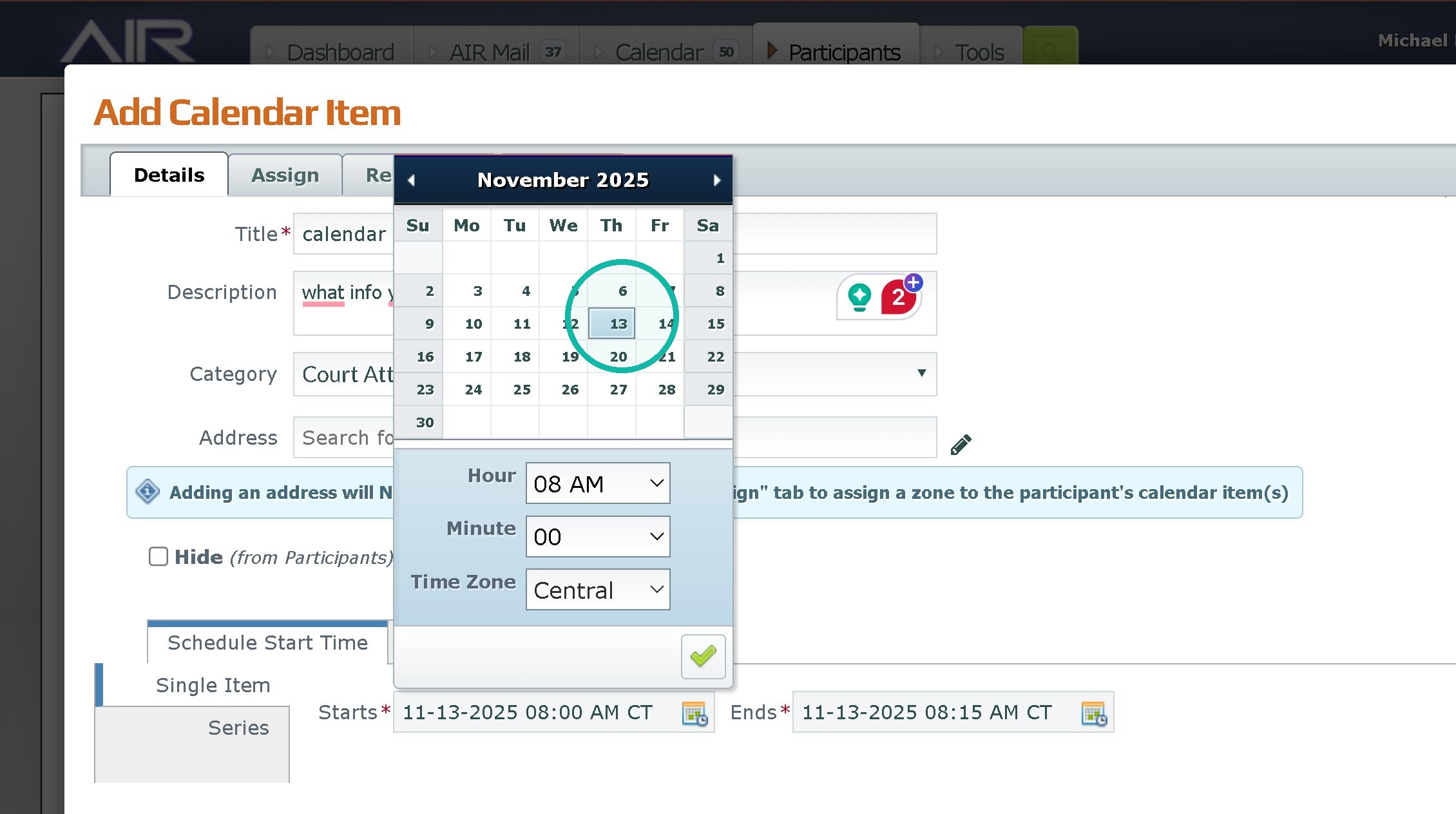
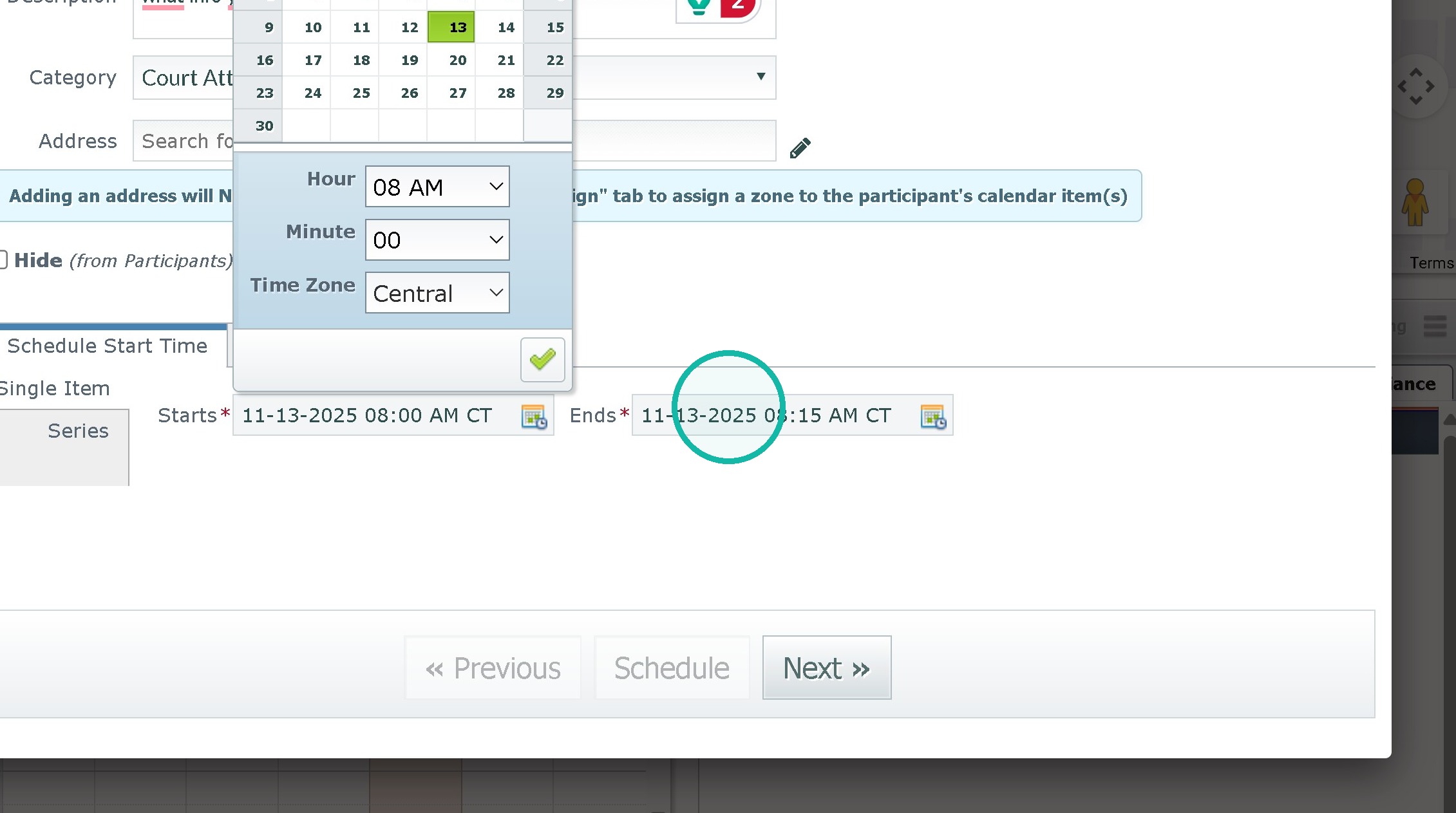
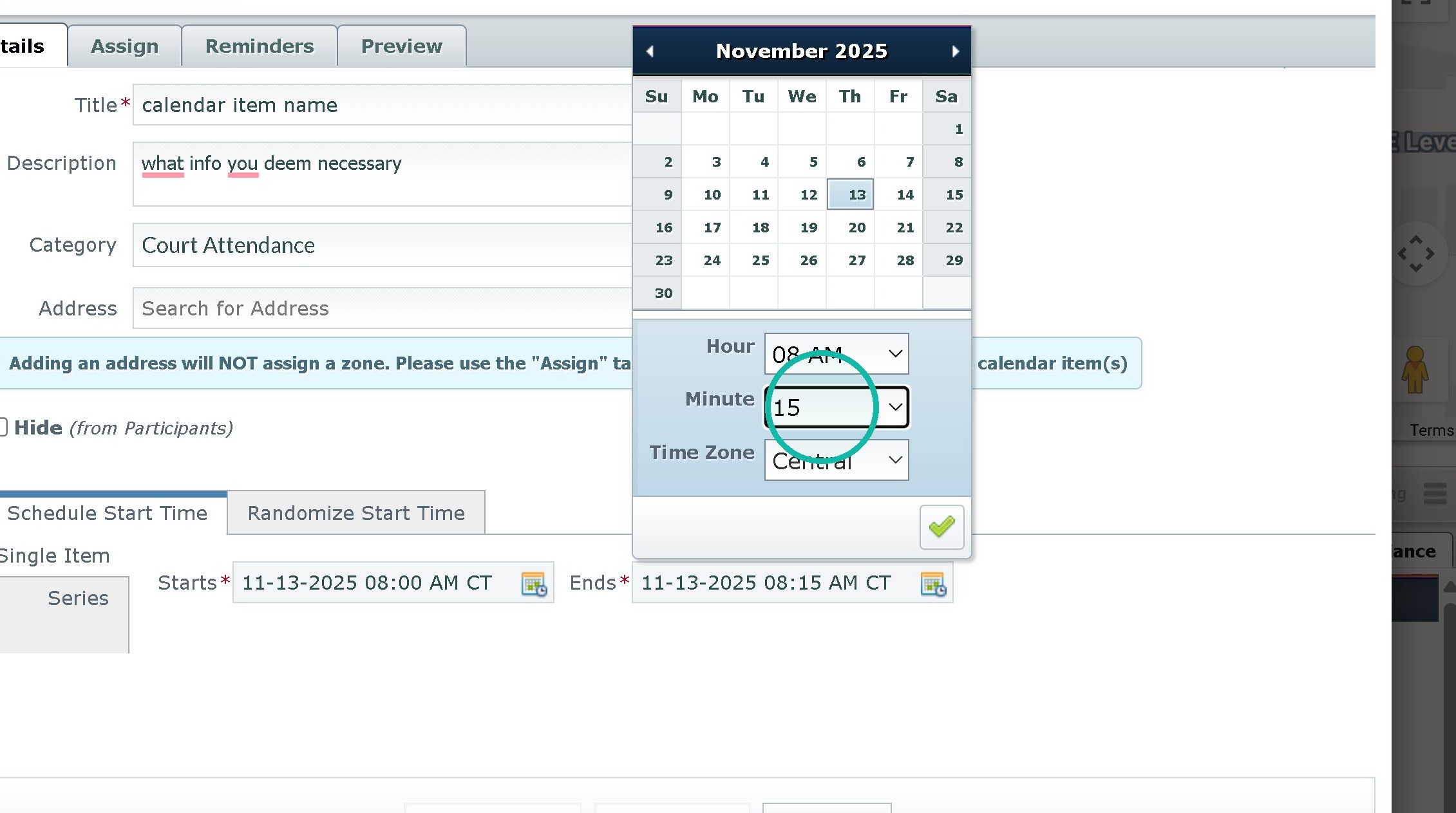
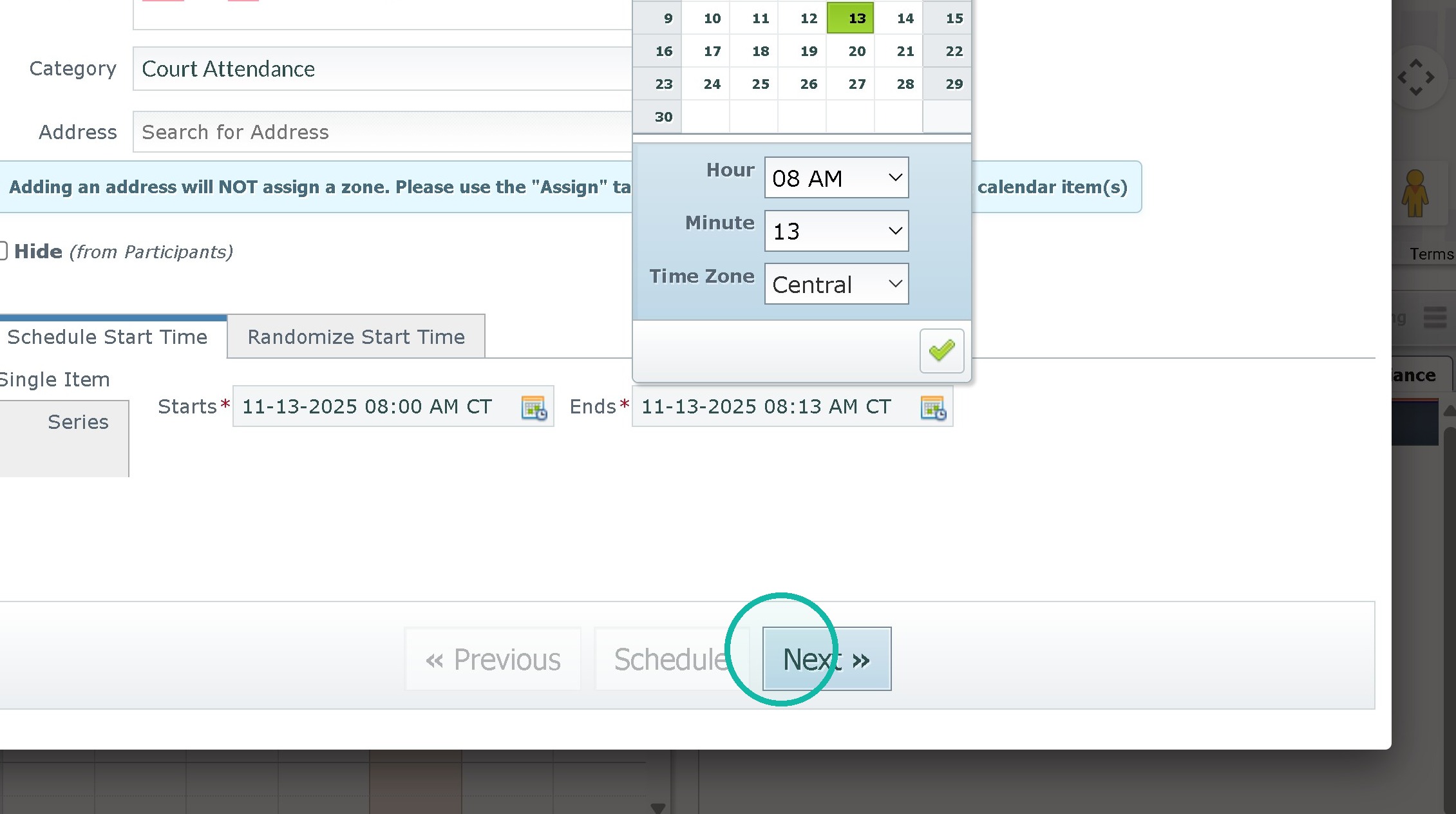
5. Set the start and end time
then hit next.
6. For multiple particpants Click the "Add Attendee" field and select other people to add. IF doing random items hit individual calendar items.
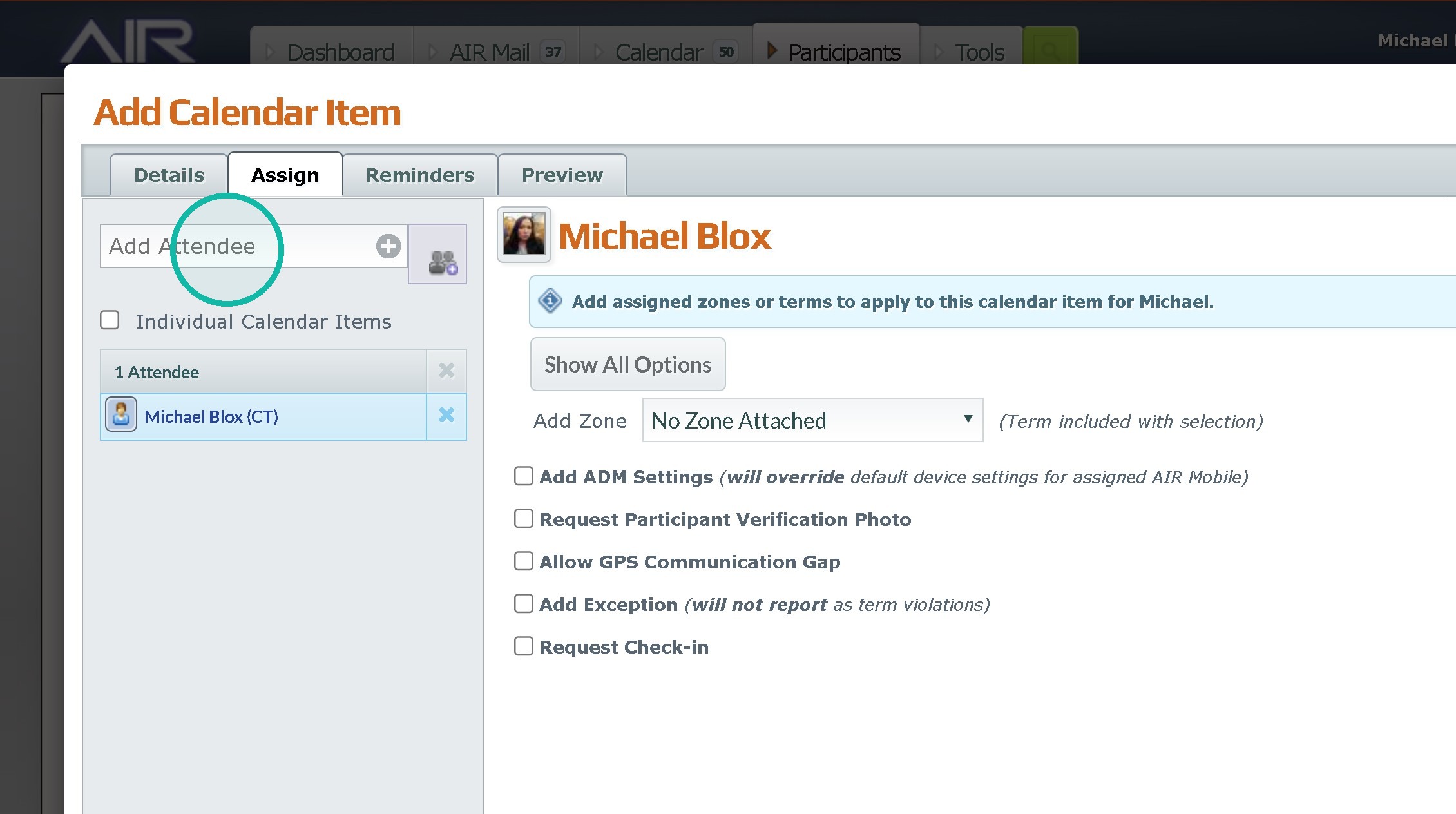
7. Select a zone if there is one.
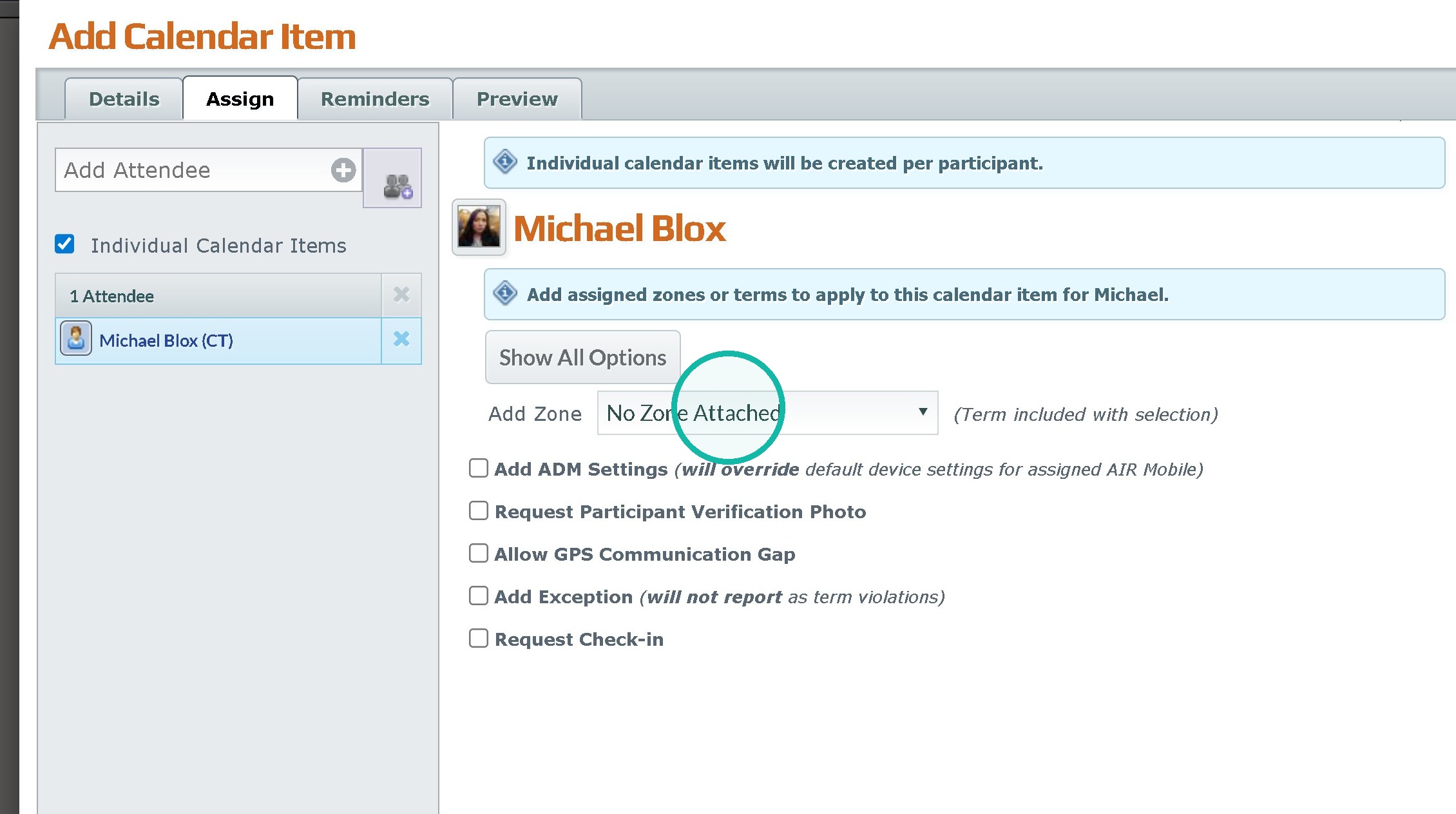
8. Click "Add ADM Settings (will override default device settings for assigned AIR Mobile)" This will allow you to silence the device or force wifi adds.
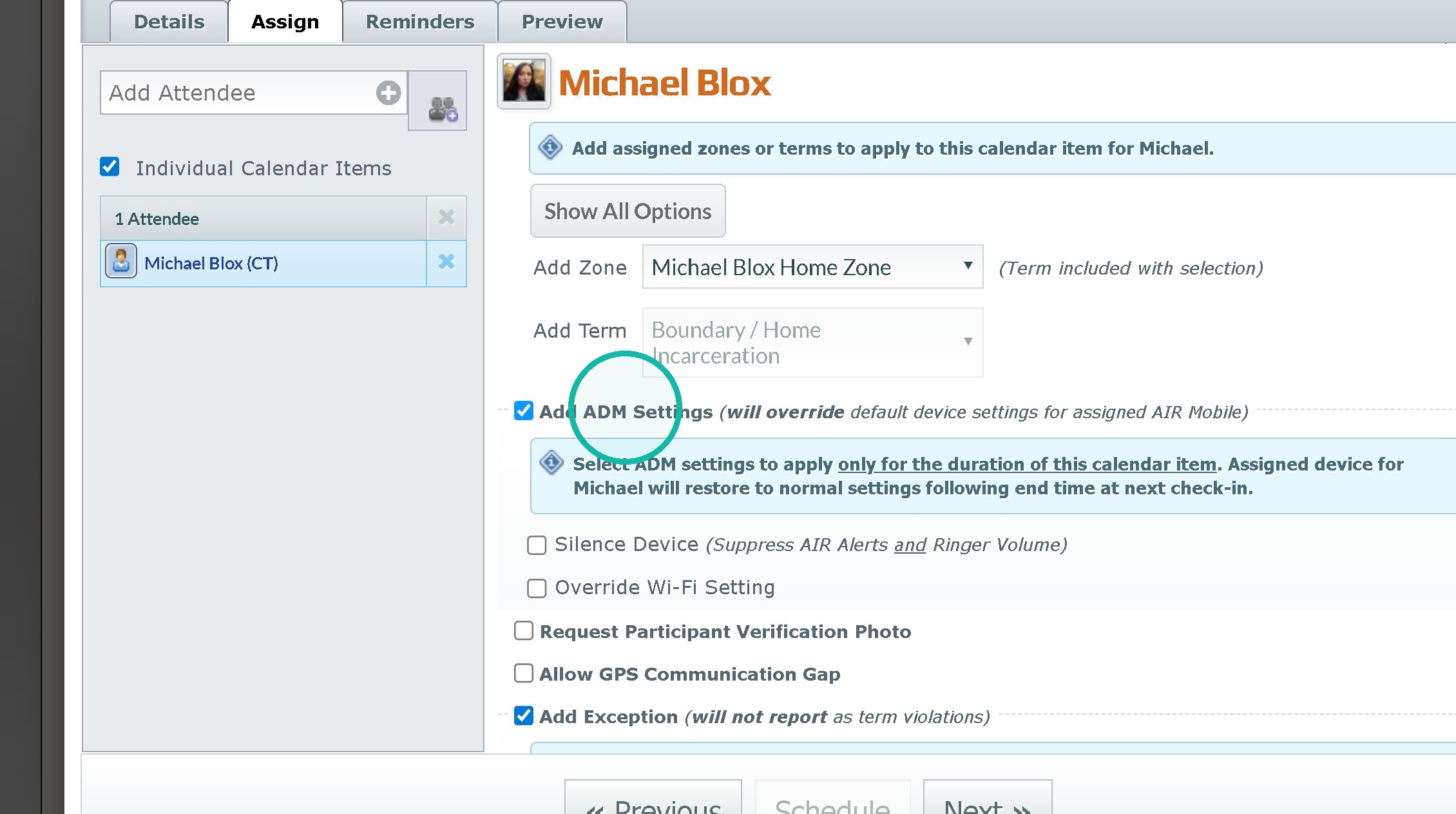
9. Click "Terms"
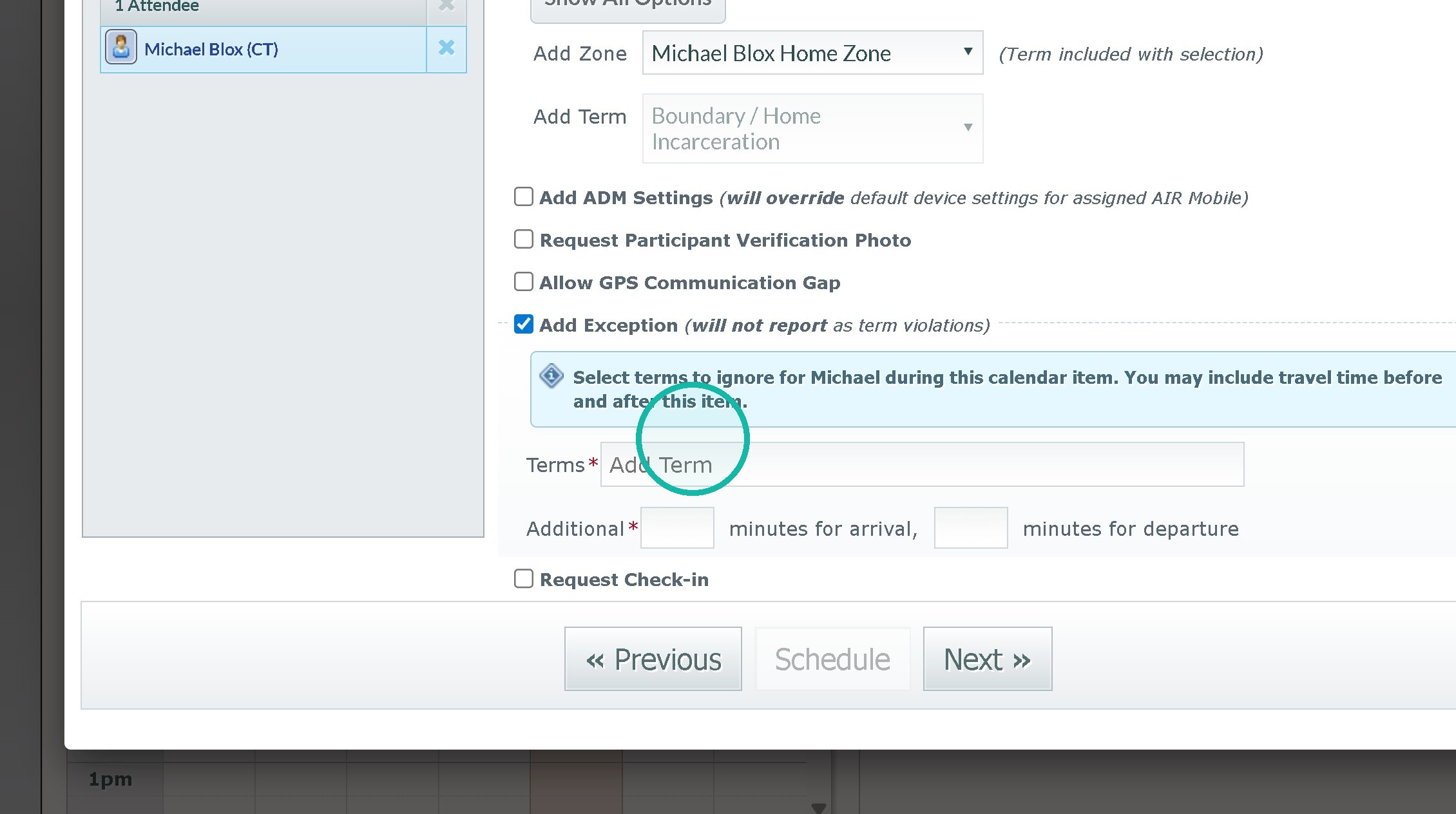
10. Click "Michael Blox Work Zone City of Faith"
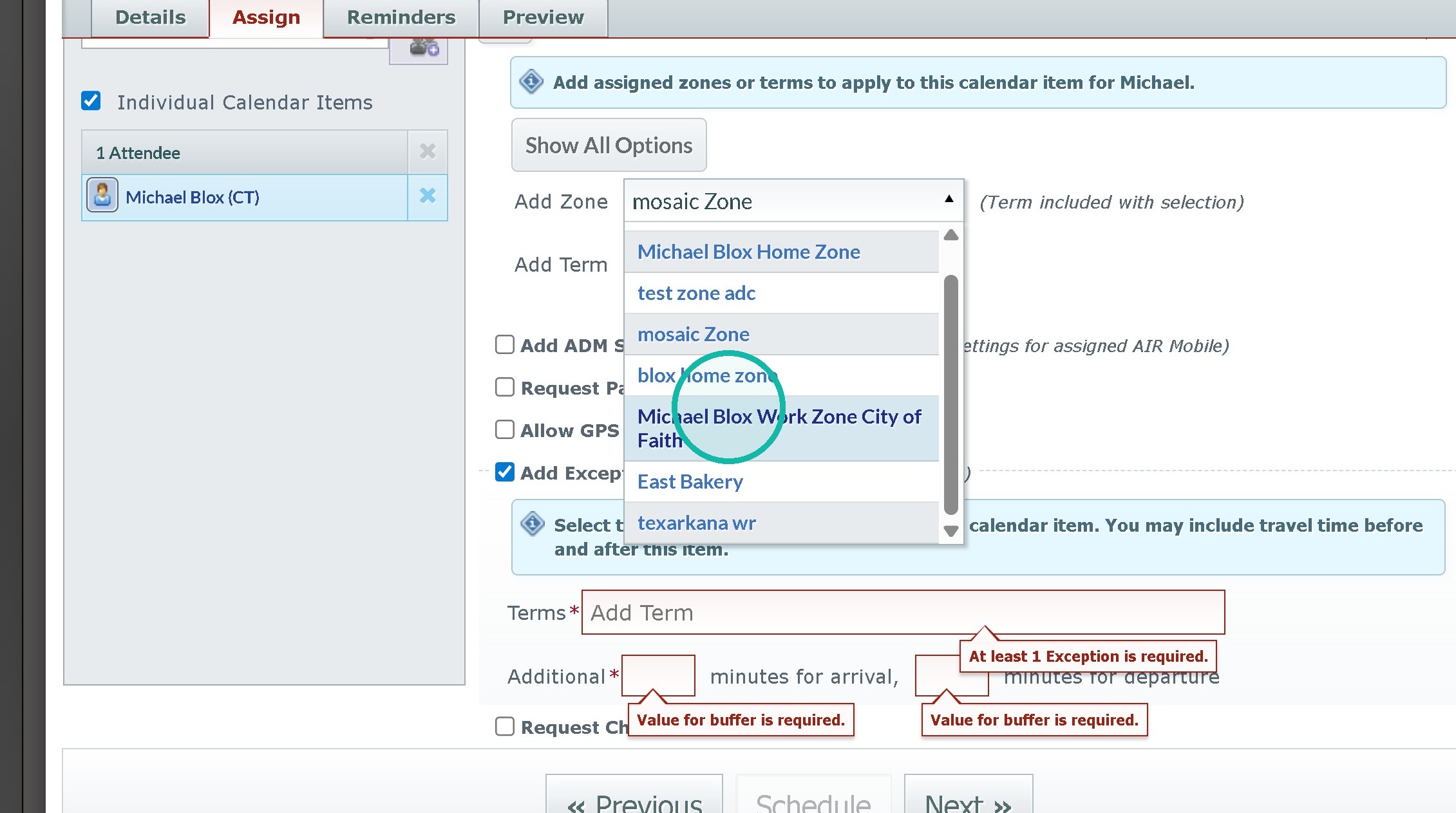
11. Click "mosaic Zone"
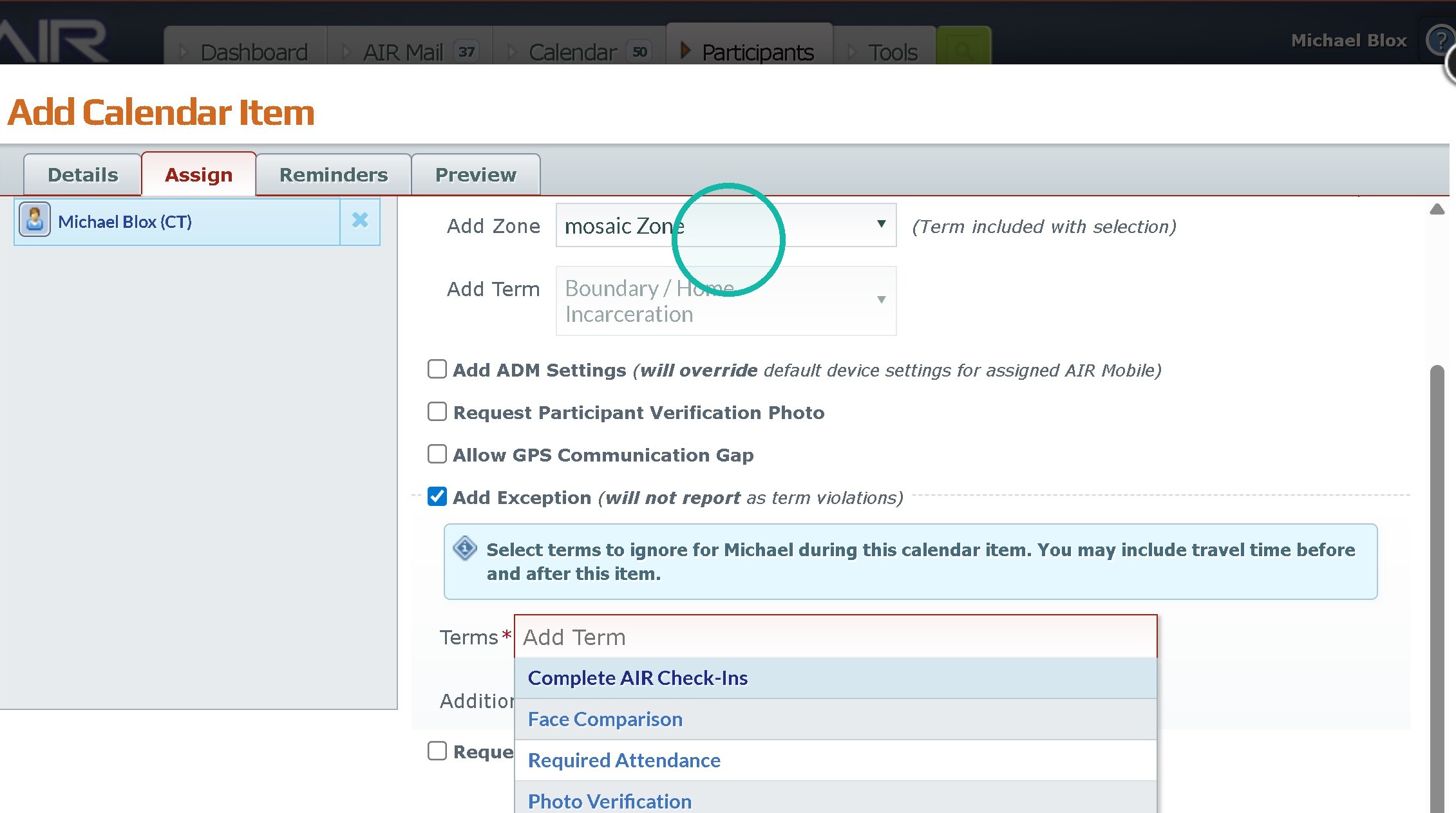
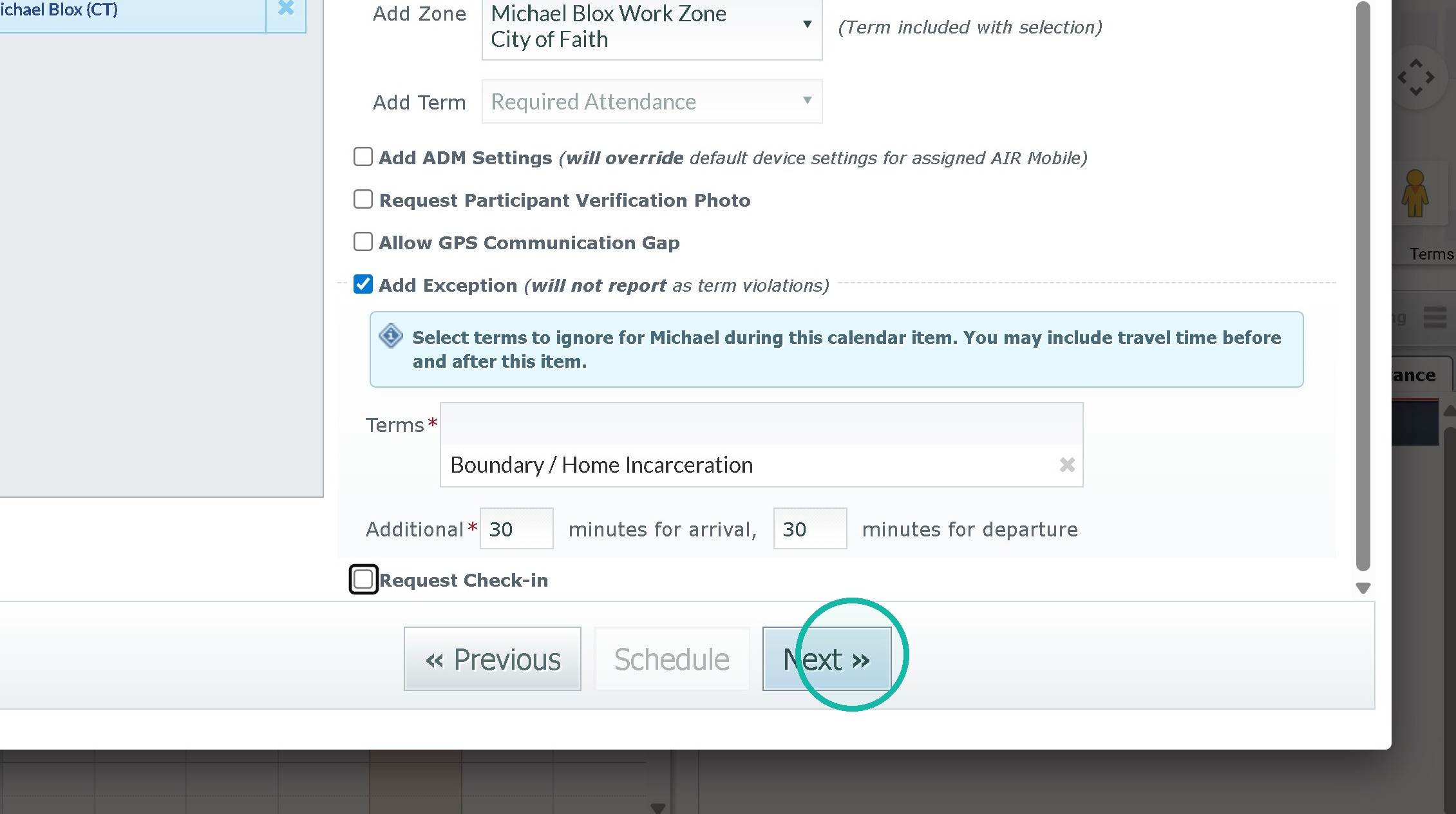
12. Click the "Add Term" field.
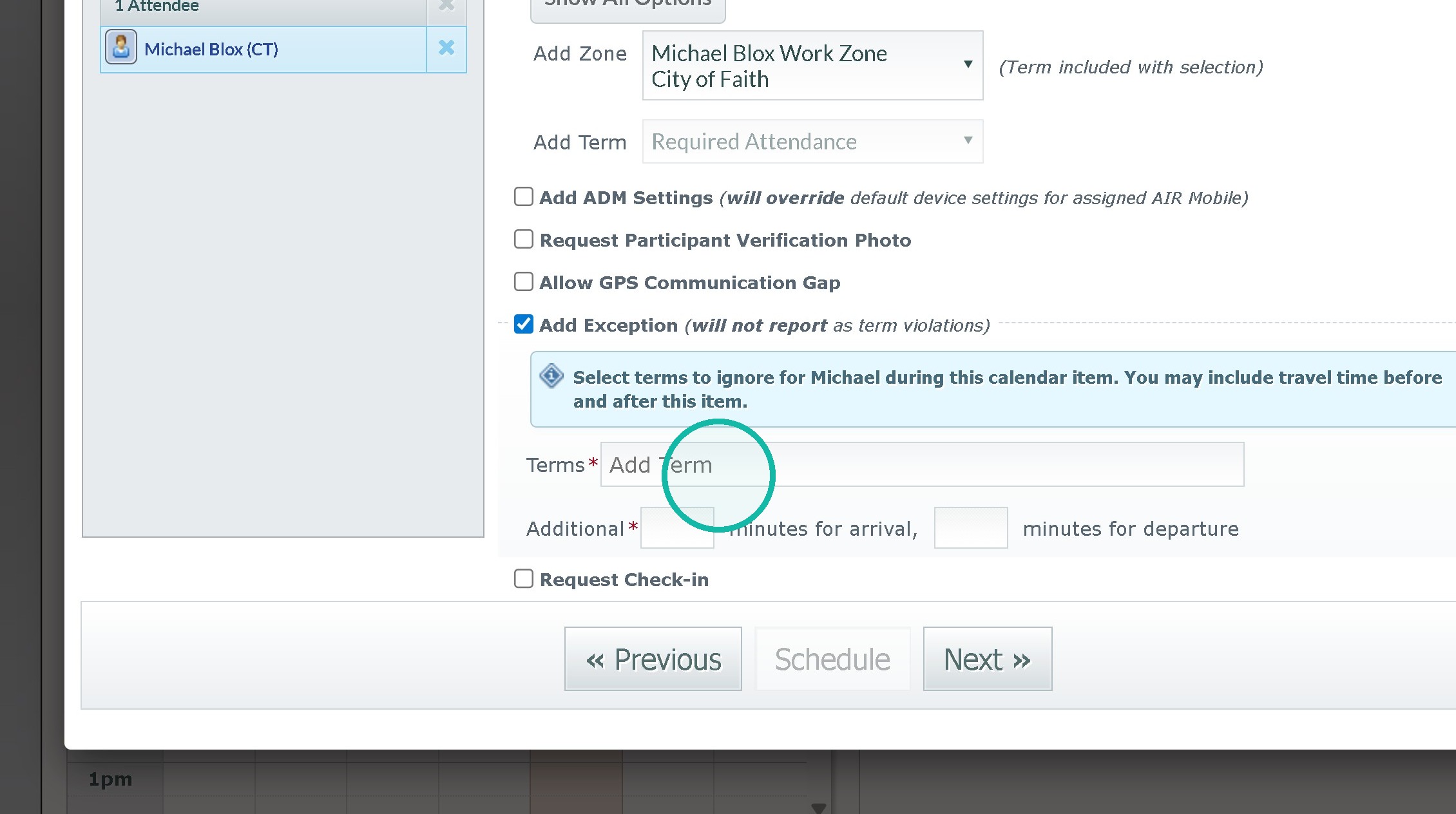
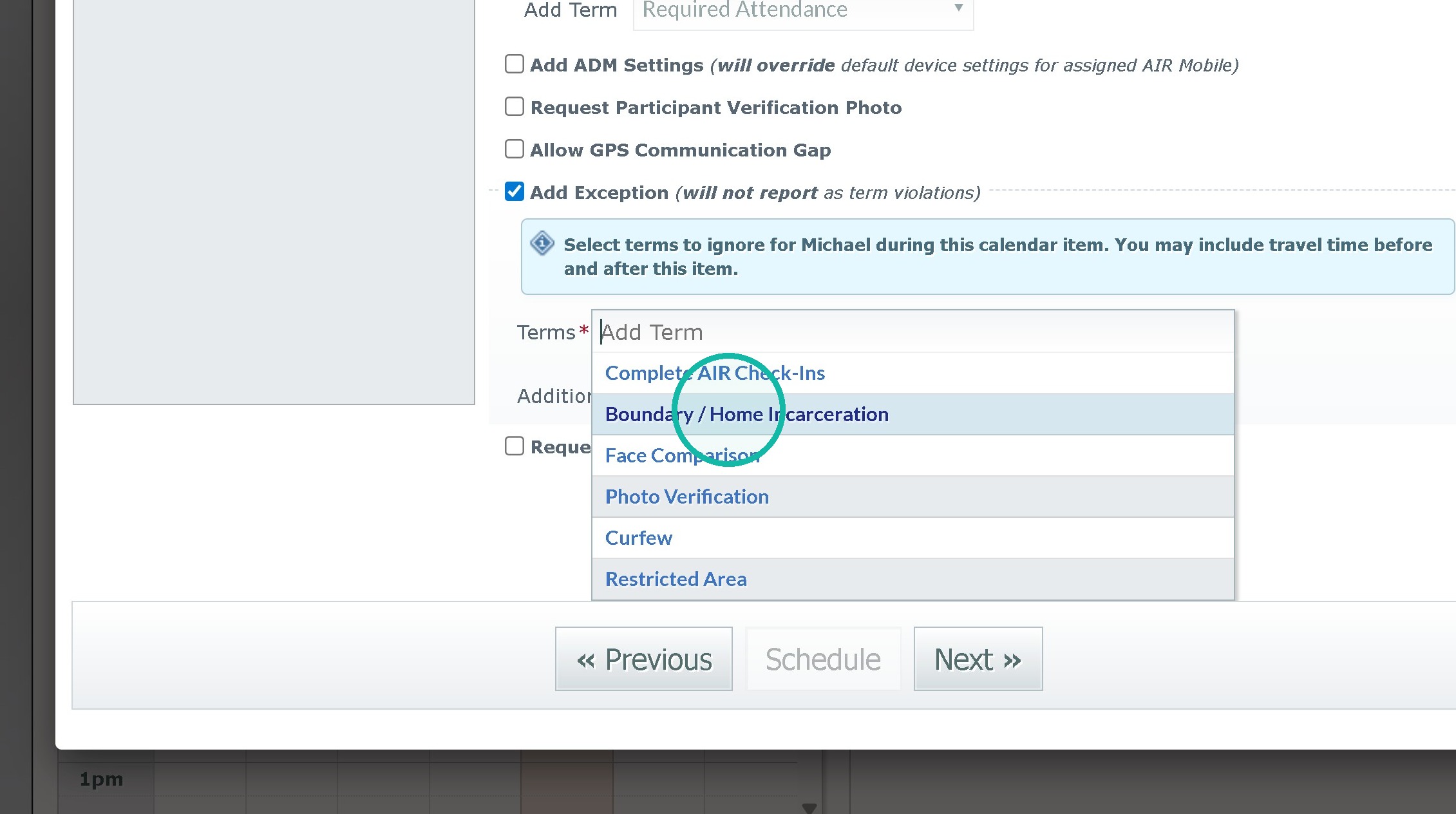
13. Click "Boundary / Home Incarceration"
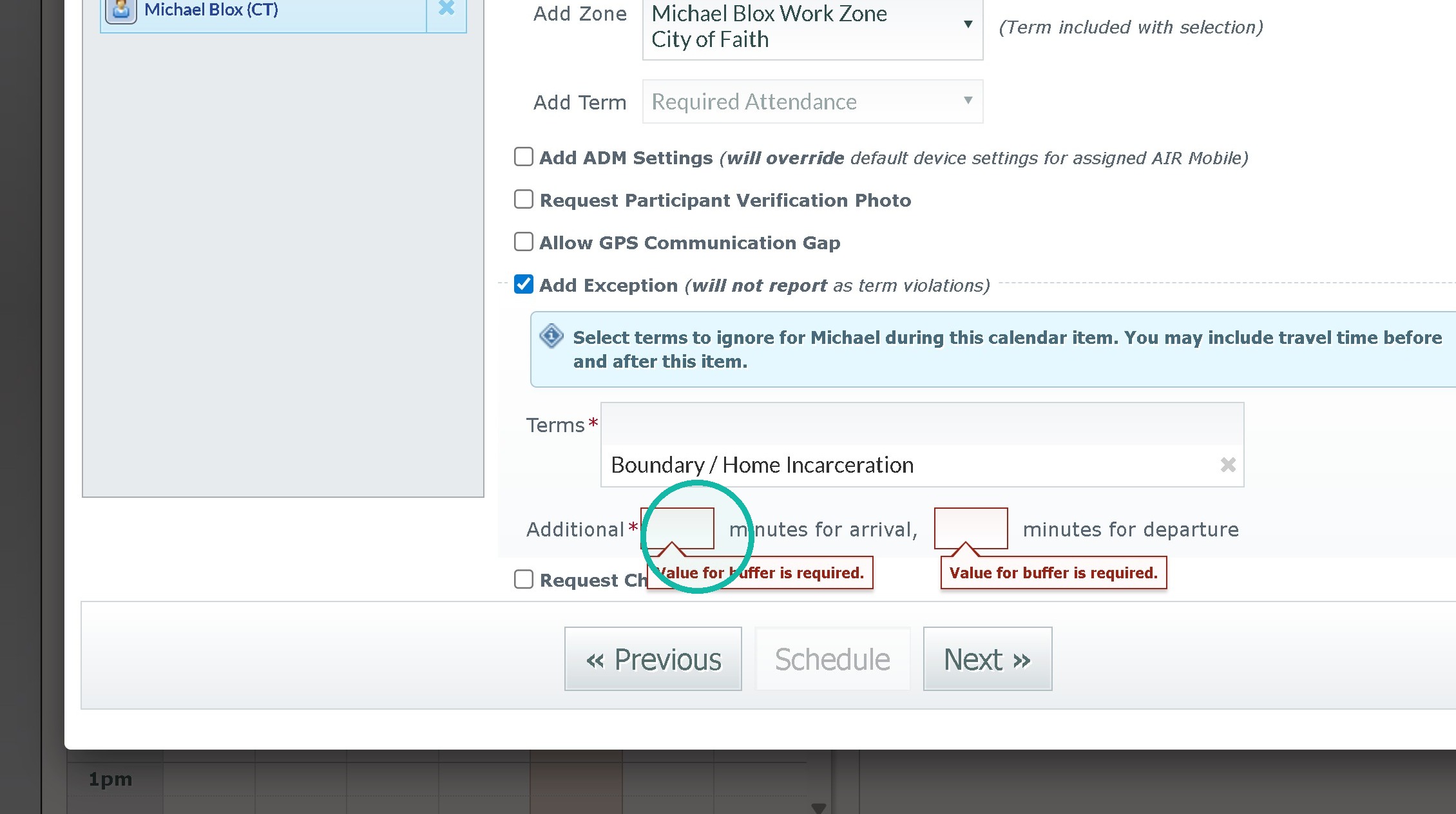
14. Click the "Additional" field and set ȧ travel time to account for movement between zones.
15. Click "Next"
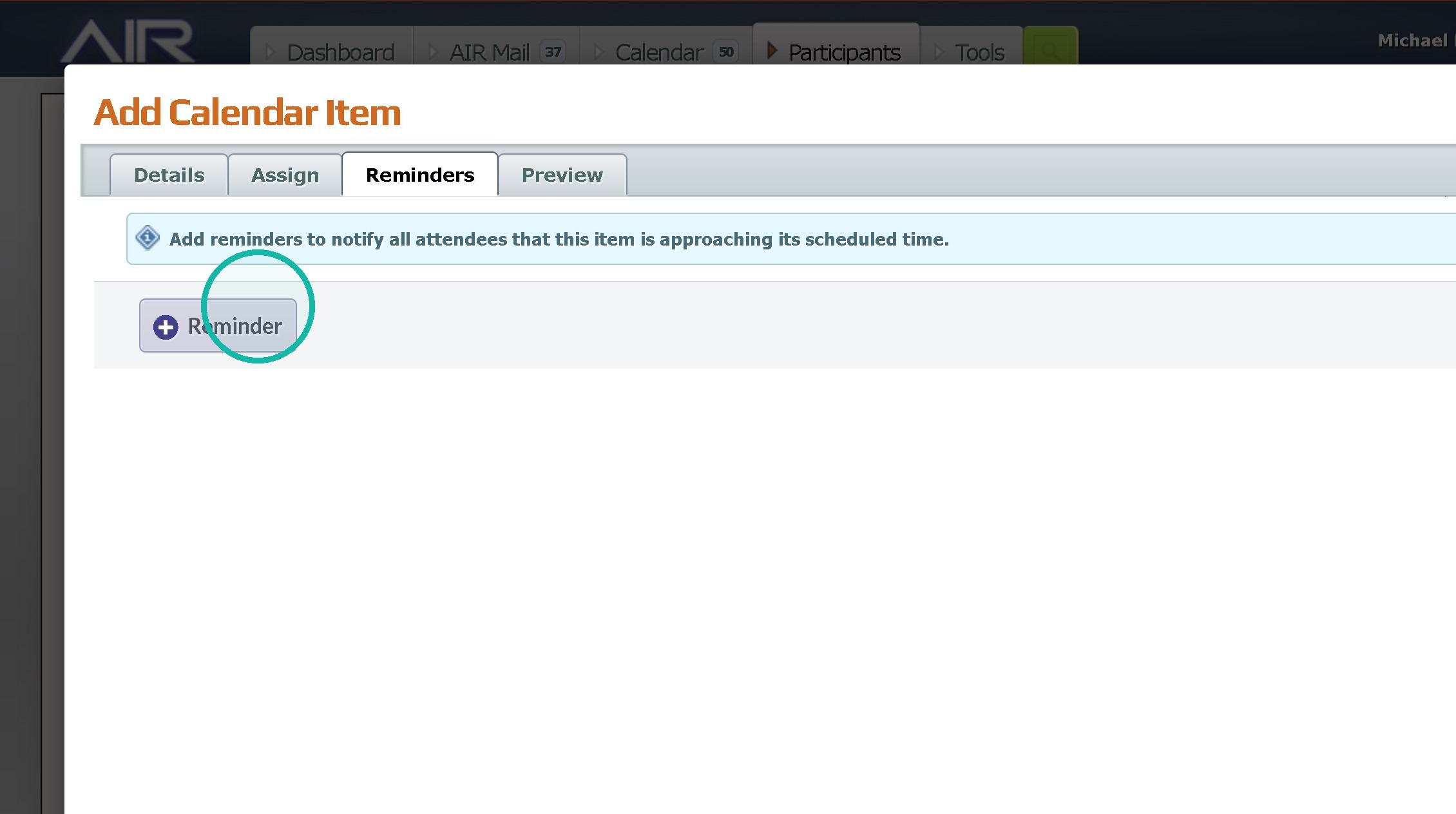
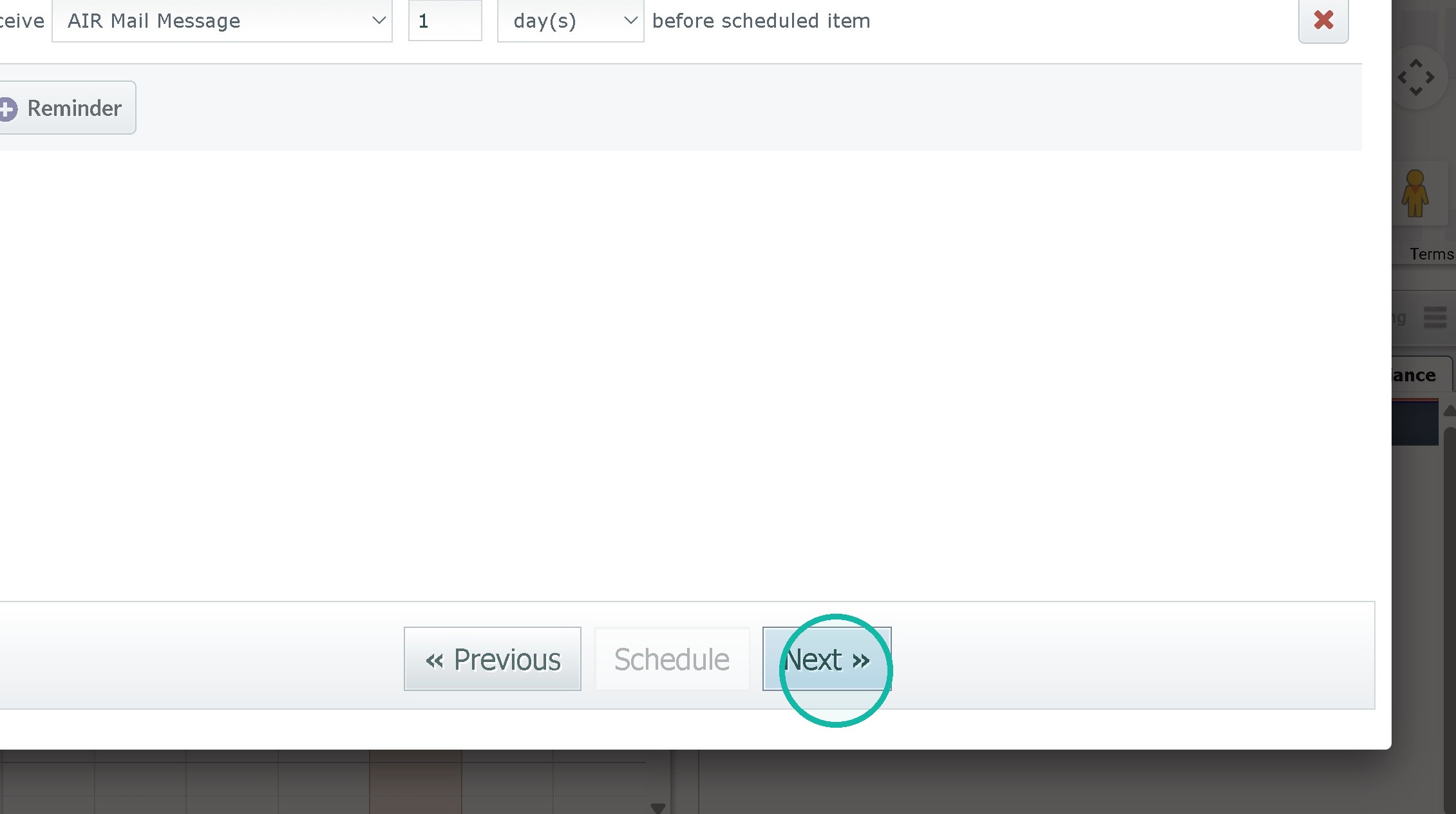
16. Click "Reminder" and set as needed
17. Click "Next »"
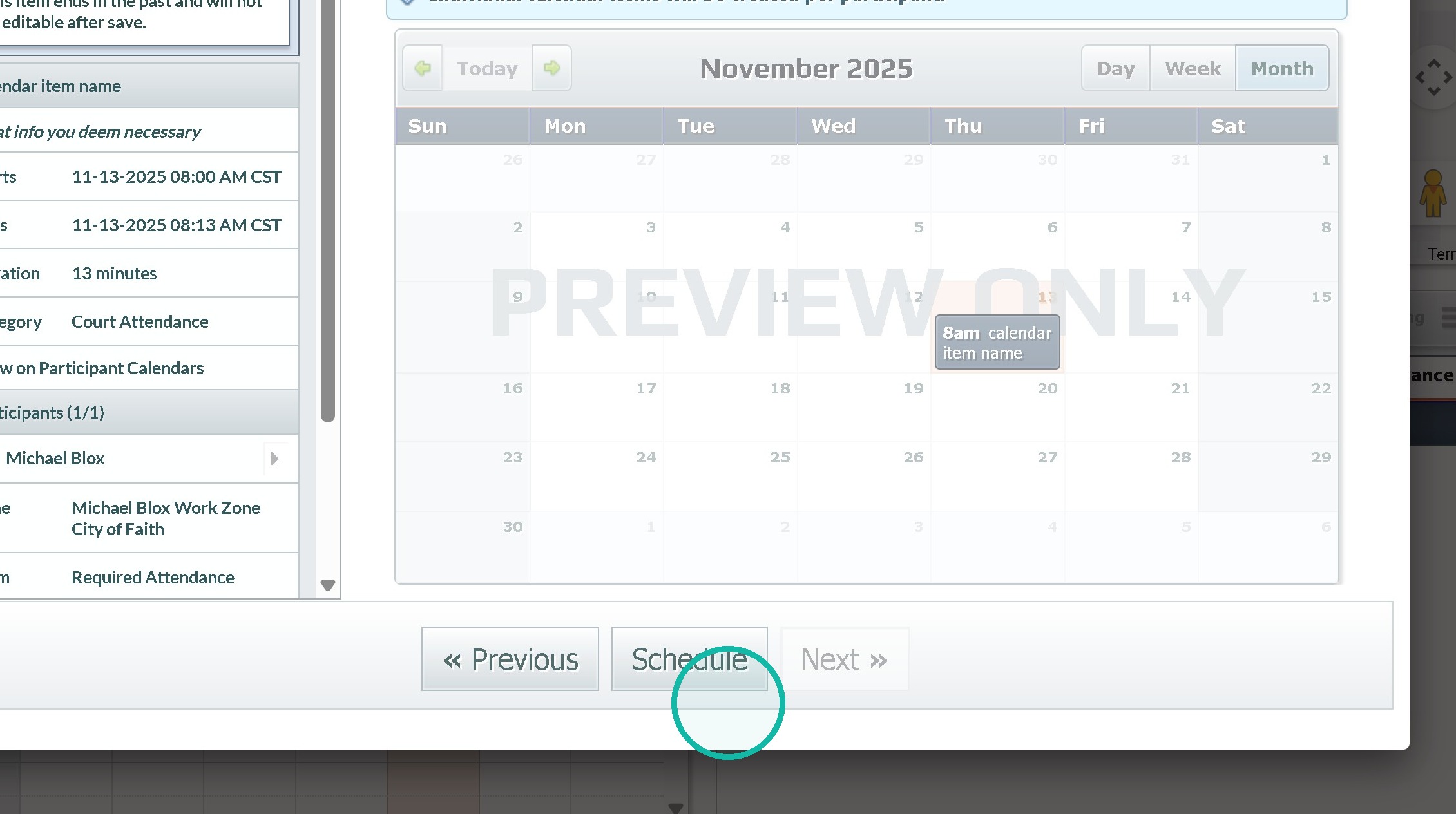
18. Click "« Schedule "
Was this article helpful?
That’s Great!
Thank you for your feedback
Sorry! We couldn't be helpful
Thank you for your feedback
Feedback sent
We appreciate your effort and will try to fix the article