How to View Failed Verification Photos for Participants
Learn how to access specific activity logs to review failed photo verification requests for your participants. This guide helps managers troubleshoot identity issues by locating and analyzing unsuccessful verification attempts within the dashboard.
1. Navigate to https://air.corrisoft.com/managers/dashboard
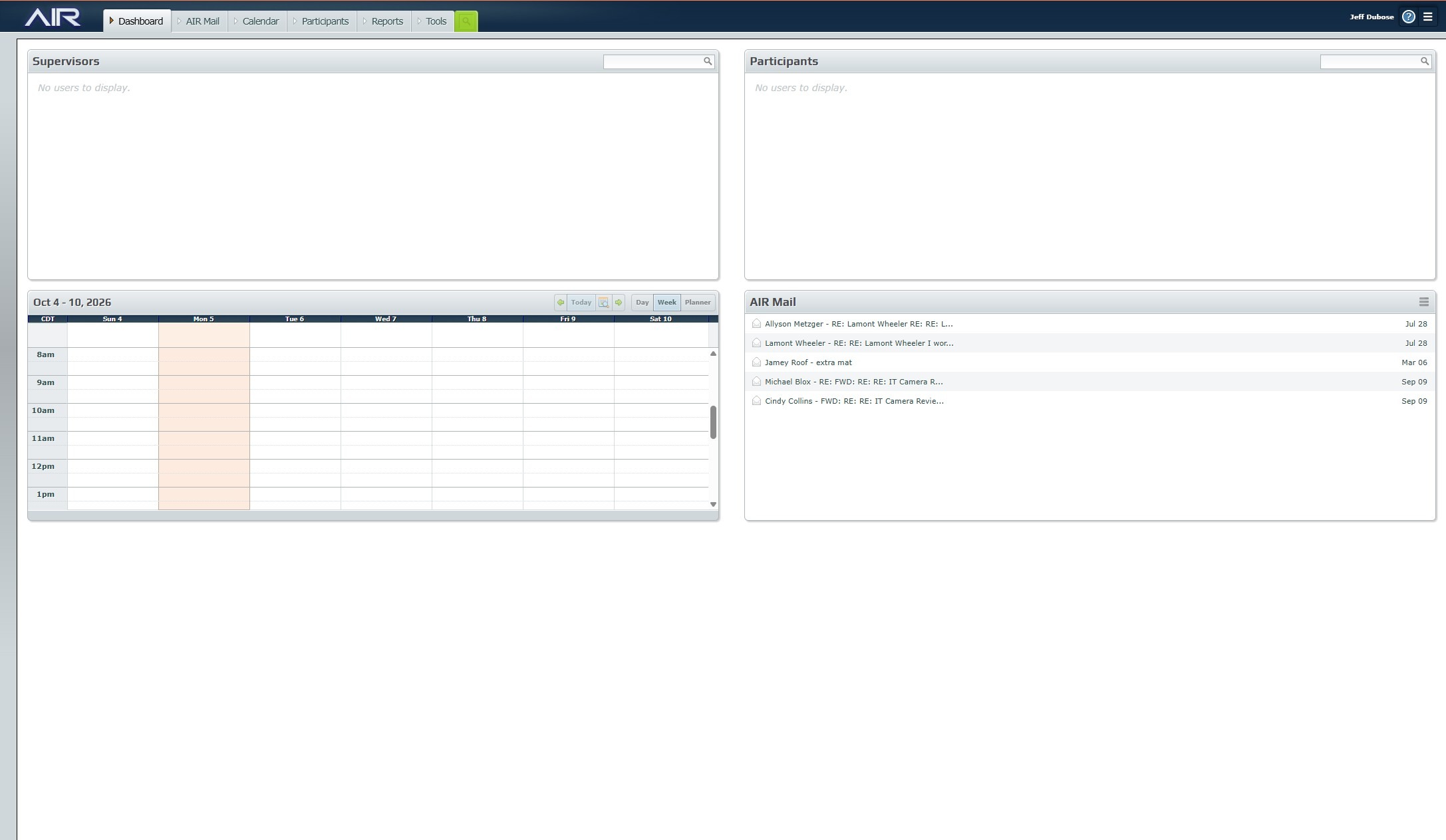
Open Participant Record
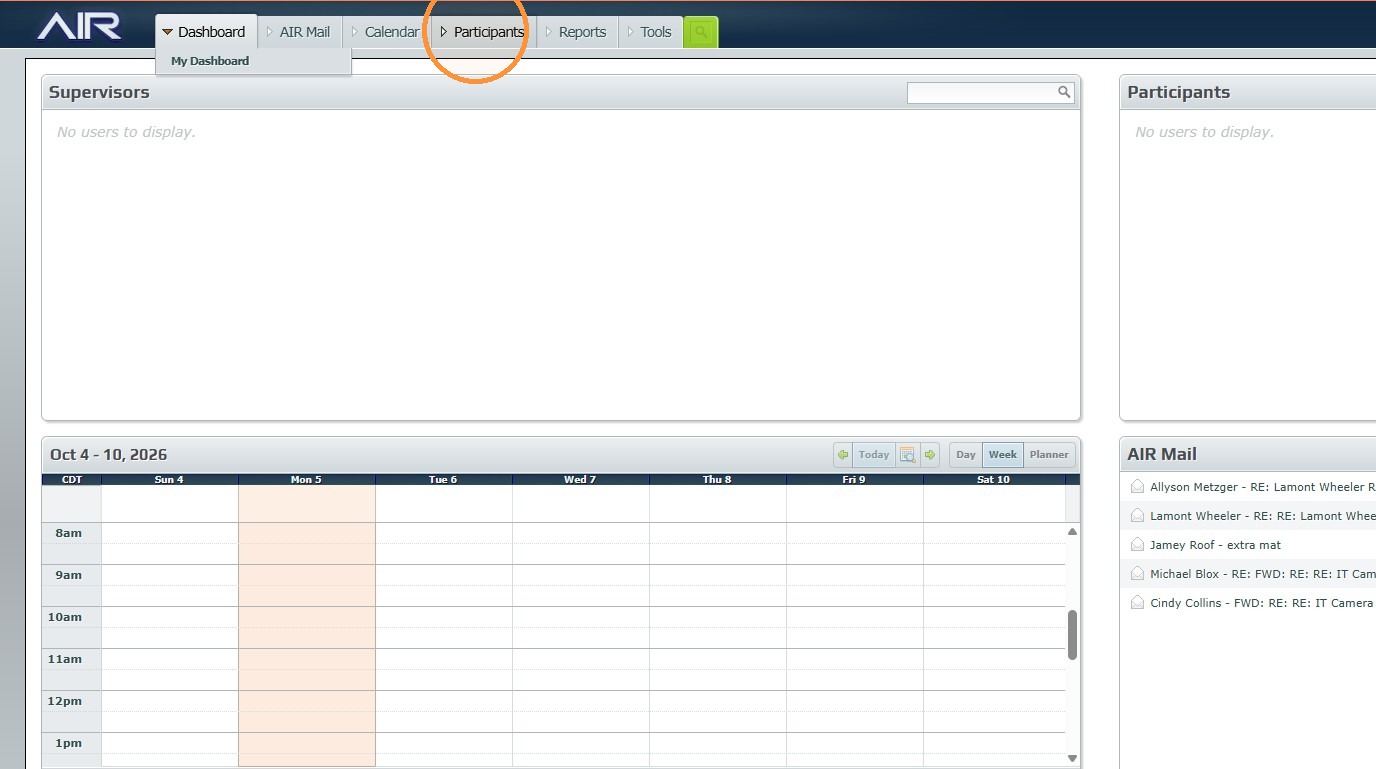
2. Click "Participants"
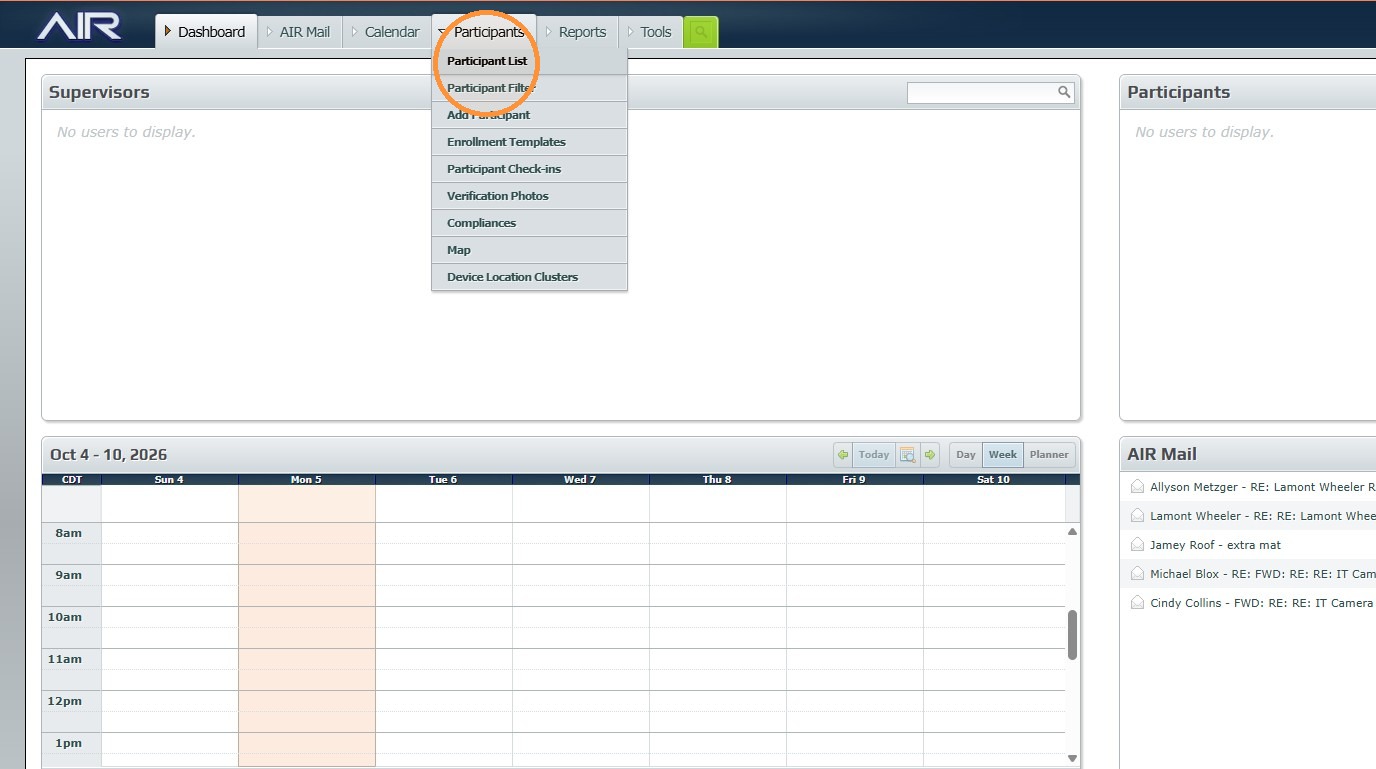
3. Click "Participant List"
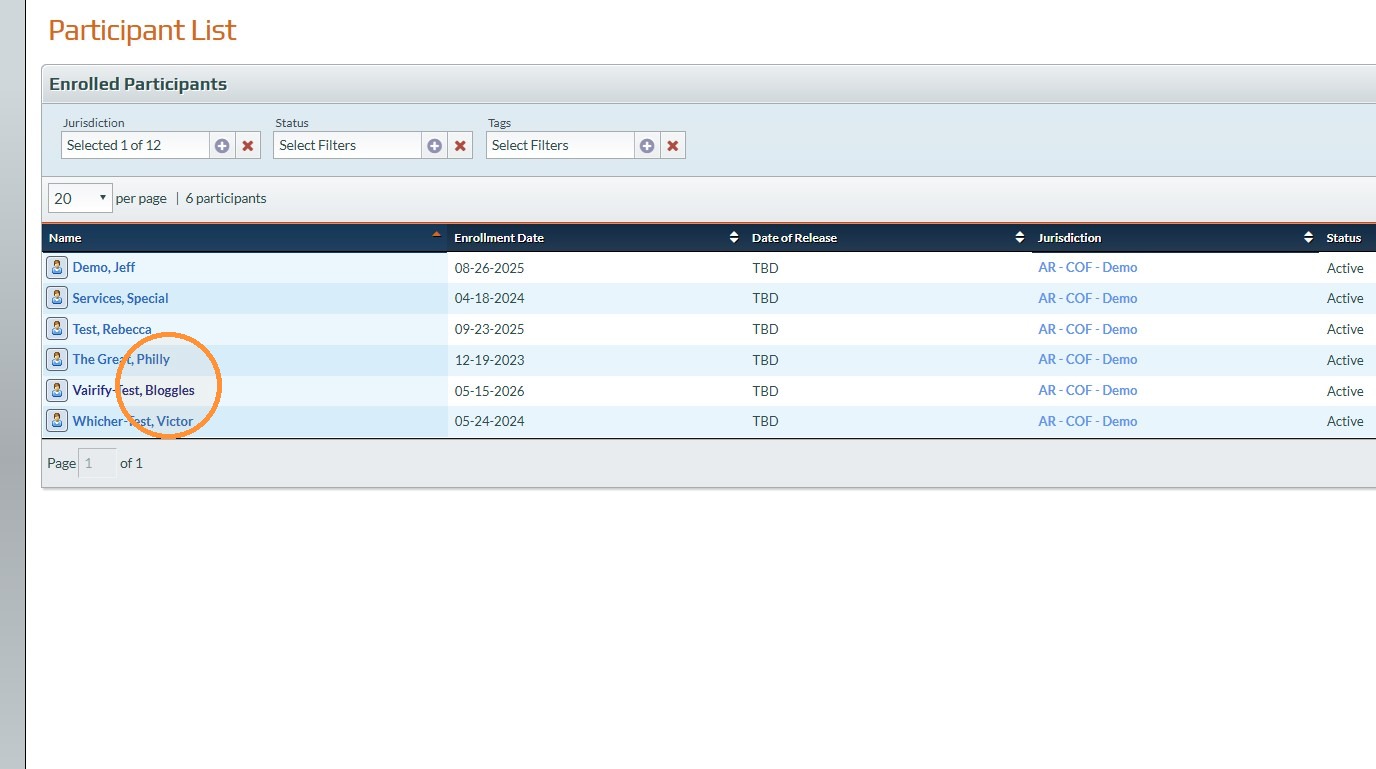
4. Click on the Participant that you want to check on.
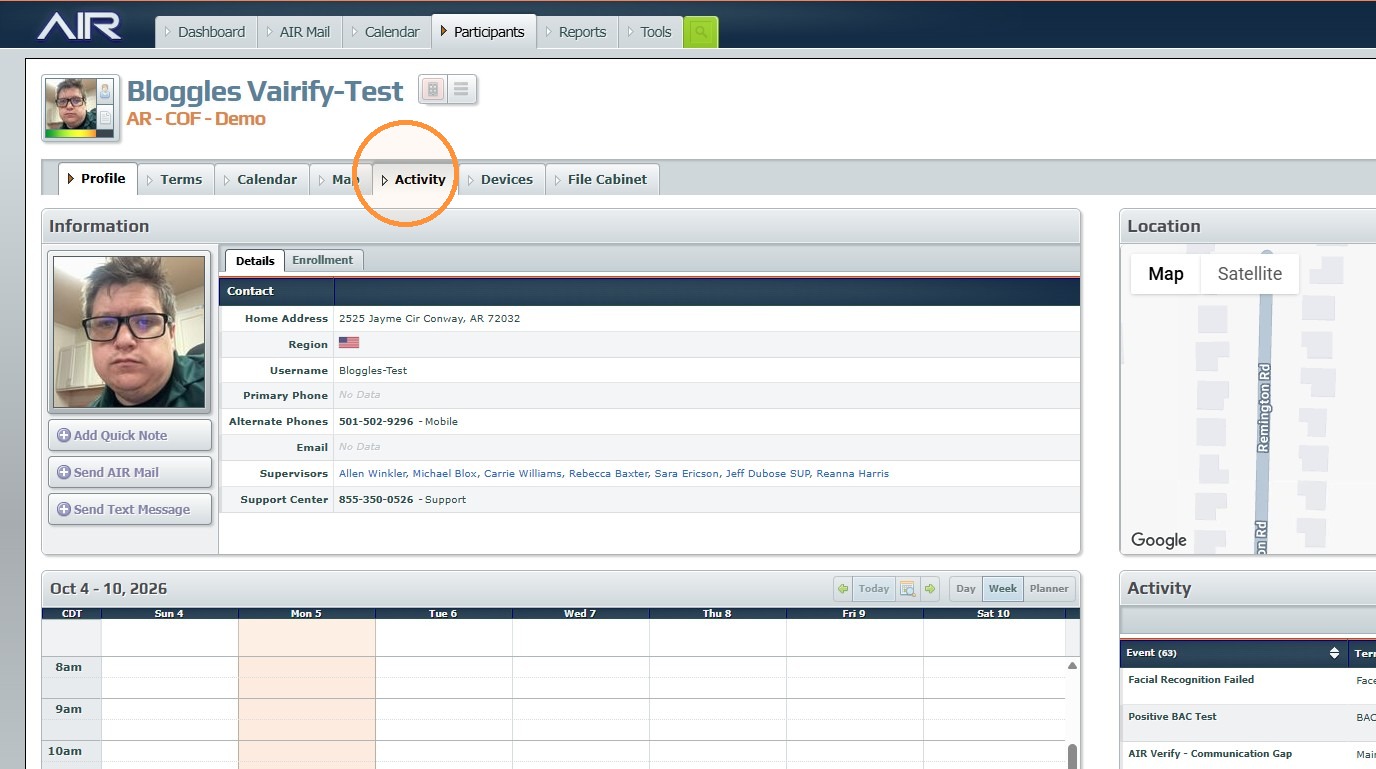
5. Click "Activity"
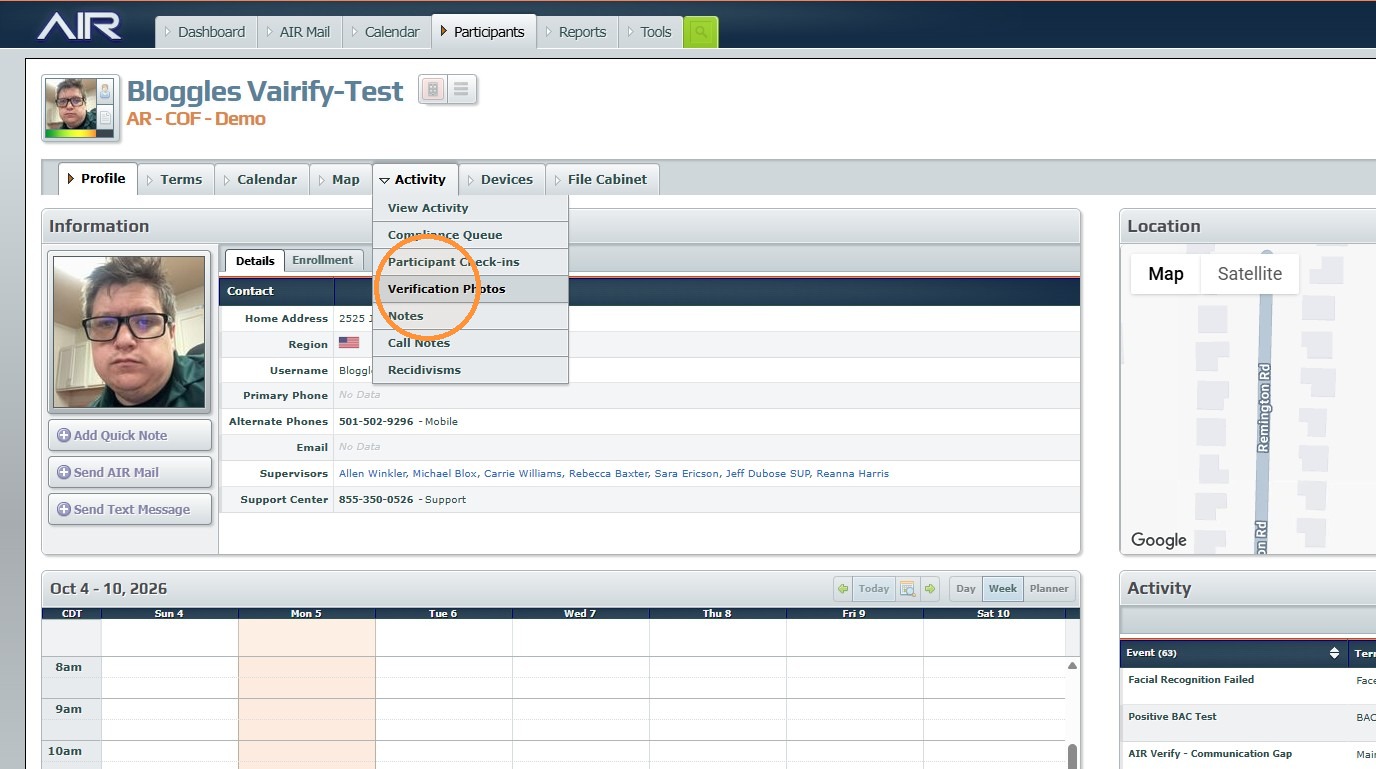
Review Verification Photos
6. Click "Verification Photos"
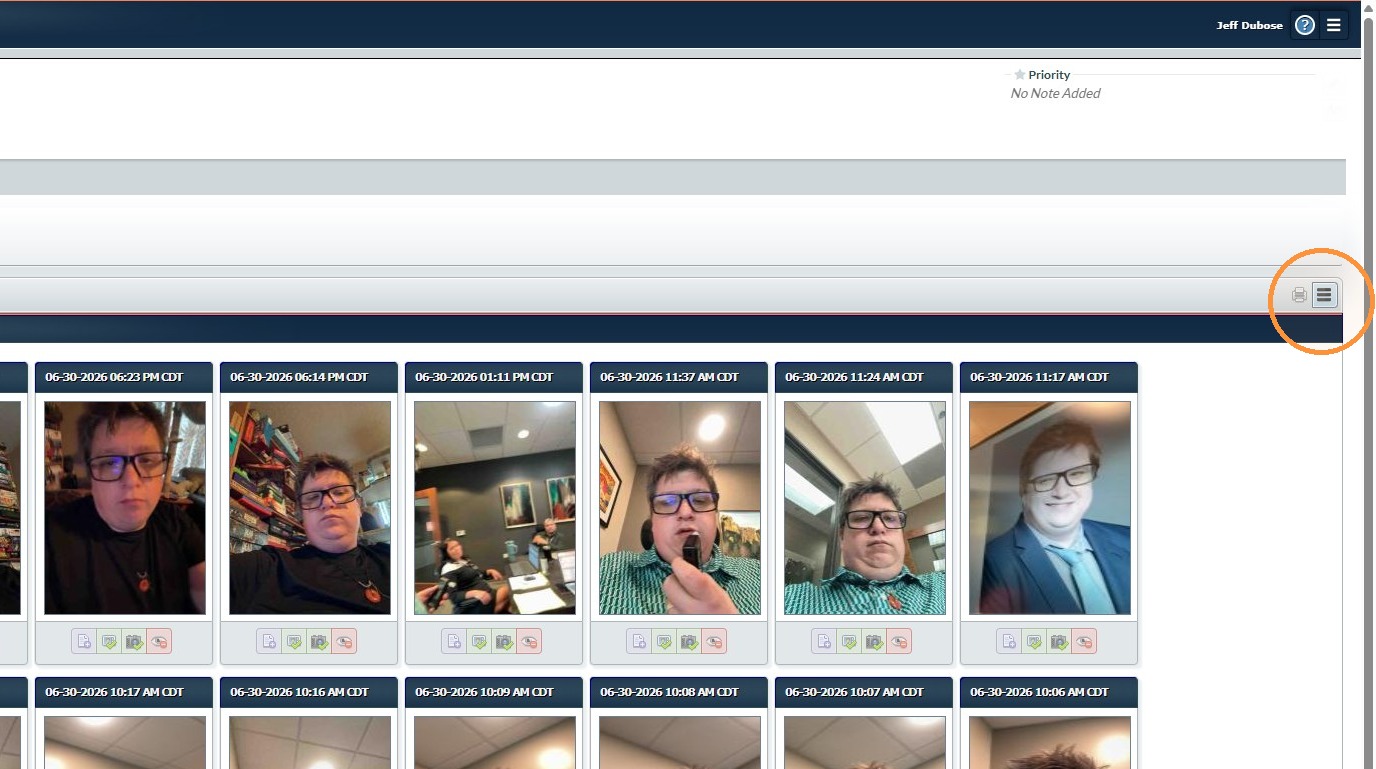
7. Click "Options"
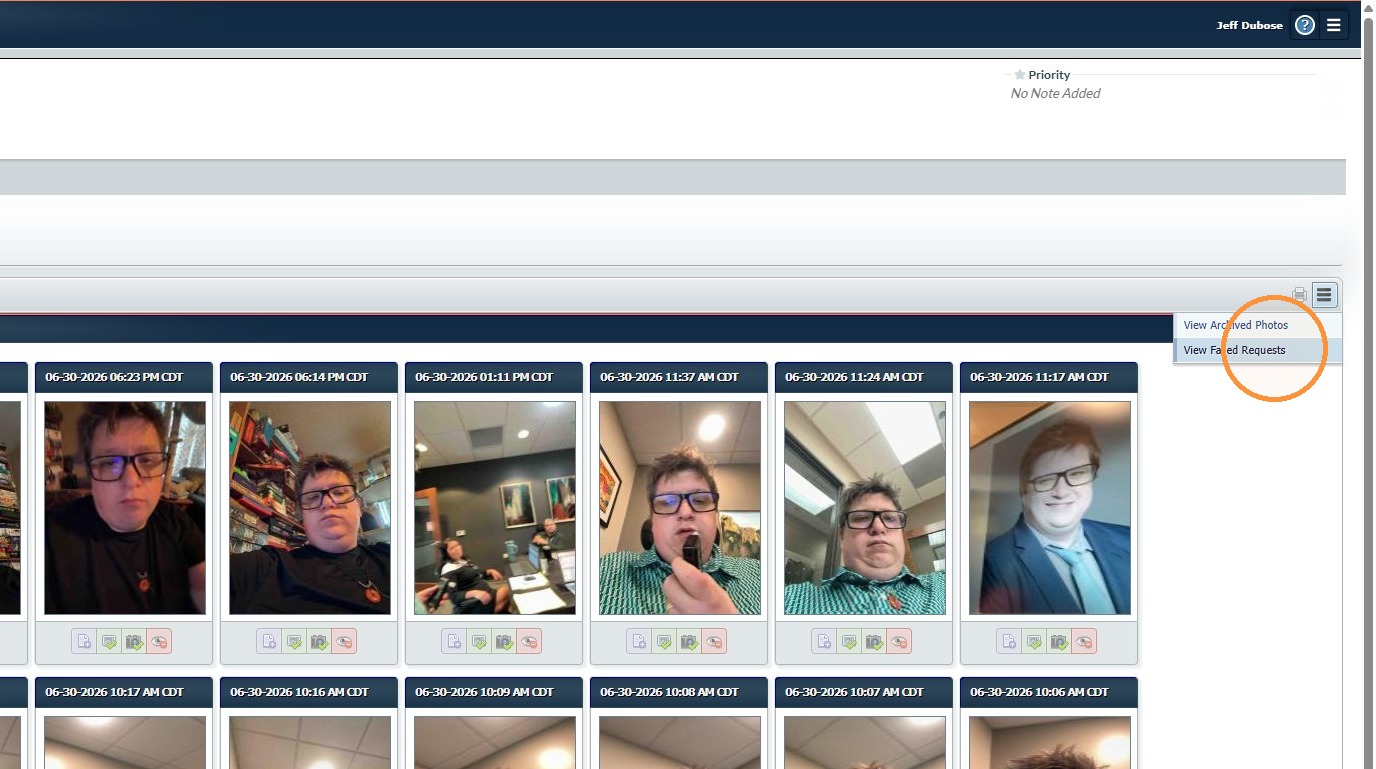
Check Failed Requests
8. Click "View Failed Requests"
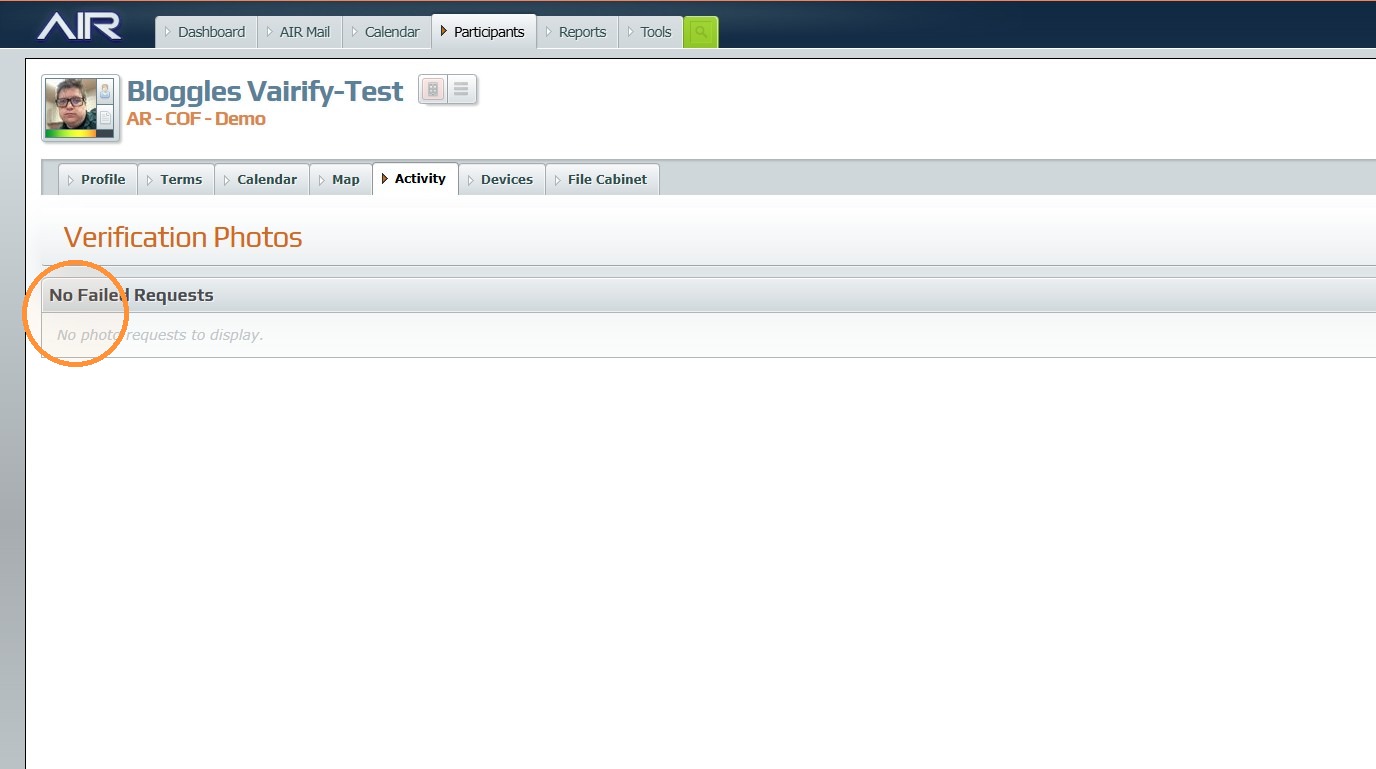
9. You will be able to see if there are any failed verification photos on this screen.
Was this article helpful?
That’s Great!
Thank you for your feedback
Sorry! We couldn't be helpful
Thank you for your feedback
Feedback sent
We appreciate your effort and will try to fix the article