How to review Facial Scores in Air
1. Navigate to the Participant Summary Screen
Method 1
2. Click "Activity"
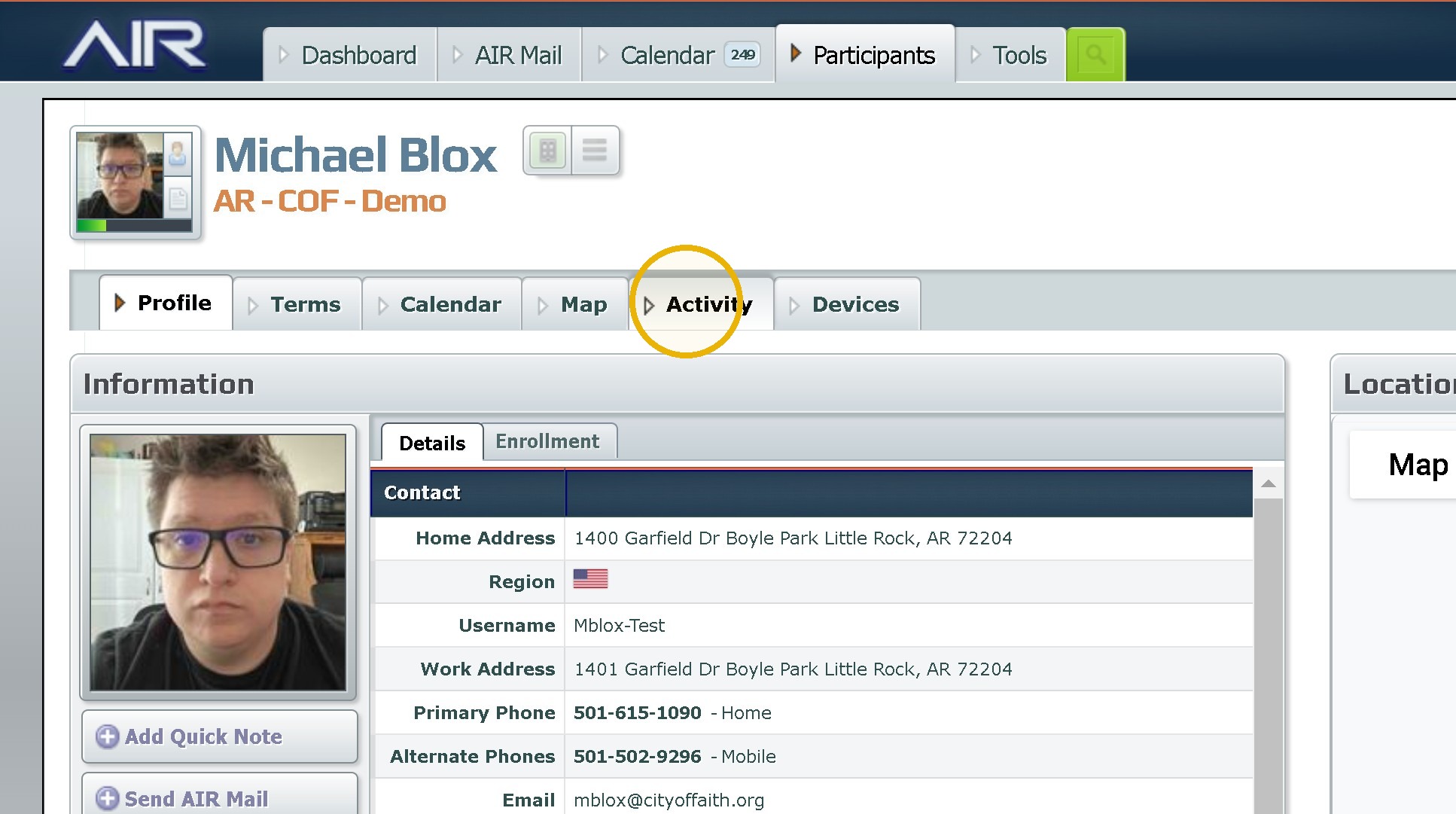
3. Click "Participant Check-ins"
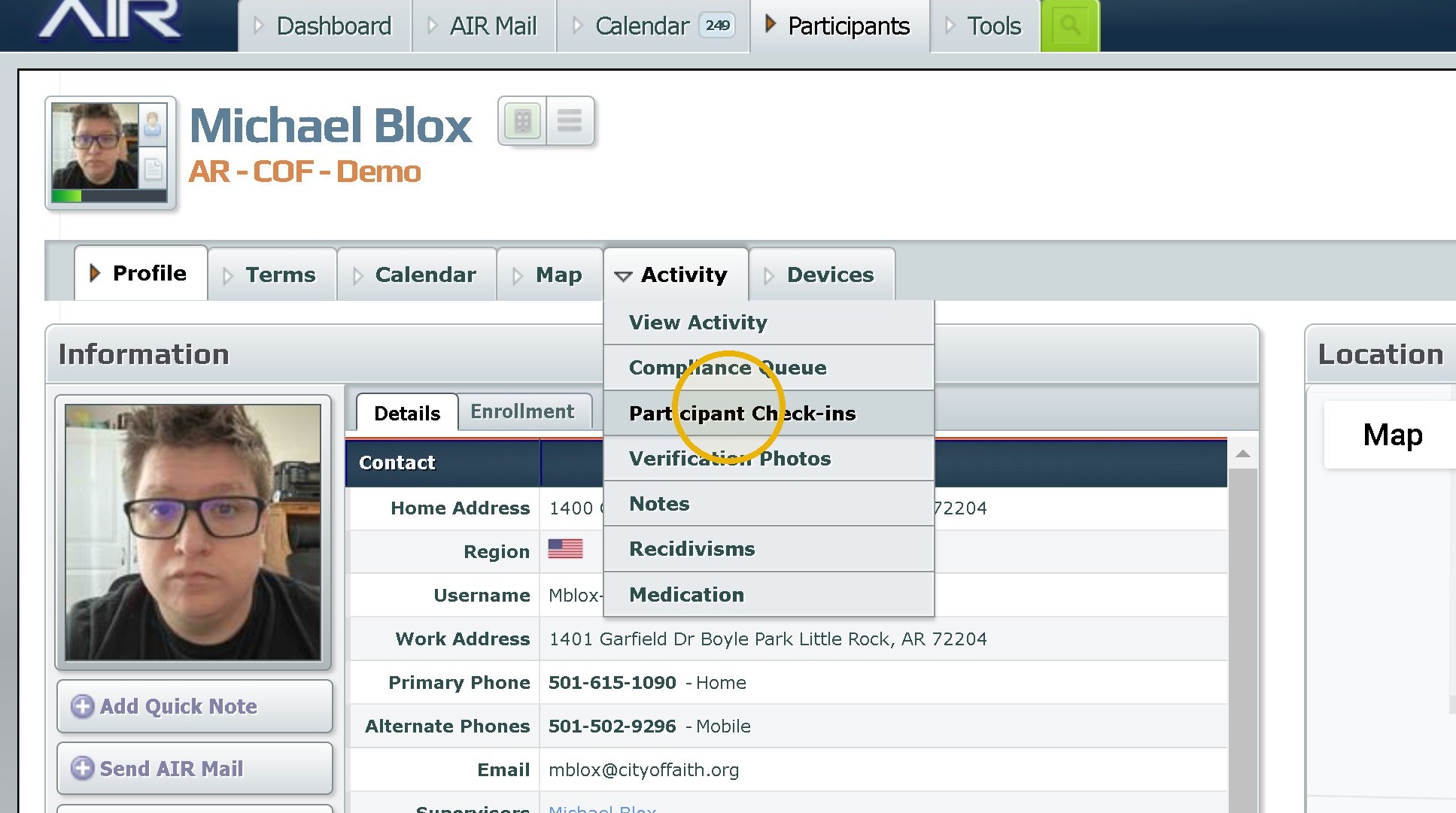
4. Go to the photo you want to review. The number is displayed as a % next to the Camera
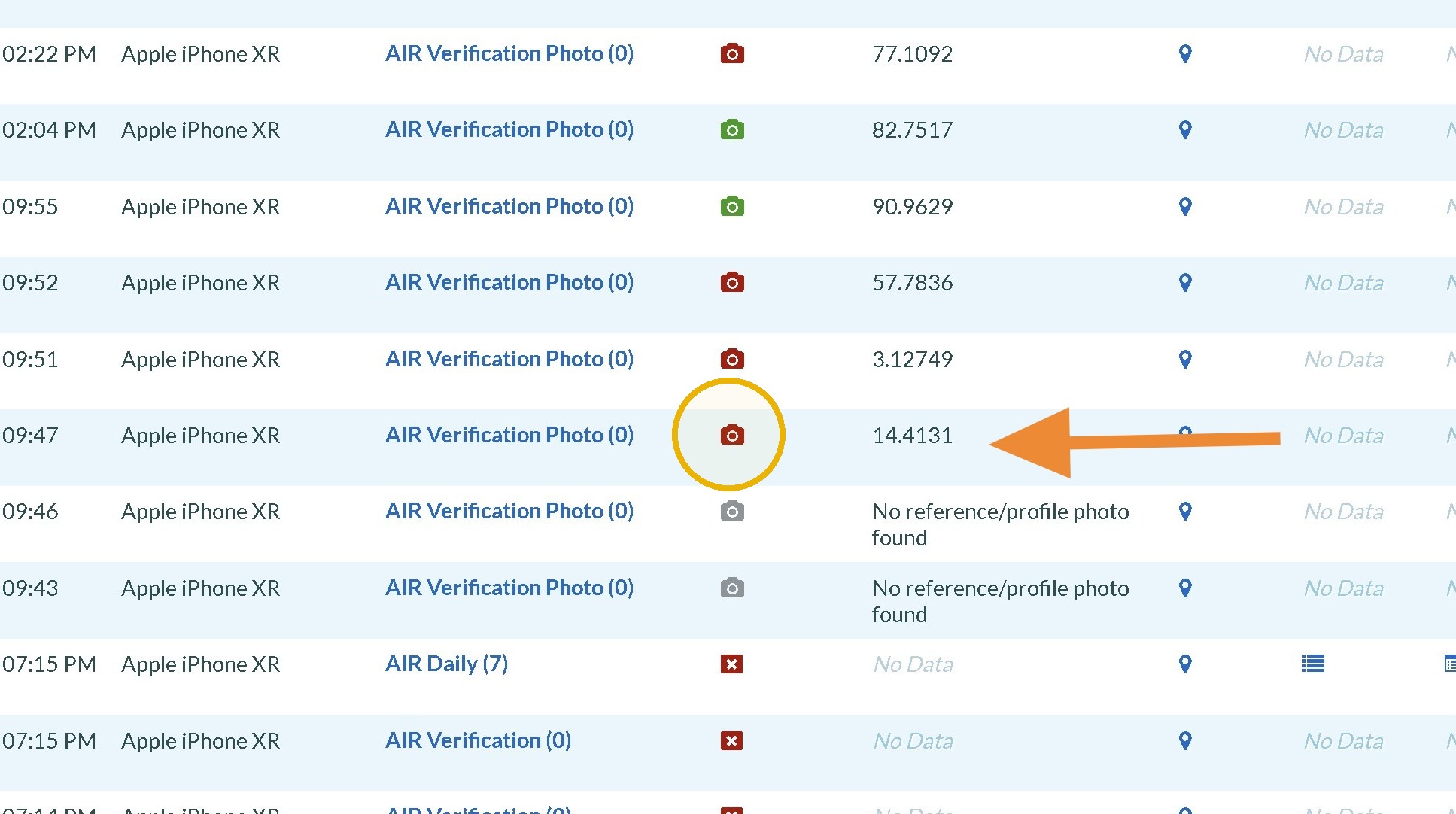
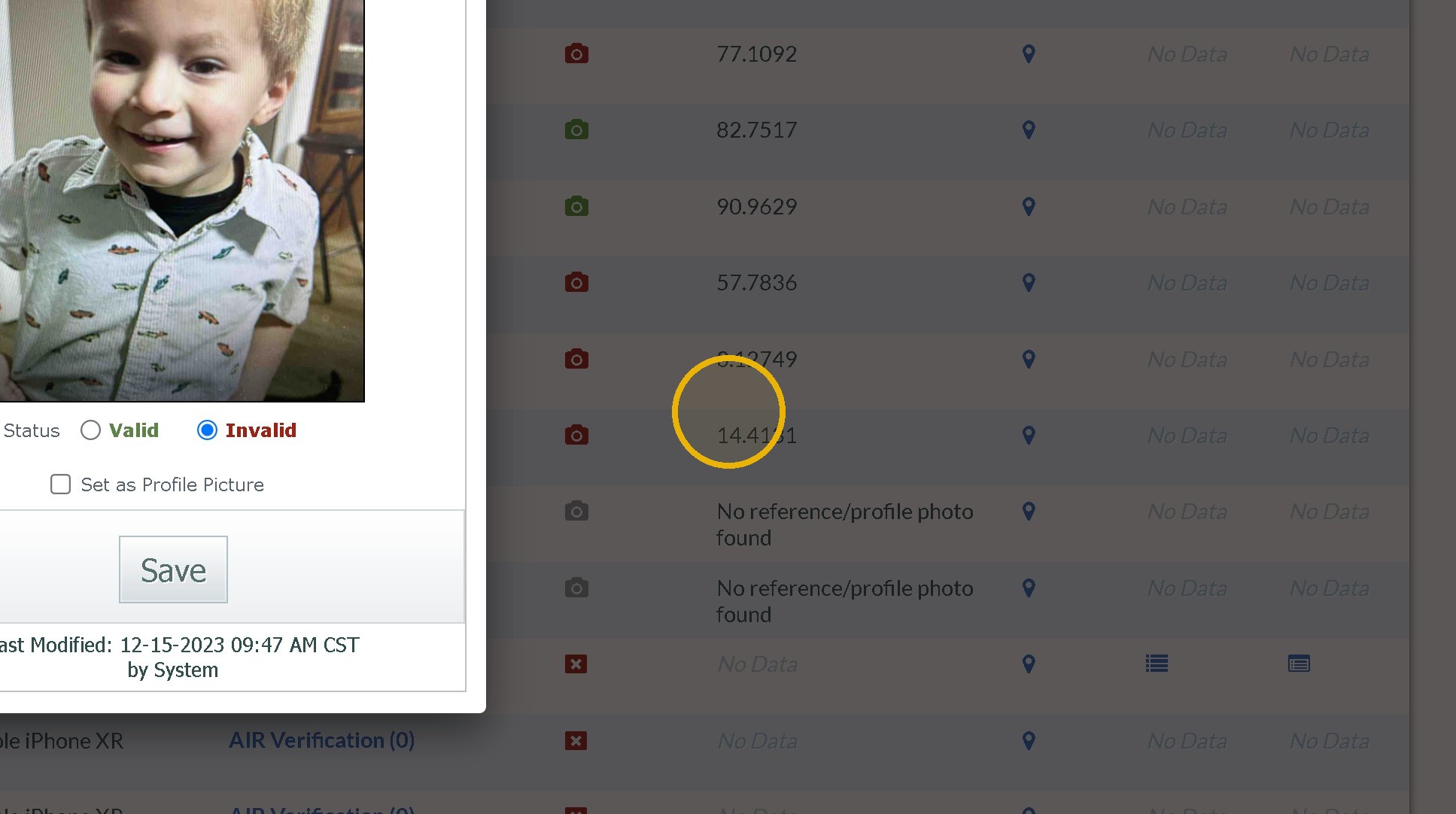
5. Review the Photo by clicking the green, grey or red camera icon
Method 2
6. Click "Activity"
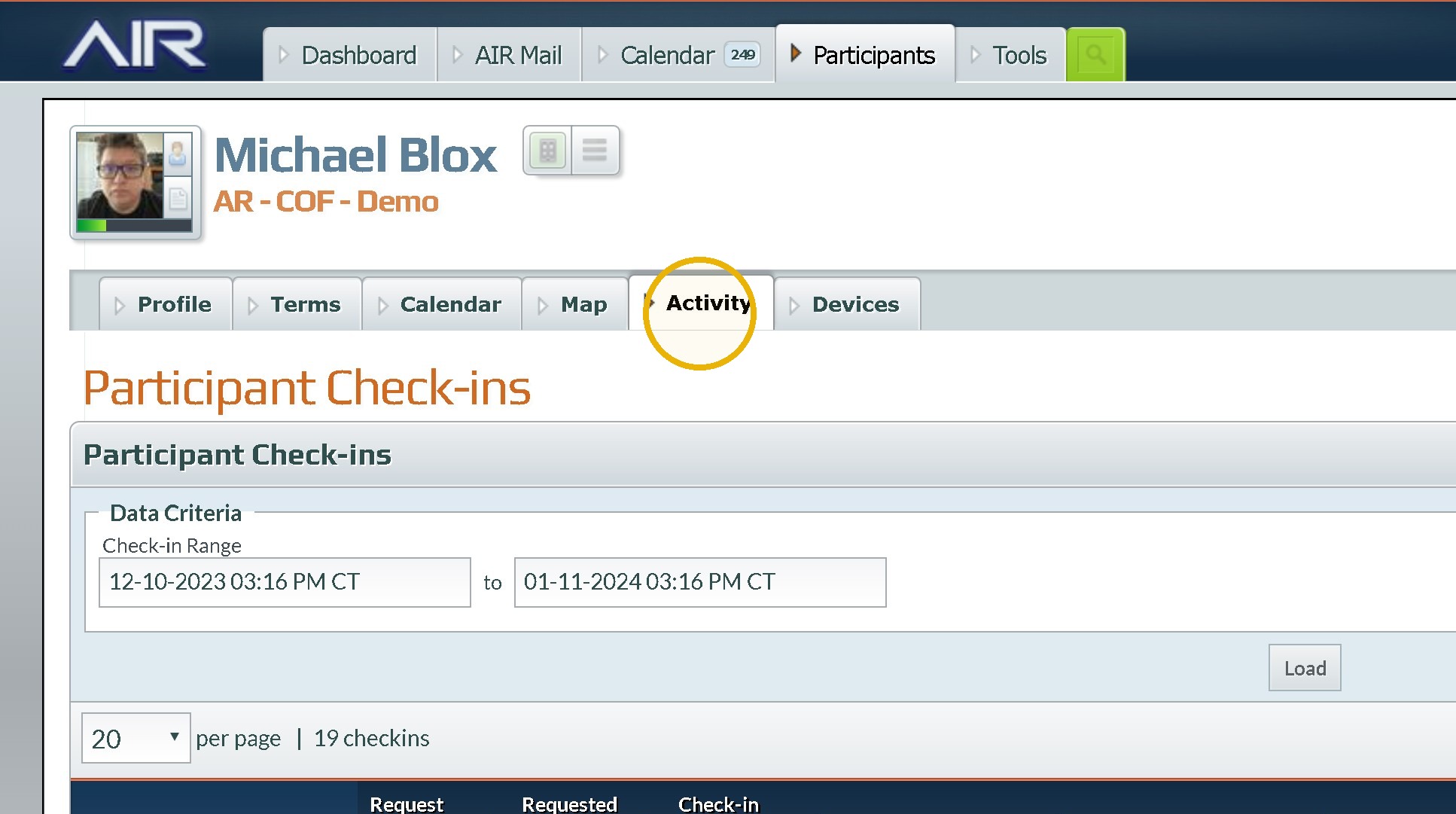
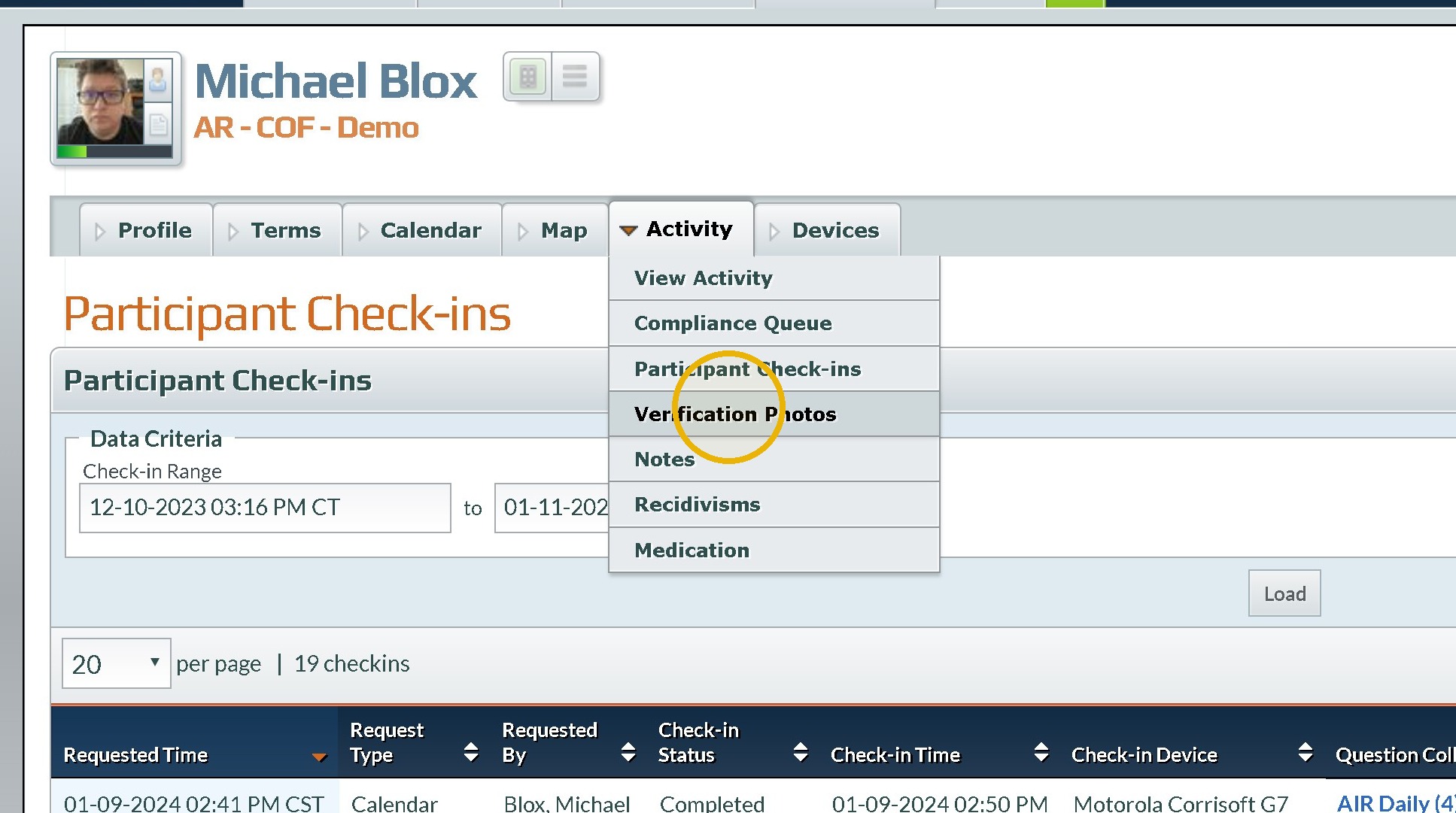
7. Click "Verification Photos"
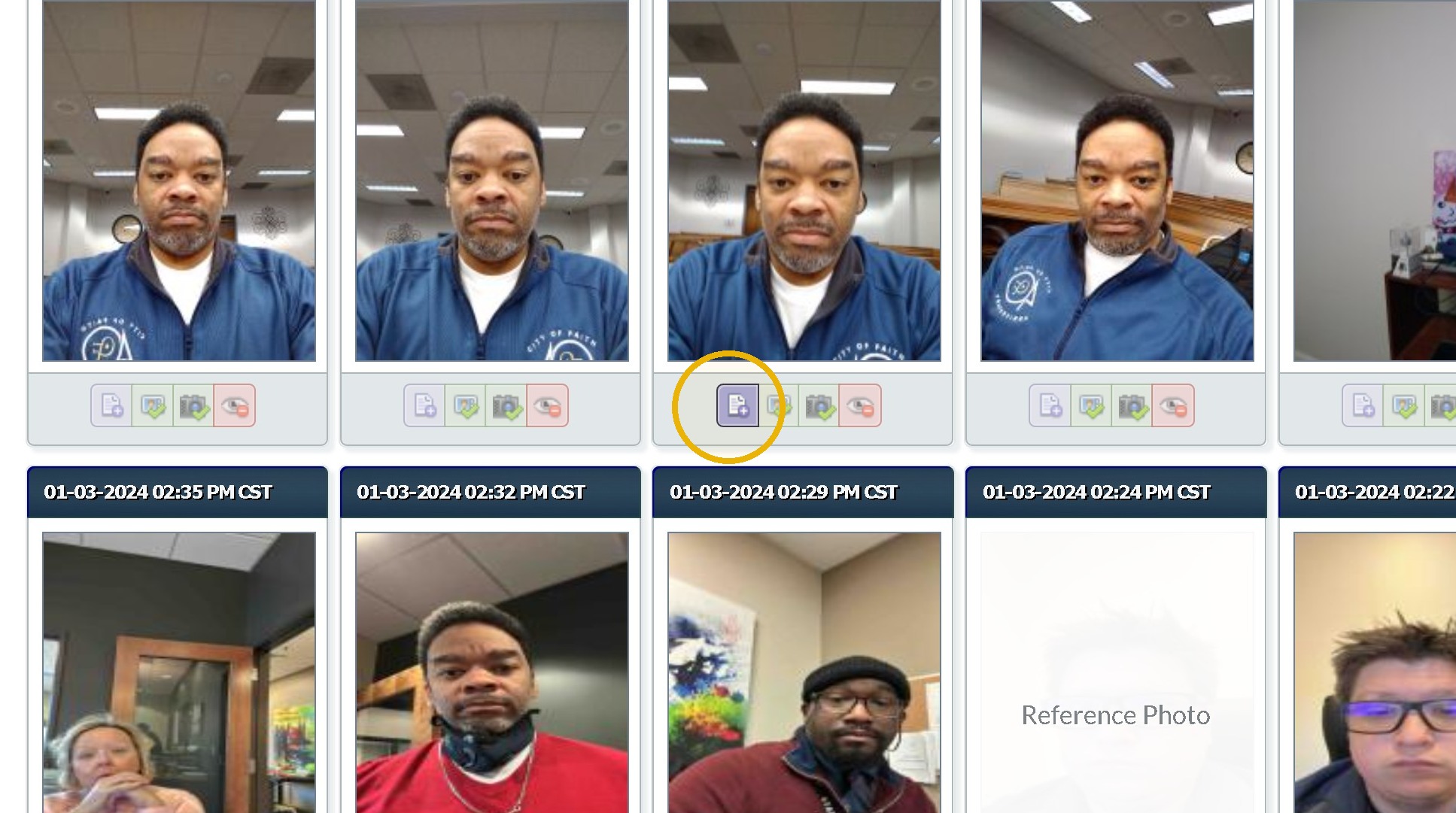
8. Click "Photo Details"(The Purple Paper with a Plus sign Icon
9. Look at the Face Score Value (0.78 % for me and Phillip)
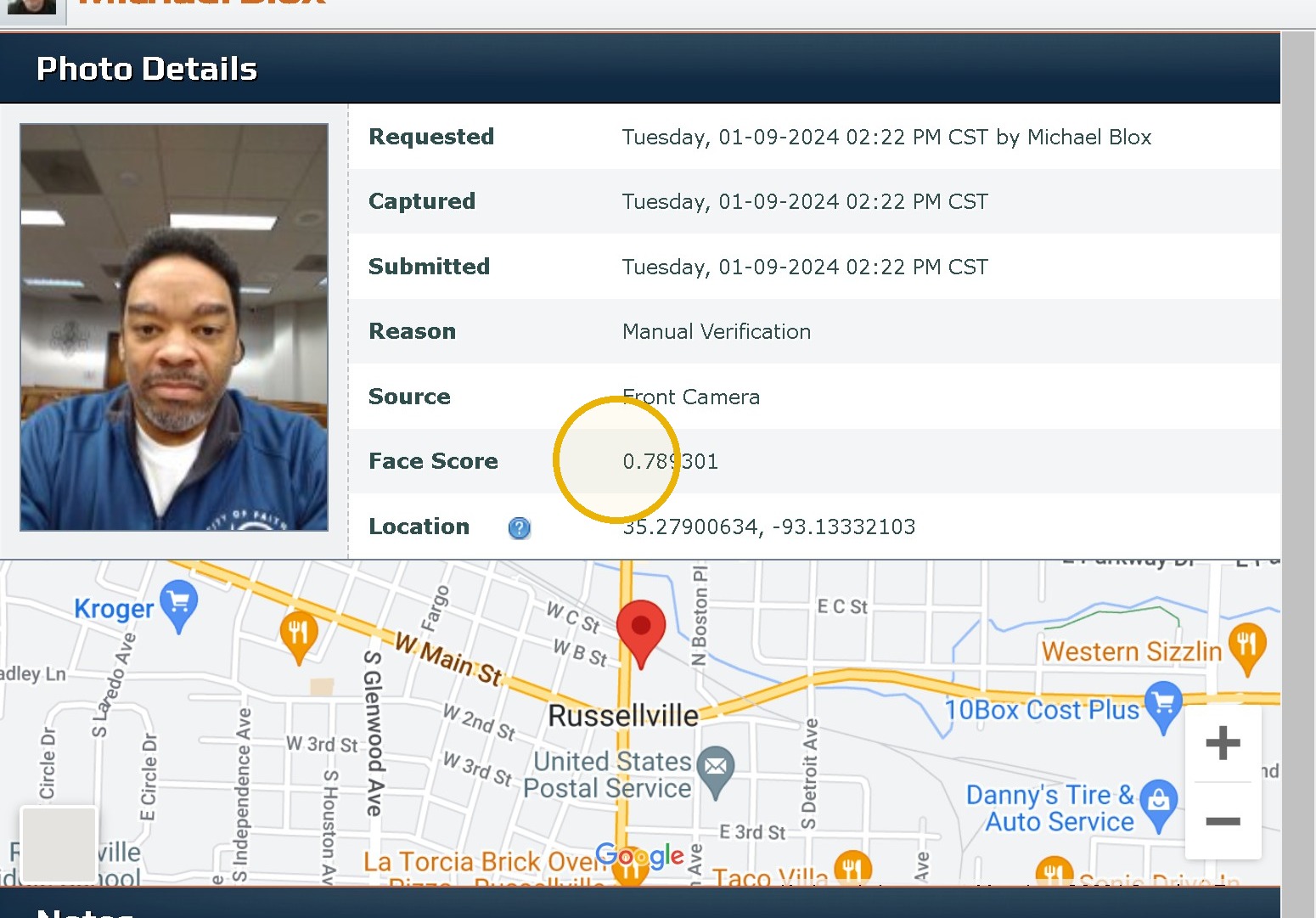
Tip: Anything below an 80% is considered a failure. If the item is a failure another verification should be sent. If we are unable to confirm the individual identity normal procedures for when someone is away from their phone should be followed.
Was this article helpful?
That’s Great!
Thank you for your feedback
Sorry! We couldn't be helpful
Thank you for your feedback
Feedback sent
We appreciate your effort and will try to fix the article