View Device Location Clusters
1. Navigate to the participant profile
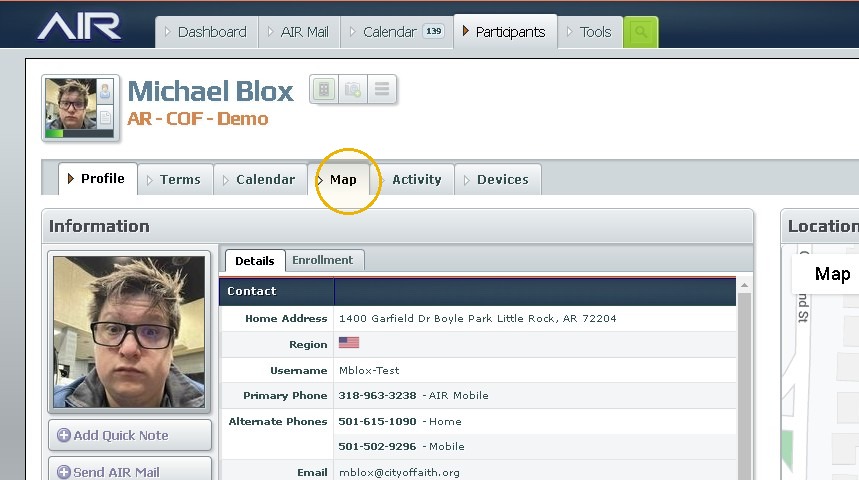
2. Click "Map"
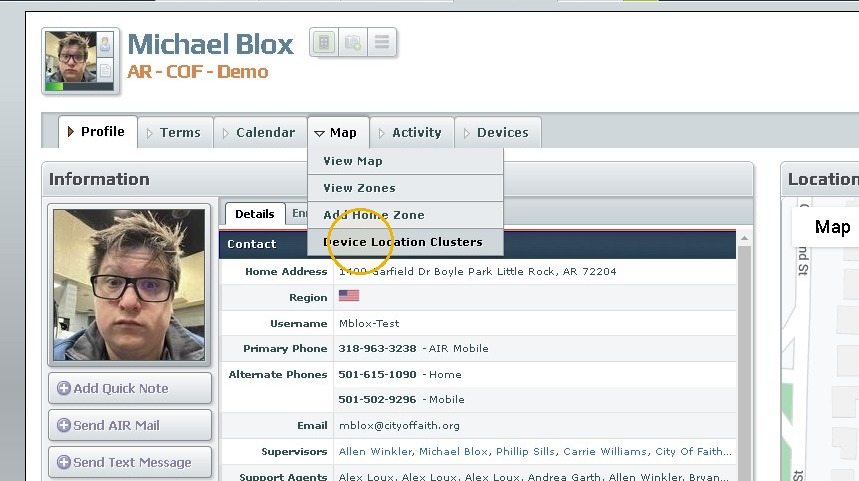
3. Click "Device Location Clusters"
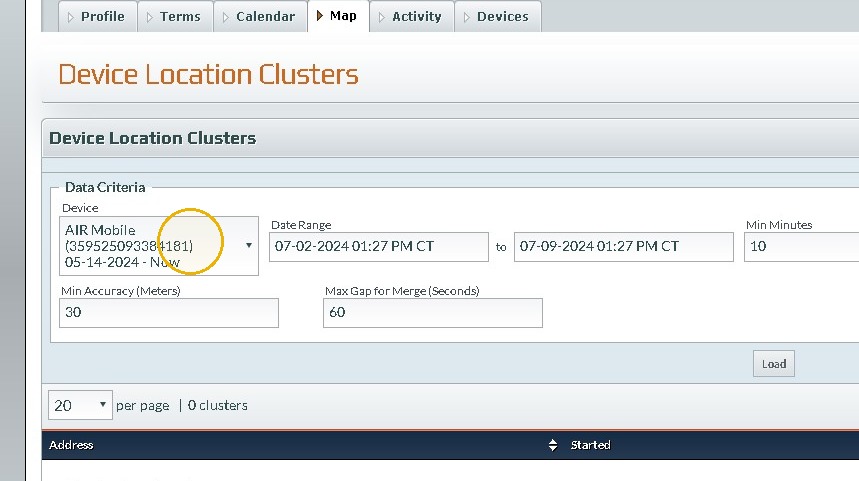
4. Click the device you want to review(if the participant has had more than one)
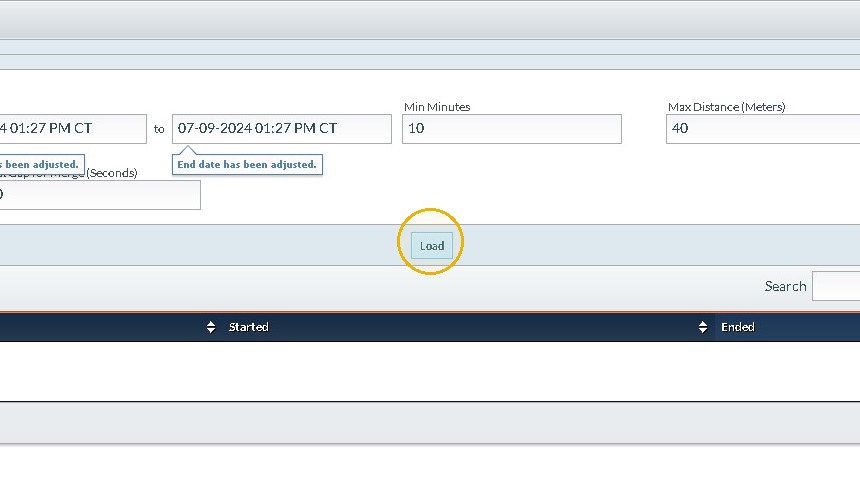
5. Set the Date range and any other parameters needed to review the participant movements.
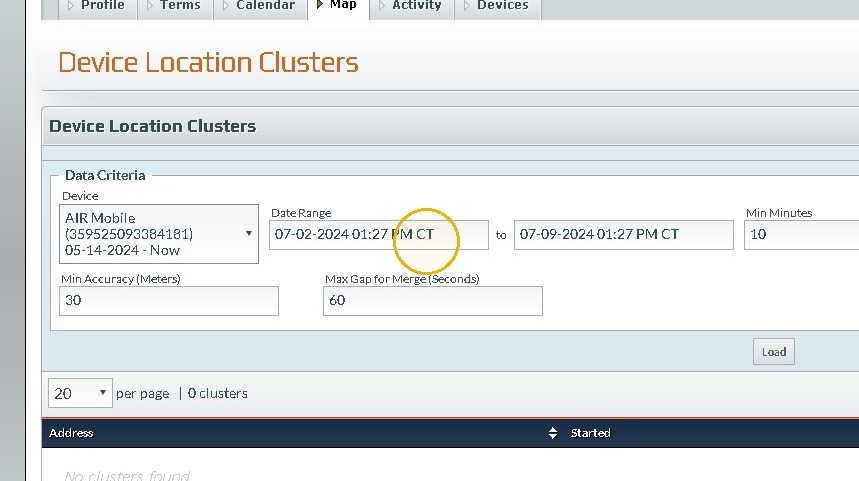
6. Click "Load"
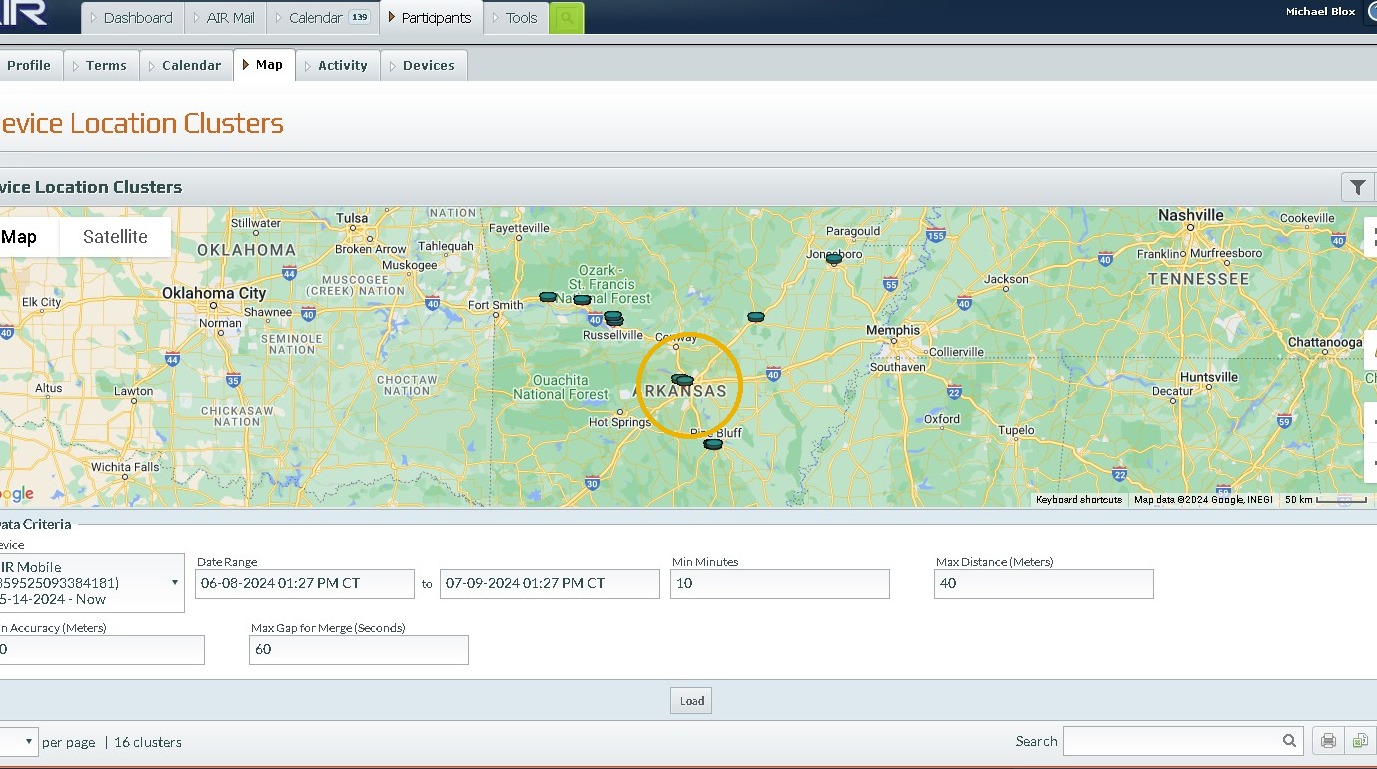
7. A map will be generated that plots out each point which fit the criteria specified. A table will be shown below.
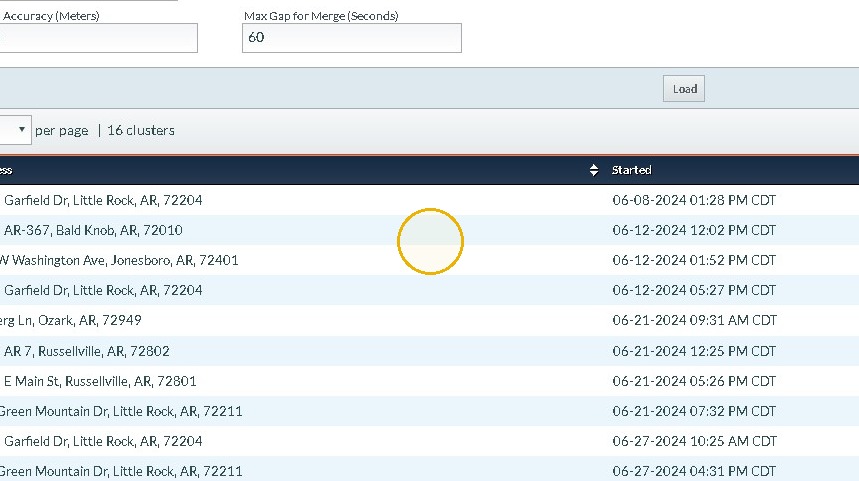
8. Click on any of the table items to see the point more closely.
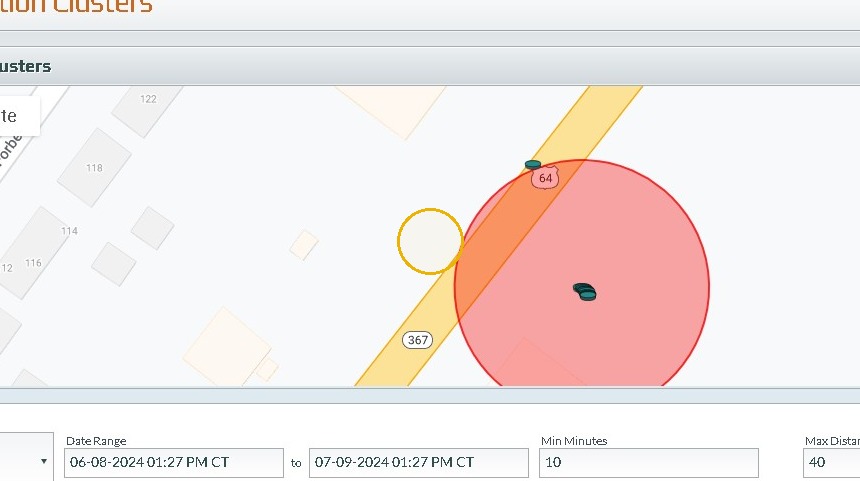
9. it'll show the number of points that have been at that address and the darker the point the more frequent it is visited.
Was this article helpful?
That’s Great!
Thank you for your feedback
Sorry! We couldn't be helpful
Thank you for your feedback
Feedback sent
We appreciate your effort and will try to fix the article